Using 802.1s Multiple Spanning Tree
Verifying the MST Configuration
OmniSwitch 6600 Family Network Configuration Guide
April 2006
page 6-19
Verifying the MST Configuration
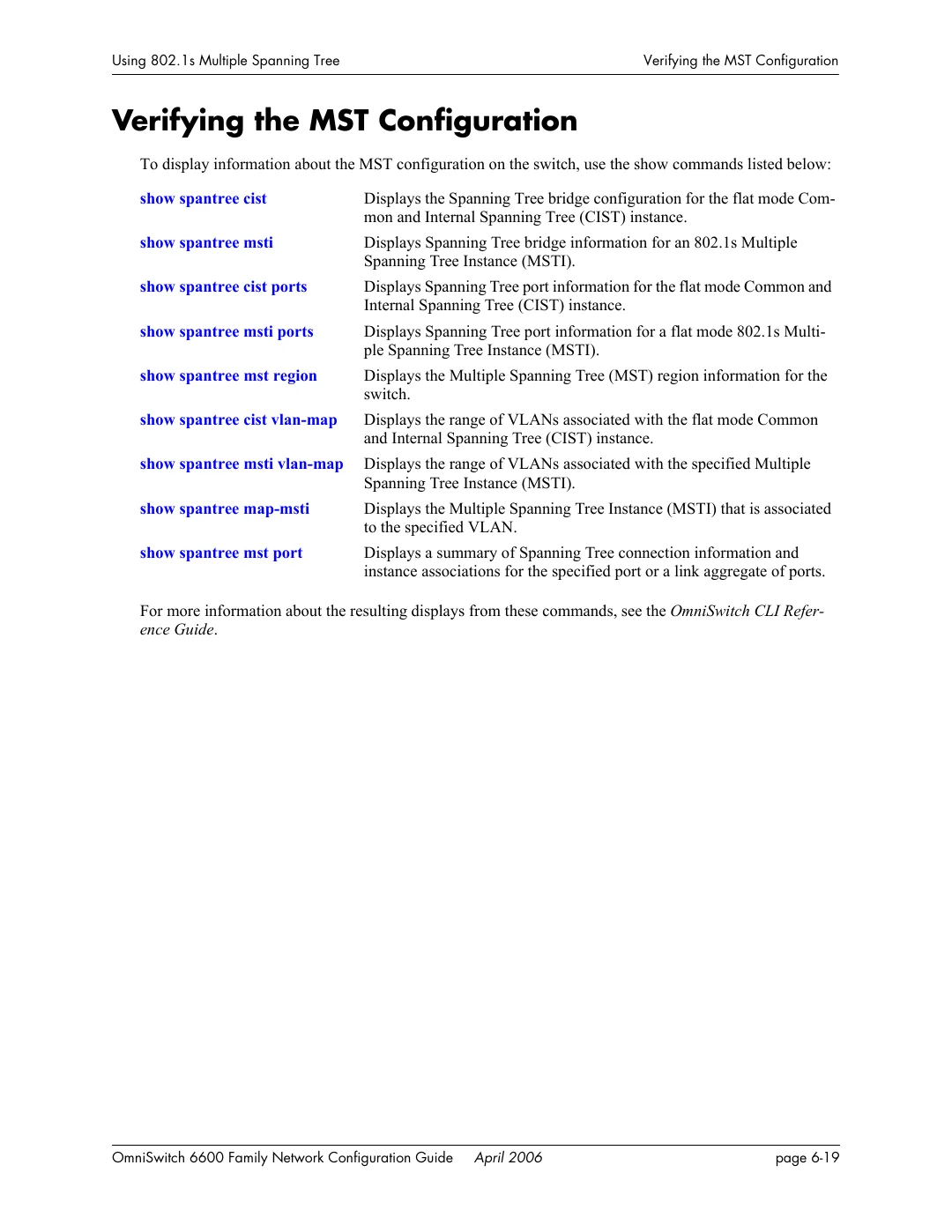
To display information about the MST configuration on the switch, use the show commands listed below:
For more information about the resulting displays from these commands, see the
OmniSwitch CLI Refer-
ence Guide
.
Displays the Spanning Tree bridge configuration for the flat mode Com-
mon and Internal Spanning Tree (CIST) instance.
Displays Spanning Tree bridge information for an 802.1s Multiple
Spanning Tree Instance (MSTI).
Displays Spanning Tree port information for the flat mode Common and
Internal Spanning Tree (CIST) instance.
Displays Spanning Tree port information for a flat mode 802.1s Multi-
ple Spanning Tree Instance (MSTI).
Displays the Multiple Spanning Tree (MST) region information for the
switch.
Displays the range of VLANs associated with the flat mode Common
and Internal Spanning Tree (CIST) instance.
Displays the range of VLANs associated with the specified Multiple
Spanning Tree Instance (MSTI).
Displays the Multiple Spanning Tree Instance (MSTI) that is associated
to the specified VLAN.
Displays a summary of Spanning Tree connection information and
instance associations for the specified port or a link aggregate of ports.