Configuring Ethernet Ports
Configuring Ethernet Ports Tutorial
OmniSwitch 6600 Family Network Configuration Guide
April 2006
page 1-5
Note.
Optional.
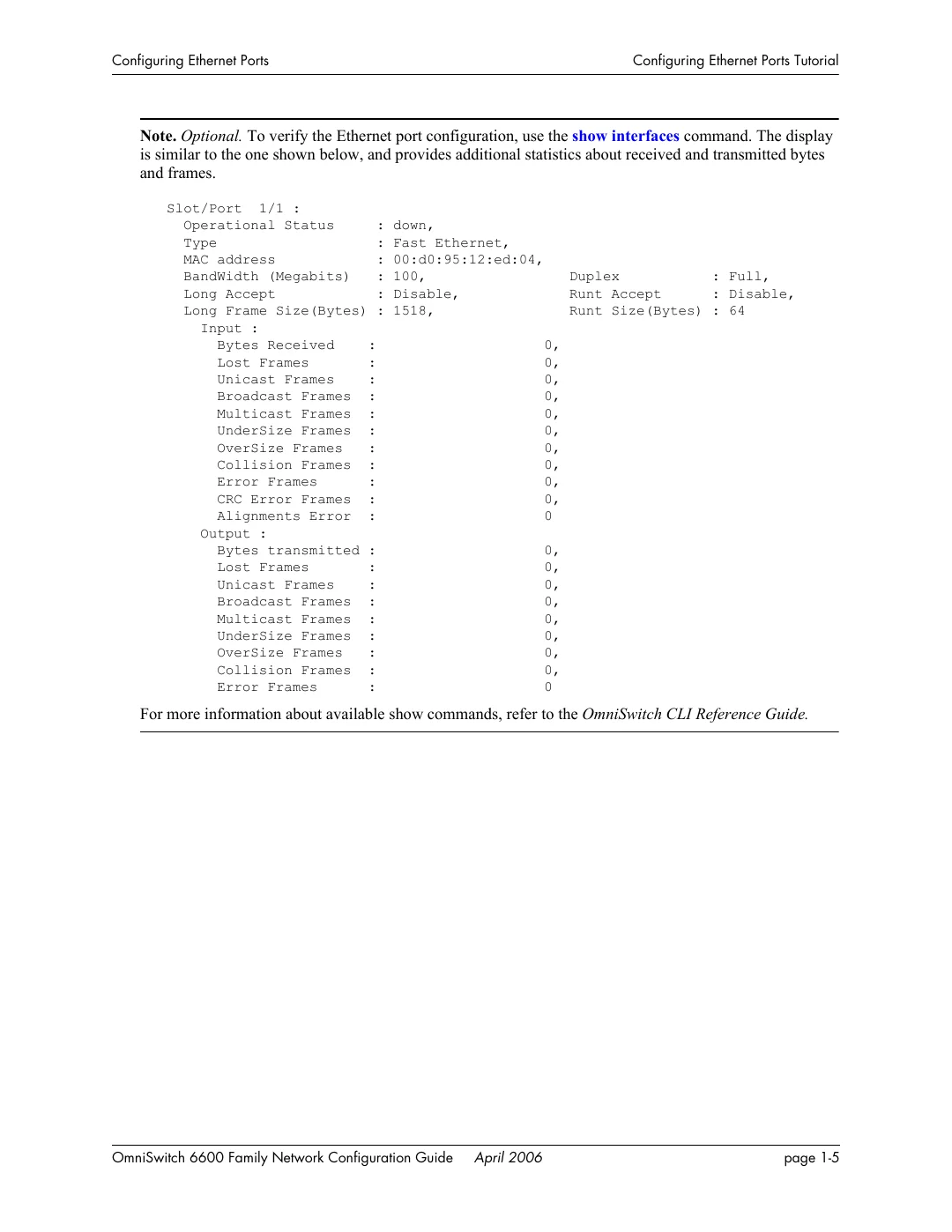
To verify the Ethernet port configuration, use the
show interfaces
command. The display
is similar to the one shown below, and provides additional statistics about received and transmitted bytes
and frames.
Slot/Port 1/1 :
Operational Status : down,
Type : Fast Ethernet,
MAC address : 00:d0:95:12:ed:04,
BandWidth (Megabits) : 100, Duplex : Full,
Long Accept : Disable, Runt Accept : Disable,
Long Frame Size(Bytes) : 1518, Runt Size(Bytes) : 64
Input :
Bytes Received : 0,
Lost Frames : 0,
Unicast Frames : 0,
Broadcast Frames : 0,
Multicast Frames : 0,
UnderSize Frames : 0,
OverSize Frames : 0,
Collision Frames : 0,
Error Frames : 0,
CRC Error Frames : 0,
Alignments Error : 0
Output :
Bytes transmitted : 0,
Lost Frames : 0,
Unicast Frames : 0,
Broadcast Frames : 0,
Multicast Frames : 0,
UnderSize Frames : 0,
OverSize Frames : 0,
Collision Frames : 0,
Error Frames : 0
For more information about available show commands, refer to the