AVLAN Configuration Overview
Configuring Authenticated VLANs
page 21-4
OmniSwitch 6600 Family Network Configuration Guide
April 2006
AVLAN Configuration Overview
Configuring authenticated VLANs requires several major steps. The steps are outlined here and described
throughout this chapter. See
“Sample AVLAN Configuration” on page 21-5
implementing the commands used in these procedures.
1
Set up authentication clients
. See
“Setting Up Authentication Clients” on page 21-7
.
2
Configure at least one authenticated VLAN
. A router port must be set up in at least one authenti-
cated VLAN for the DHCP relay. See
“Configuring Authenticated VLANs” on page 21-26
.
3
Configure at least one authenticated mobile port
. Required for connecting the clients to the switch.
See
“Configuring Authenticated Ports” on page 21-28
4
Set up the DHCP server
. Required if you are using Telnet or Web browser clients. Required for any
clients that need to get IP addresses after authentication. See
“Setting Up the DHCP Server” on
5
Configure the authentication server authority mode
. See
“Configuring the Server Authority Mode”
.
6
Specify accounting servers for authentication sessions
. Optional; accounting may also be done
through the switch logging feature in the switch. See
“Specifying Accounting Servers” on page 21-35
.
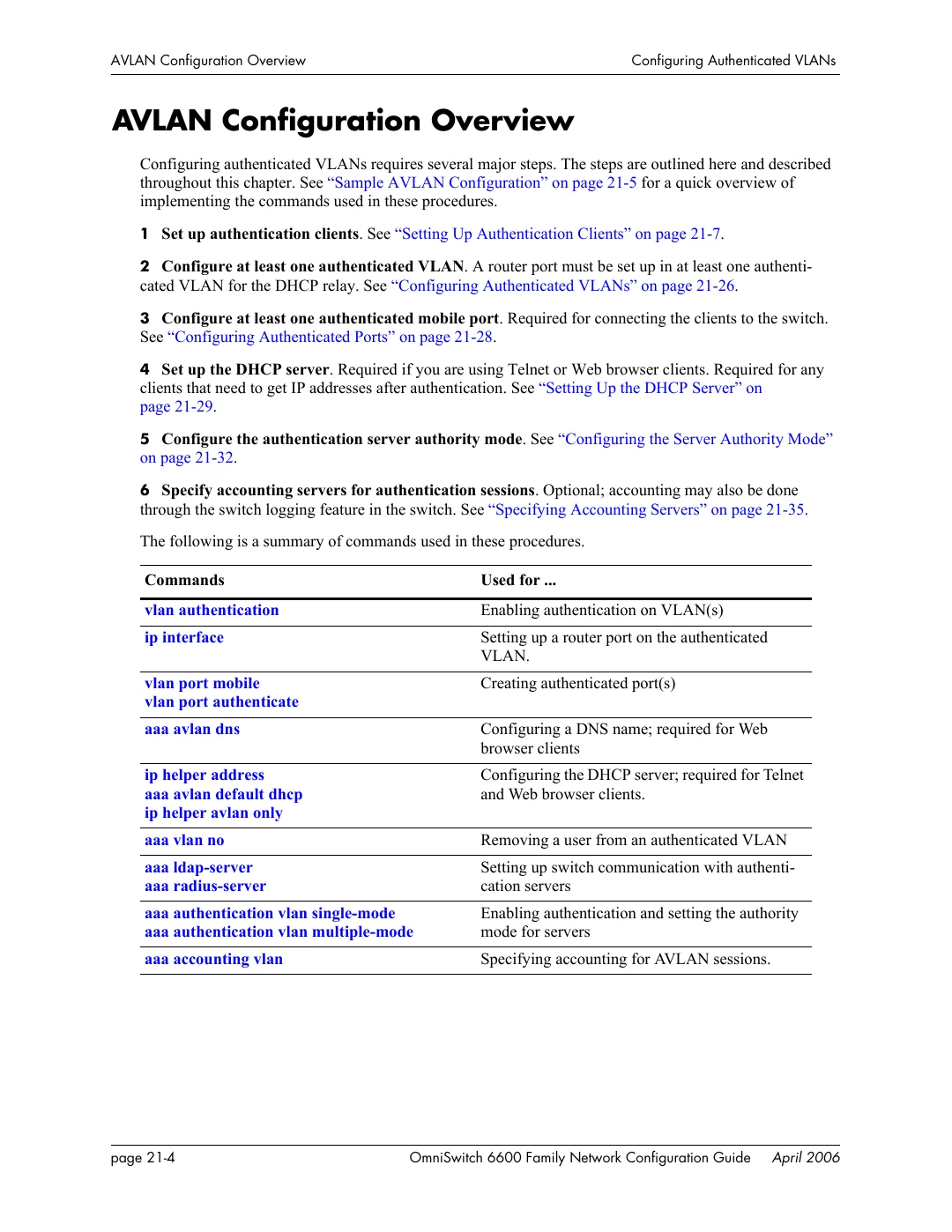
The following is a summary of commands used in these procedures.
Commands
Used for ...
Enabling authentication on VLAN(s)
Setting up a router port on the authenticated
VLAN.
Creating authenticated port(s)
Configuring a DNS name; required for Web
browser clients
Configuring the DHCP server; required for Telnet
and Web browser clients.
Removing a user from an authenticated VLAN
Setting up switch communication with authenti-
cation servers
aaa authentication vlan single-mode
aaa authentication vlan multiple-mode
Enabling authentication and setting the authority
mode for servers