Setting Up Authentication Clients
Configuring Authenticated VLANs
page 21-22
OmniSwitch 6600 Family Network Configuration Guide
April 2006
Logging Off the AV-Client
1
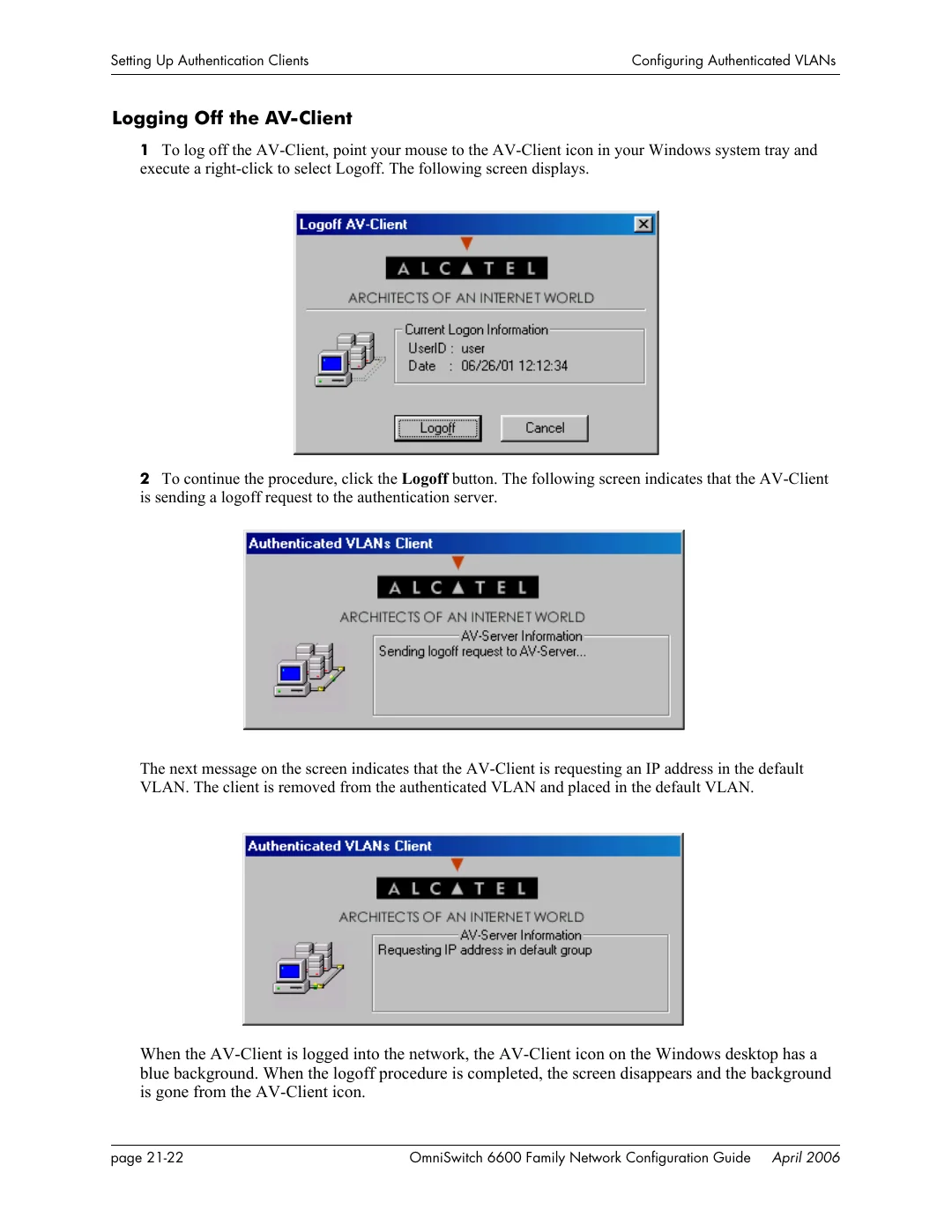
To log off the AV-Client, point your mouse to the AV-Client icon in your Windows system tray and
execute a right-click to select Logoff. The following screen displays.
2
To continue the procedure, click the
Logoff
button. The following screen indicates that the AV-Client
is sending a logoff request to the authentication server.
The next message on the screen indicates that the AV-Client is requesting an IP address in the default
VLAN. The client is removed from the authenticated VLAN and placed in the default VLAN.
When the AV-Client is logged into the network, the AV-Client icon on the Windows desktop has a
blue background. When the logoff procedure is completed, the screen disappears and the background
is gone from the AV-Client icon.