Configuring VLANs
Sample VLAN Configuration
OmniSwitch 6600 Family Network Configuration Guide
April 2006
page 4-3
Sample VLAN Configuration
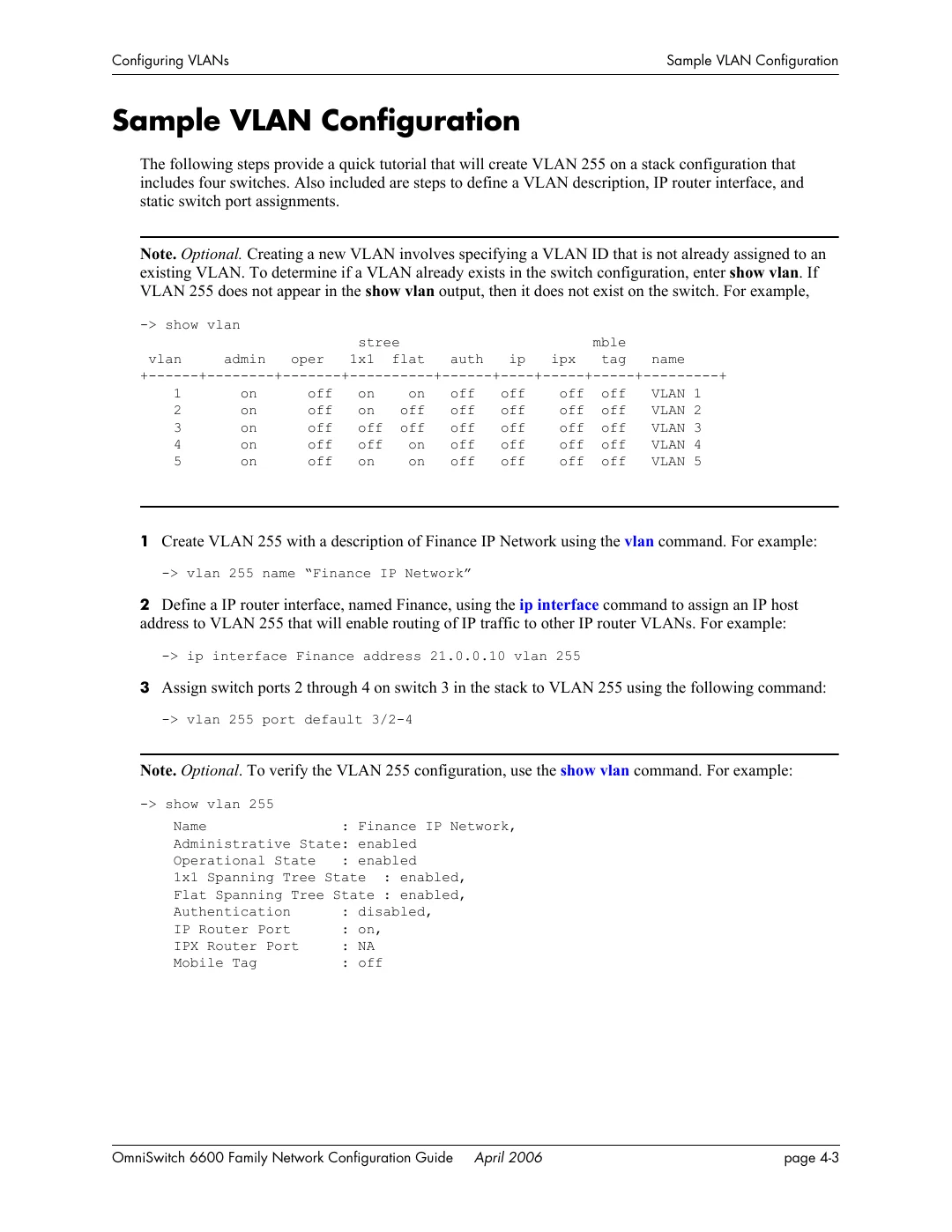
The following steps provide a quick tutorial that will create VLAN 255 on a stack configuration that
includes four switches. Also included are steps to define a VLAN description, IP router interface, and
static switch port assignments.
Note.
Optional.
Creating a new VLAN involves specifying a VLAN ID that is not already assigned to an
existing VLAN. To determine if a VLAN already exists in the switch configuration, enter
show vlan
. If
VLAN 255 does not appear in the
show vlan
output, then it does not exist on the switch. For example,
-> show vlan
stree
mble
vlan
admin oper
1x1
flat
auth ip ipx tag
name
+------+--------+-------+----------+------+----+-----+-----+---------+
1 on off
on
on
off
off
off off
VLAN 1
2 on off
on
off
off
off
off
off
VLAN 2
3 on off
off off
off
off
off off
VLAN 3
4 on off
off
on
off
off
off off
VLAN 4
5 on off
on
on
off
off
off off
VLAN 5
1
Create VLAN 255 with a description of Finance IP Network using the
command. For example:
-> vlan 255 name “Finance IP Network”
2
Define a IP router interface, named Finance, using the
command to assign an IP host
address to VLAN 255 that will enable routing of IP traffic to other IP router VLANs. For example:
-> ip interface Finance address 21.0.0.10 vlan 255
3
Assign switch ports 2 through 4 on switch 3 in the stack to VLAN 255 using the following command:
-> vlan 255 port default 3/2-4
Note.
Optional
. To verify the VLAN 255 configuration, use the
-> show vlan 255
Name
: Finance IP Network,
Administrative State: enabled
Operational State : enabled
1x1 Spanning Tree State : enabled,
Flat Spanning Tree State : enabled,
Authentication
: disabled,
IP Router Port : on,
IPX Router Port : NA
Mobile Tag
: off