Switch Health Overview
Diagnosing Switch Problems
page 27-10
OmniSwitch 6600 Family Network Configuration Guide
April 2006
Switch Health Overview
The following sections detail the specifications, defaults, and quick set up steps for the switch health
feature. Detailed procedures are found in
“Monitoring Switch Health” on page 27-32
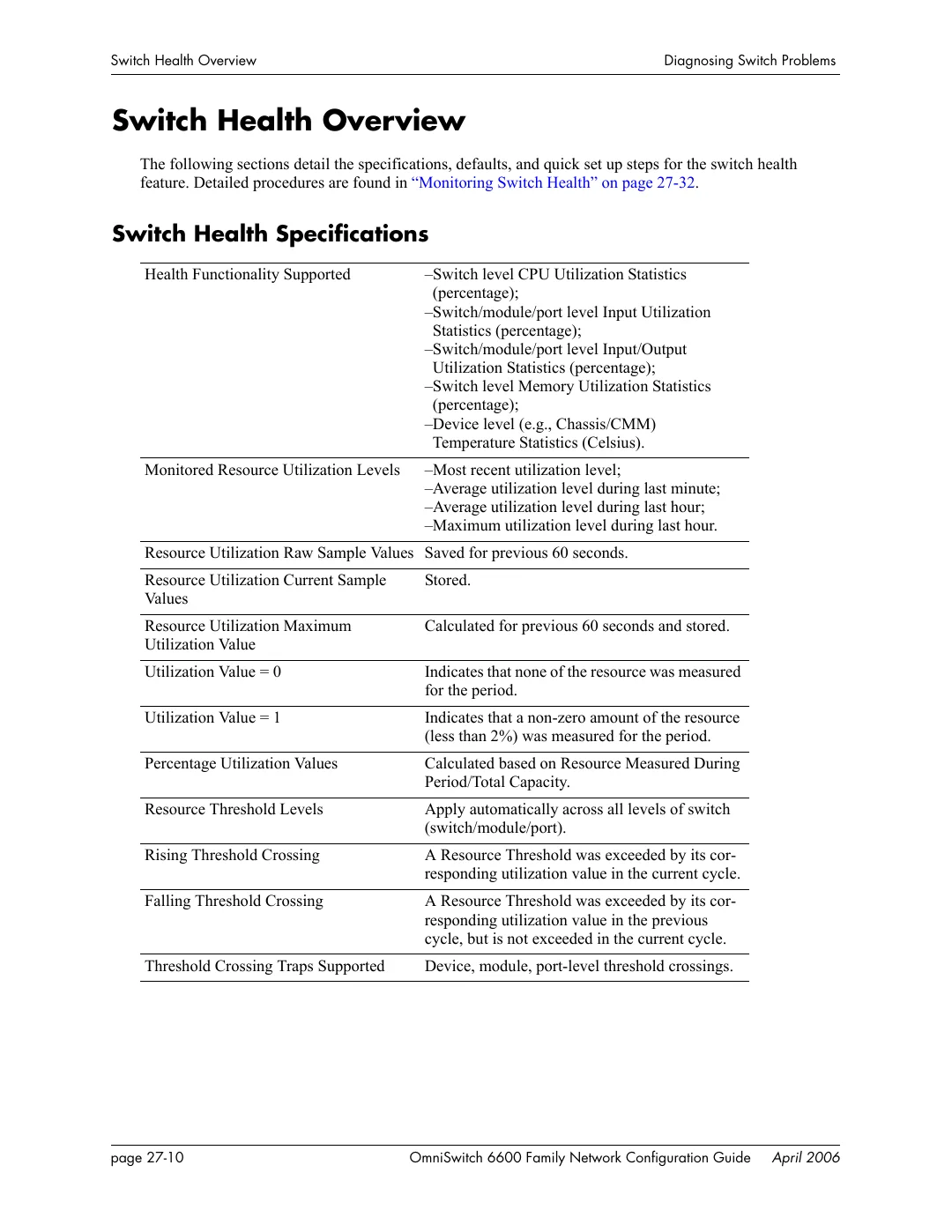
Switch Health Specifications
Health Functionality Supported
–Switch level CPU Utilization Statistics
(percentage);
–Switch/module/port level Input Utilization
Statistics (percentage);
–Switch/module/port level Input/Output
Utilization Statistics (percentage);
–Switch level Memory Utilization Statistics
(percentage);
–Device level (e.g., Chassis/CMM)
Temperature Statistics (Celsius).
Monitored Resource Utilization Levels
–Most recent utilization level;
–Average utilization level during last minute;
–Average utilization level during last hour;
–Maximum utilization level during last hour.
Resource Utilization Raw Sample Values Saved for previous 60 seconds.
Resource Utilization Current Sample
Values
Stored.
Resource Utilization Maximum
Utilization Value
Calculated for previous 60 seconds and stored.
Utilization Value = 0
Indicates that none of the resource was measured
for the period.
Utilization Value = 1
Indicates that a non-zero amount of the resource
(less than 2%) was measured for the period.
Percentage Utilization Values
Calculated based on Resource Measured During
Period/Total Capacity.
Resource Threshold Levels
Apply automatically across all levels of switch
(switch/module/port).
Rising Threshold Crossing
A Resource Threshold was exceeded by its cor-
responding utilization value in the current cycle.
Falling Threshold Crossing
A Resource Threshold was exceeded by its cor-
responding utilization value in the previous
cycle, but is not exceeded in the current cycle.
Threshold Crossing Traps Supported
Device, module, port-level threshold crossings.