Configuring ACLs
Configuring ACLs
OmniSwitch 6600 Family Network Configuration Guide
April 2006
page 25-13
Layer 2 ACL: Example 1
In this example, the default bridged disposition is
accept
(the default). Since the default is
accept
, the
qos
default bridged disposition
command would only need to be entered if the disposition had previously
been set to
deny
. The command is shown here for completeness.
-> qos default bridged disposition accept
-> policy condition Address1 source mac 080020:112233 source vlan 5
-> policy action BlockTraffic disposition deny
-> policy rule FilterA condition Address1 action BlockTraffic
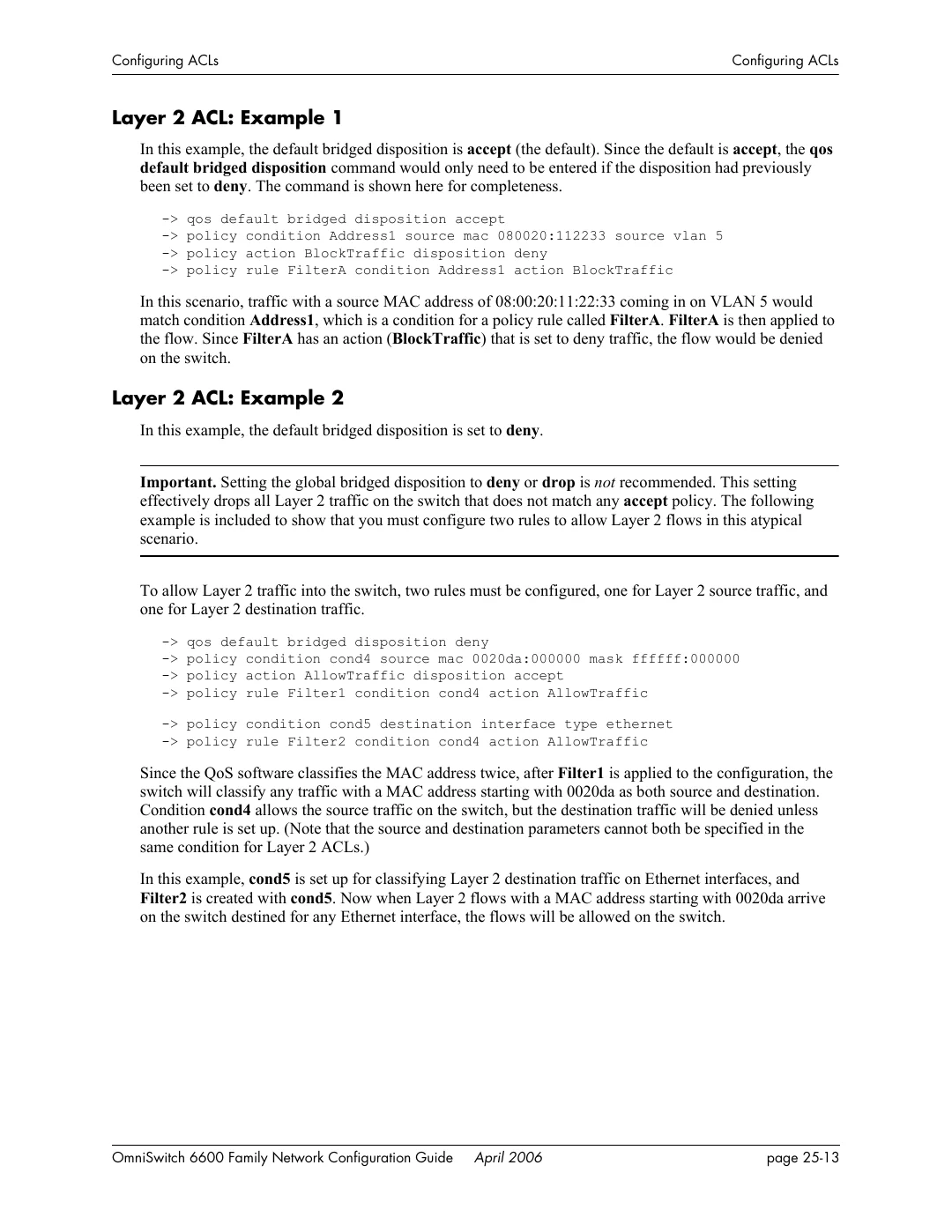
In this scenario, traffic with a source MAC address of 08:00:20:11:22:33 coming in on VLAN 5 would
match condition
Address1
, which is a condition for a policy rule called
FilterA
.
FilterA
is then applied to
the flow. Since
FilterA
has an action (
BlockTraffic
) that is set to deny traffic, the flow would be denied
on the switch.
Layer 2 ACL: Example 2
In this example, the default bridged disposition is set to
deny
.
Important.
Setting the global bridged disposition to
deny
or
drop
is
not
recommended. This setting
effectively drops all Layer 2 traffic on the switch that does not match any
accept
policy. The following
example is included to show that you must configure two rules to allow Layer 2 flows in this atypical
scenario.
To allow Layer 2 traffic into the switch, two rules must be configured, one for Layer 2 source traffic, and
one for Layer 2 destination traffic.
-> qos default bridged disposition deny
-> policy condition cond4 source mac 0020da:000000 mask ffffff:000000
-> policy action AllowTraffic disposition accept
-> policy rule Filter1 condition cond4 action AllowTraffic
-> policy condition cond5 destination interface type ethernet
-> policy rule Filter2 condition cond4 action AllowTraffic
Since the QoS software classifies the MAC address twice, after
Filter1
is applied to the configuration, the
switch will classify any traffic with a MAC address starting with 0020da as both source and destination.
Condition
cond4
allows the source traffic on the switch, but the destination traffic will be denied unless
another rule is set up. (Note that the source and destination parameters cannot both be specified in the
same condition for Layer 2 ACLs.)
In this example,
cond5
is set up for classifying Layer 2 destination traffic on Ethernet interfaces, and
Filter2
is created with
cond5
. Now when Layer 2 flows with a MAC address starting with 0020da arrive
on the switch destined for any Ethernet interface, the flows will be allowed on the switch.