Configuring Ethernet Ports
Verifying Ethernet Port Configuration
OmniSwitch 6600 Family Network Configuration Guide
April 2006
page 1-25
Verifying Ethernet Port Configuration
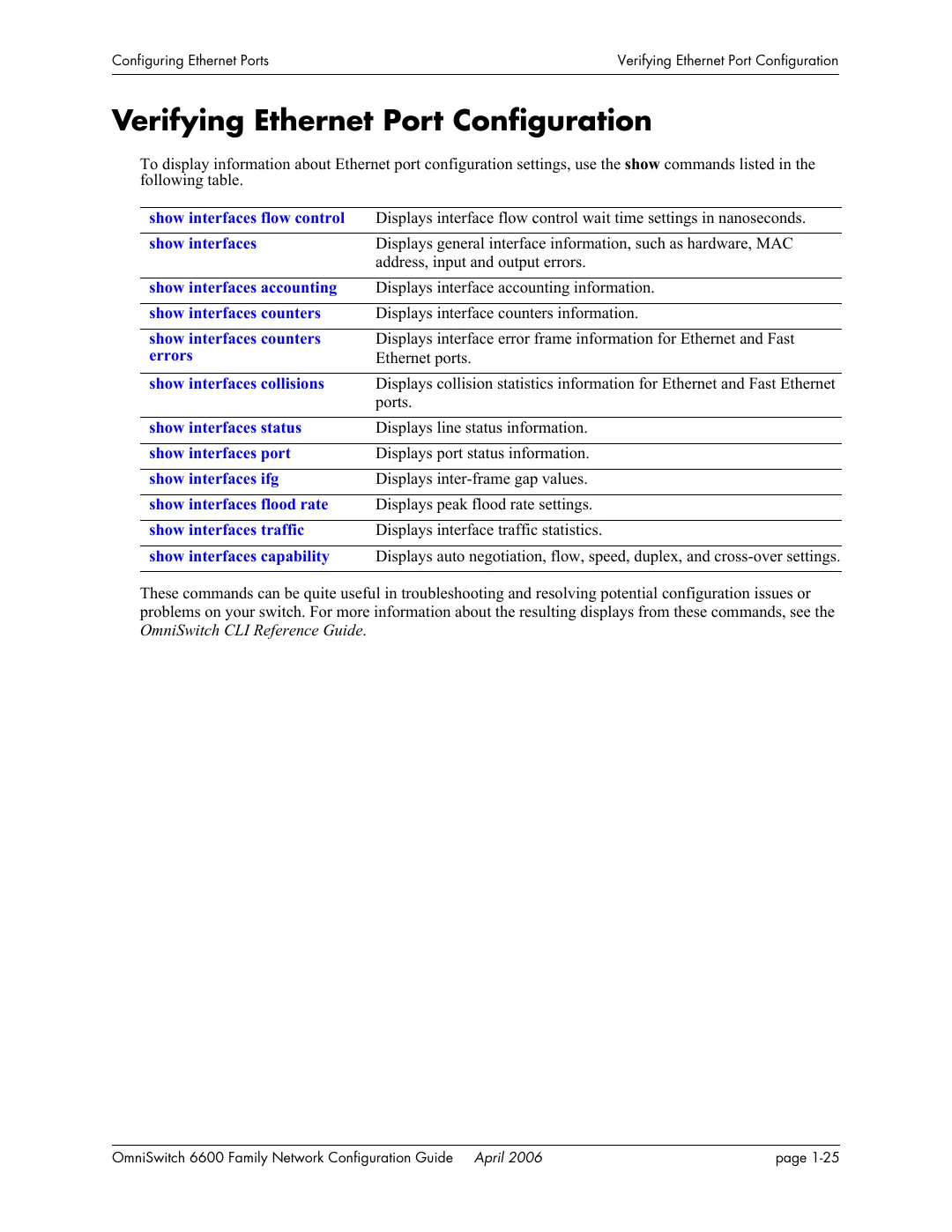
To display information about Ethernet port configuration settings, use the
show
commands listed in the
following table.
These commands can be quite useful in troubleshooting and resolving potential configuration issues or
problems on your switch. For more information about the resulting displays from these commands, see the
OmniSwitch CLI Reference Guide
.
Displays interface flow control wait time settings in nanoseconds.
Displays general interface information, such as hardware, MAC
address, input and output errors.
Displays interface accounting information.
Displays interface counters information.
Displays interface error frame information for Ethernet and Fast
Ethernet ports.
Displays collision statistics information for Ethernet and Fast Ethernet
ports.
Displays line status information.
Displays port status information.
Displays inter-frame gap values.
Displays peak flood rate settings.
Displays interface traffic statistics.
Displays auto negotiation, flow, speed, duplex, and cross-over settings.