Displaying Static Link Aggregation Configuration and Statistics
Configuring Static Link Aggregation
page 12-18
OmniSwitch 6600 Family Network Configuration Guide
April 2006
Displaying Static Link Aggregation Configuration
and Statistics
You can use Command Line Interface (CLI)
show
commands to display the current configuration and
statistics of link aggregation. These commands include the following:
When you use the
show linkagg
command without specifying the link aggregation group number and
when you use the
show linkagg port
command without specifying the slot and port number these
commands provide a “global” view of switch-wide link aggregate group and link aggregate port informa-
tion, respectively.
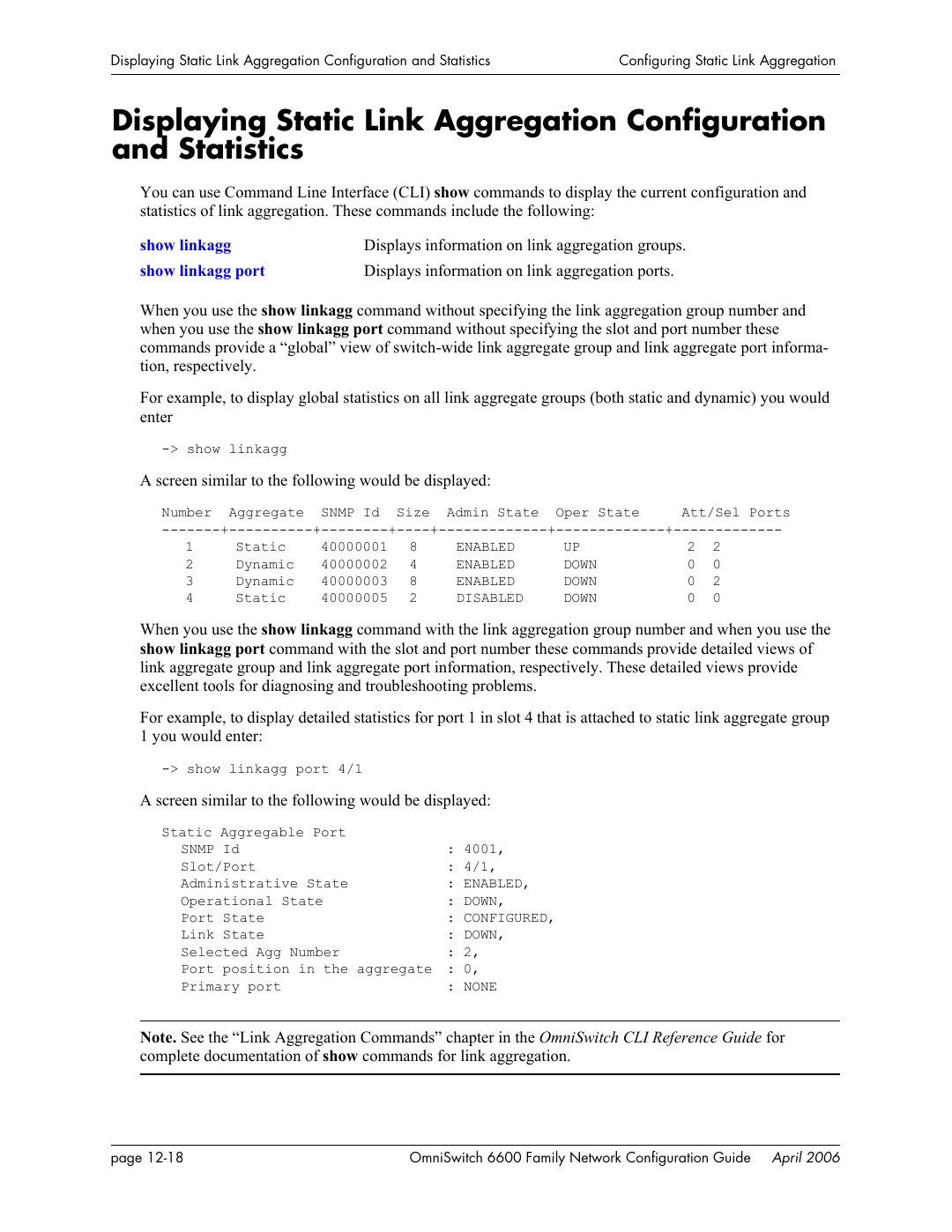
For example, to display global statistics on all link aggregate groups (both static and dynamic) you would
enter
-> show linkagg
A screen similar to the following would be displayed:
Number Aggregate SNMP Id Size Admin State Oper State
Att/Sel Ports
-------+----------+--------+----+-------------+-------------+-------------
1
Static
40000001
8
ENABLED
UP
2
2
2
Dynamic
40000002
4
ENABLED
DOWN
0
0
3
Dynamic
40000003
8
ENABLED
DOWN
0
2
4
Static
40000005
2
DISABLED
DOWN
0
0
When you use the
show linkagg
command with the link aggregation group number and when you use the
show linkagg port
command with the slot and port number these commands provide detailed views of
link aggregate group and link aggregate port information, respectively. These detailed views provide
excellent tools for diagnosing and troubleshooting problems.
For example, to display detailed statistics for port 1 in slot 4 that is attached to static link aggregate group
1 you would enter:
-> show linkagg port 4/1
A screen similar to the following would be displayed:
Static Aggregable Port
SNMP Id
: 4001,
Slot/Port
: 4/1,
Administrative State
: ENABLED,
Operational State
: DOWN,
Port State
: CONFIGURED,
Link State
: DOWN,
Selected Agg Number
: 2,
Port position in the aggregate : 0,
Primary port
: NONE
Note.
See the “Link Aggregation Commands” chapter in the
OmniSwitch CLI Reference Guide
for
complete documentation of
show
commands for link aggregation.