Diagnosing Switch Problems
Port Mirroring Overview
OmniSwitch 6600 Family Network Configuration Guide
April 2006
page 27-3
Port Mirroring Overview
The following sections detail the specifications, defaults, and quick set up steps for the port mirroring
feature. Detailed procedures are found in
“Port Mirroring” on page 27-12
.
Note.
A port that is part of an aggregate link cannot be mirrored.
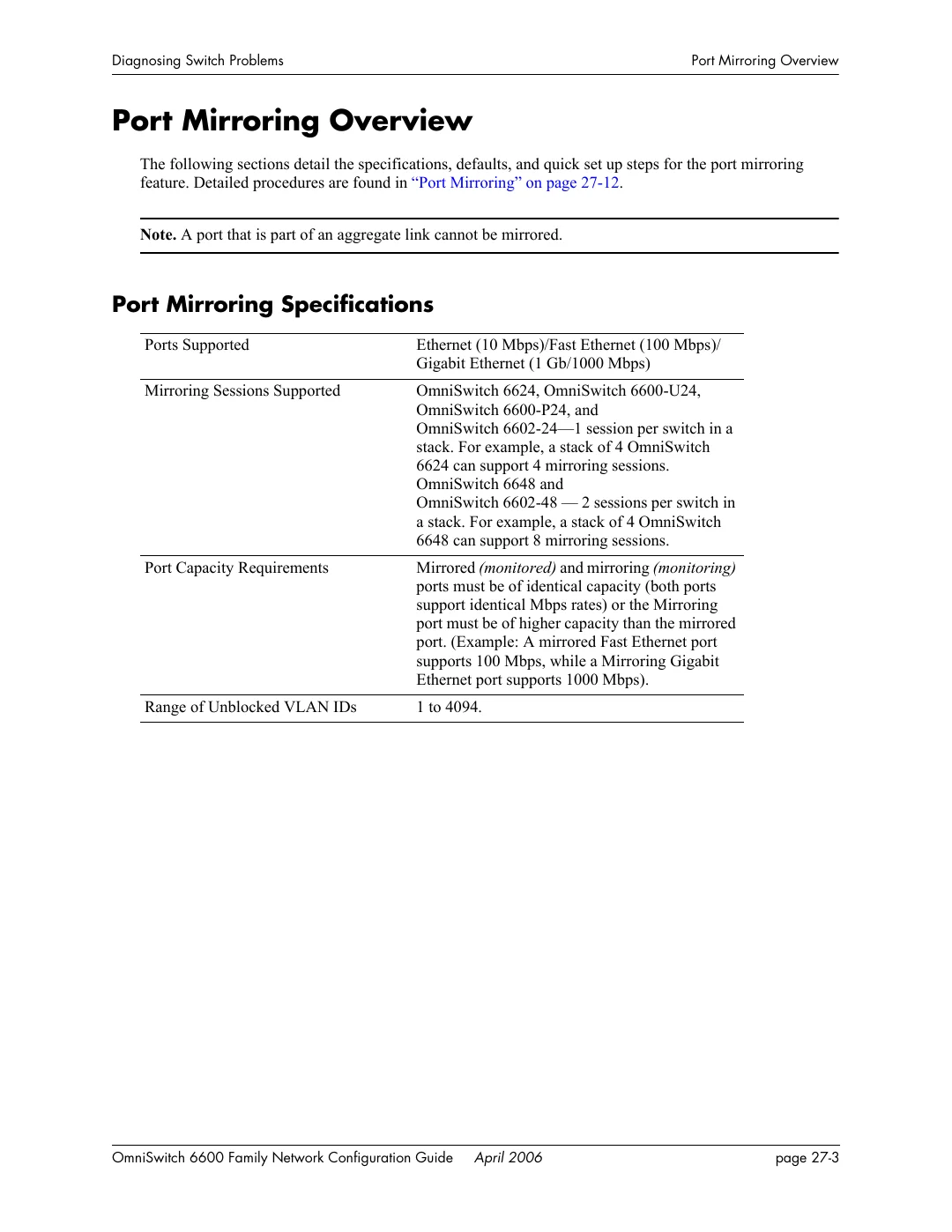
Port Mirroring Specifications
Ports Supported
Ethernet (10 Mbps)/Fast Ethernet (100 Mbps)/
Gigabit Ethernet (1 Gb/1000 Mbps)
Mirroring Sessions Supported
OmniSwitch 6624, OmniSwitch 6600-U24,
OmniSwitch 6600-P24, and
OmniSwitch 6602-24—1 session per switch in a
stack. For example, a stack of 4 OmniSwitch
6624 can support 4 mirroring sessions.
OmniSwitch 6648 and
OmniSwitch 6602-48 — 2 sessions per switch in
a stack. For example, a stack of 4 OmniSwitch
6648 can support 8 mirroring sessions.
Port Capacity Requirements
Mirrored
(monitored)
and mirroring
(monitoring)
ports must be of identical capacity (both ports
support identical Mbps rates) or the Mirroring
port must be of higher capacity than the mirrored
port. (Example: A mirrored Fast Ethernet port
supports 100 Mbps, while a Mirroring Gigabit
Ethernet port supports 1000 Mbps).
Range of Unblocked VLAN IDs
1 to 4094.