Configuring IPv6
Verifying the IPv6 Configuration
OmniSwitch 6600 Family Network Configuration Guide
April 2006
page 15-15
Verifying the IPv6 Configuration
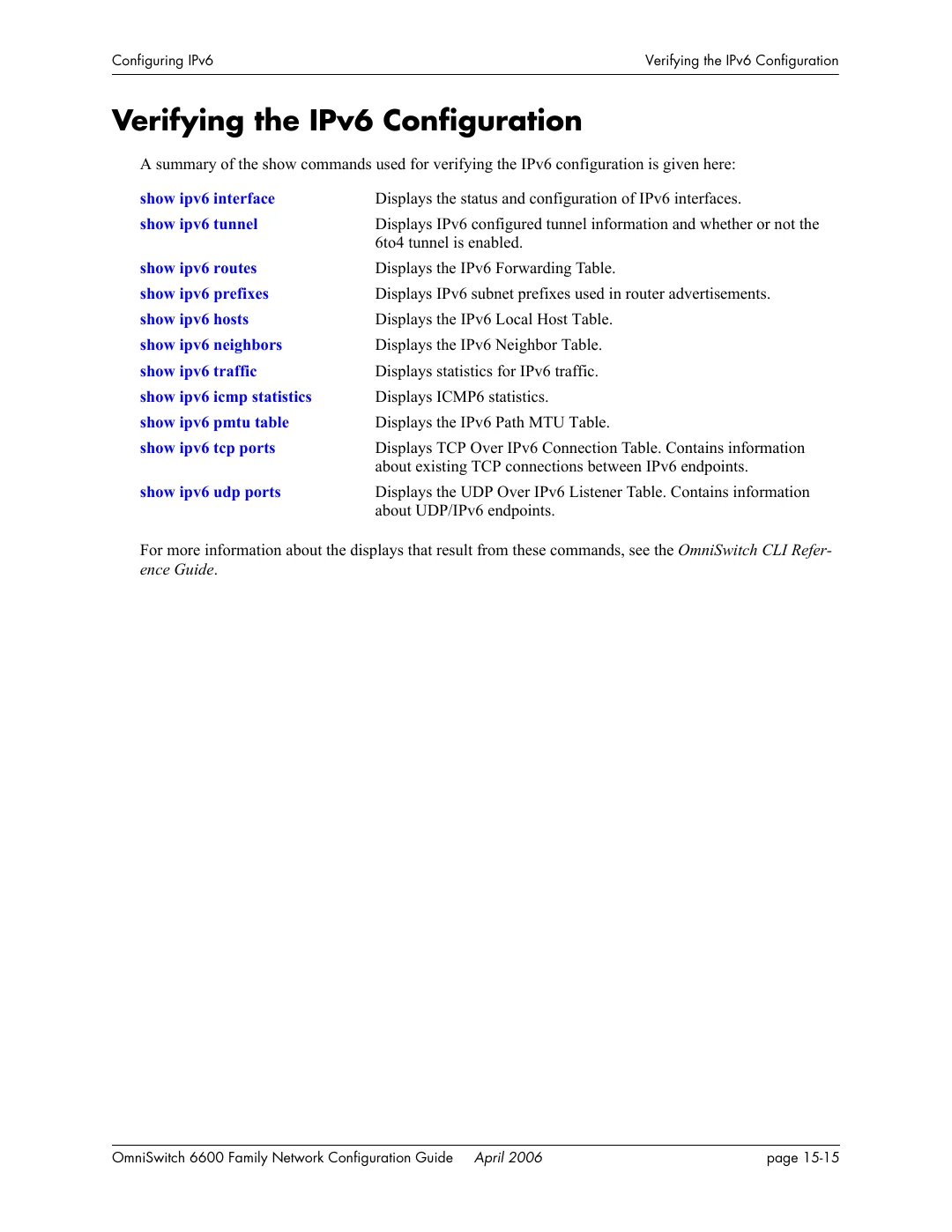
A summary of the show commands used for verifying the IPv6 configuration is given here:
For more information about the displays that result from these commands, see the
OmniSwitch CLI Refer-
ence Guide
.
Displays the status and configuration of IPv6 interfaces.
Displays IPv6 configured tunnel information and whether or not the
6to4 tunnel is enabled.
Displays the IPv6 Forwarding Table.
Displays IPv6 subnet prefixes used in router advertisements.
Displays the IPv6 Local Host Table.
Displays the IPv6 Neighbor Table.
Displays statistics for IPv6 traffic.
Displays ICMP6 statistics.
Displays the IPv6 Path MTU Table.
Displays TCP Over IPv6 Connection Table. Contains information
about existing TCP connections between IPv6 endpoints.
Displays the UDP Over IPv6 Listener Table. Contains information
about UDP/IPv6 endpoints.