Configuring 802.1X
Configuring Access Guardian Policies
OmniSwitch 6600 Family Network Configuration Guide
April 2006
page 22-17
Note that this type of policy does not use 802.1x or MAC authentication. As a result, all of the available
policy keywords restrict the assignment of the non-supplicant device to only those VLANs that are non-
authenticated VLANs. The
pass
and
fail
keywords are not used when configuring this type of policy.
Non-supplicant Policy Examples
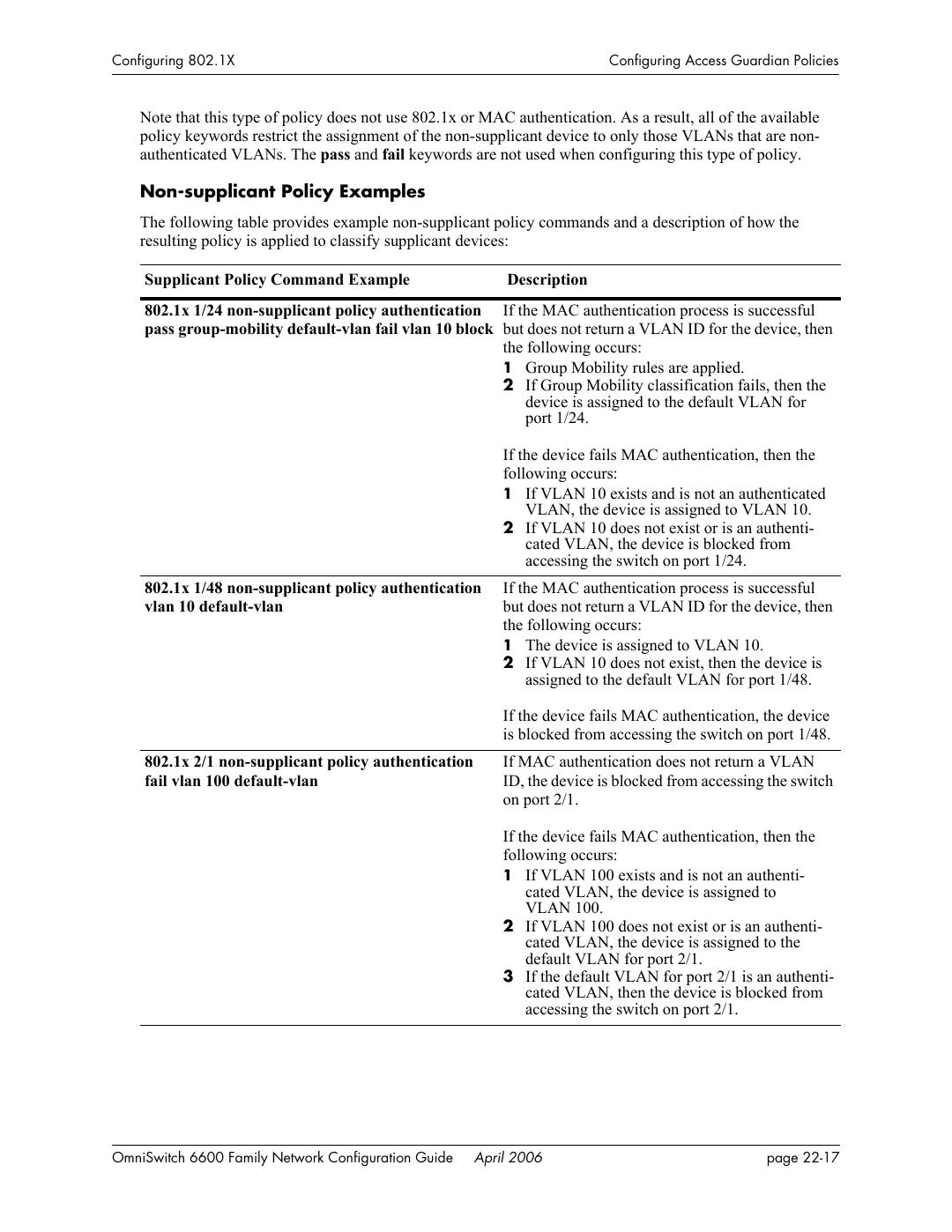
The following table provides example non-supplicant policy commands and a description of how the
resulting policy is applied to classify supplicant devices:
Supplicant Policy Command Example
Description
802.1x 1/24 non-supplicant policy authentication
pass group-mobility default-vlan fail vlan 10 block
If the MAC authentication process is successful
but does not return a VLAN ID for the device, then
the following occurs:
1
Group Mobility rules are applied.
2
If Group Mobility classification fails, then the
device is assigned to the default VLAN for
port 1/24.
If the device fails MAC authentication, then the
following occurs:
1
If VLAN 10 exists and is not an authenticated
VLAN, the device is assigned to VLAN 10.
2
If VLAN 10 does not exist or is an authenti-
cated VLAN, the device is blocked from
accessing the switch on port 1/24.
802.1x 1/48 non-supplicant policy authentication
vlan 10 default-vlan
If the MAC authentication process is successful
but does not return a VLAN ID for the device, then
the following occurs:
1
The device is assigned to VLAN 10.
2
If VLAN 10 does not exist, then the device is
assigned to the default VLAN for port 1/48.
If the device fails MAC authentication, the device
is blocked from accessing the switch on port 1/48.
802.1x 2/1 non-supplicant policy authentication
fail vlan 100 default-vlan
If MAC authentication does not return a VLAN
ID, the device is blocked from accessing the switch
on port 2/1.
If the device fails MAC authentication, then the
following occurs:
1
If VLAN 100 exists and is not an authenti-
cated VLAN, the device is assigned to
VLAN 100.
2
If VLAN 100 does not exist or is an authenti-
cated VLAN, the device is assigned to the
default VLAN for port 2/1.
3
If the default VLAN for port 2/1 is an authenti-
cated VLAN, then the device is blocked from
accessing the switch on port 2/1.