Managing Policy Servers
Policy Server Overview
OmniSwitch 6600 Family Network Configuration Guide
April 2006
page 23-3
Policy Server Overview
The Lightweight Directory Access Protocol (LDAP) is a standard directory server protocol. The LDAP
policy server client in the switch is based on RFC 2251. Currently, only LDAP servers are supported for
policy management.
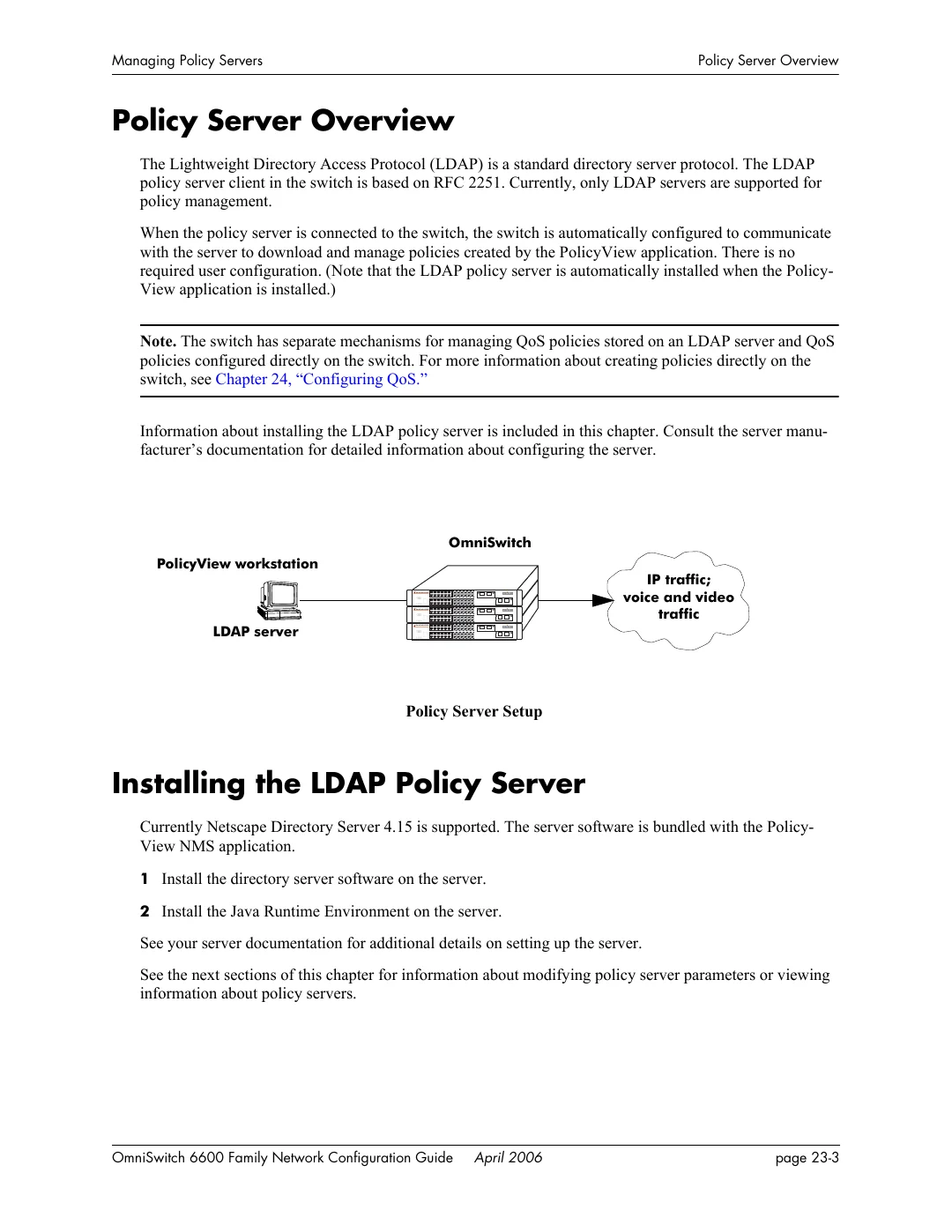
When the policy server is connected to the switch, the switch is automatically configured to communicate
with the server to download and manage policies created by the PolicyView application. There is no
required user configuration. (Note that the LDAP policy server is automatically installed when the Policy-
View application is installed.)
Note.
The switch has separate mechanisms for managing QoS policies stored on an LDAP server and QoS
policies configured directly on the switch. For more information about creating policies directly on the
switch, see
Chapter 24, “Configuring QoS.”
Information about installing the LDAP policy server is included in this chapter. Consult the server manu-
facturer’s documentation for detailed information about configuring the server.
Installing the LDAP Policy Server
Currently Netscape Directory Server 4.15 is supported. The server software is bundled with the Policy-
View NMS application.
1
Install the directory server software on the server.
2
Install the Java Runtime Environment on the server.
See your server documentation for additional details on setting up the server.
See the next sections of this chapter for information about modifying policy server parameters or viewing
information about policy servers.
PolicyView workstation
OmniSwitch
IP traffic;
voice and video
traffic
LDAP server
Policy Server Setup
OmniSwitch 6648
OmniSwitch 6648
OmniSwitch 6648