Configuring Authenticated VLANs
Configuring the Server Authority Mode
OmniSwitch 6600 Family Network Configuration Guide
April 2006
page 21-33
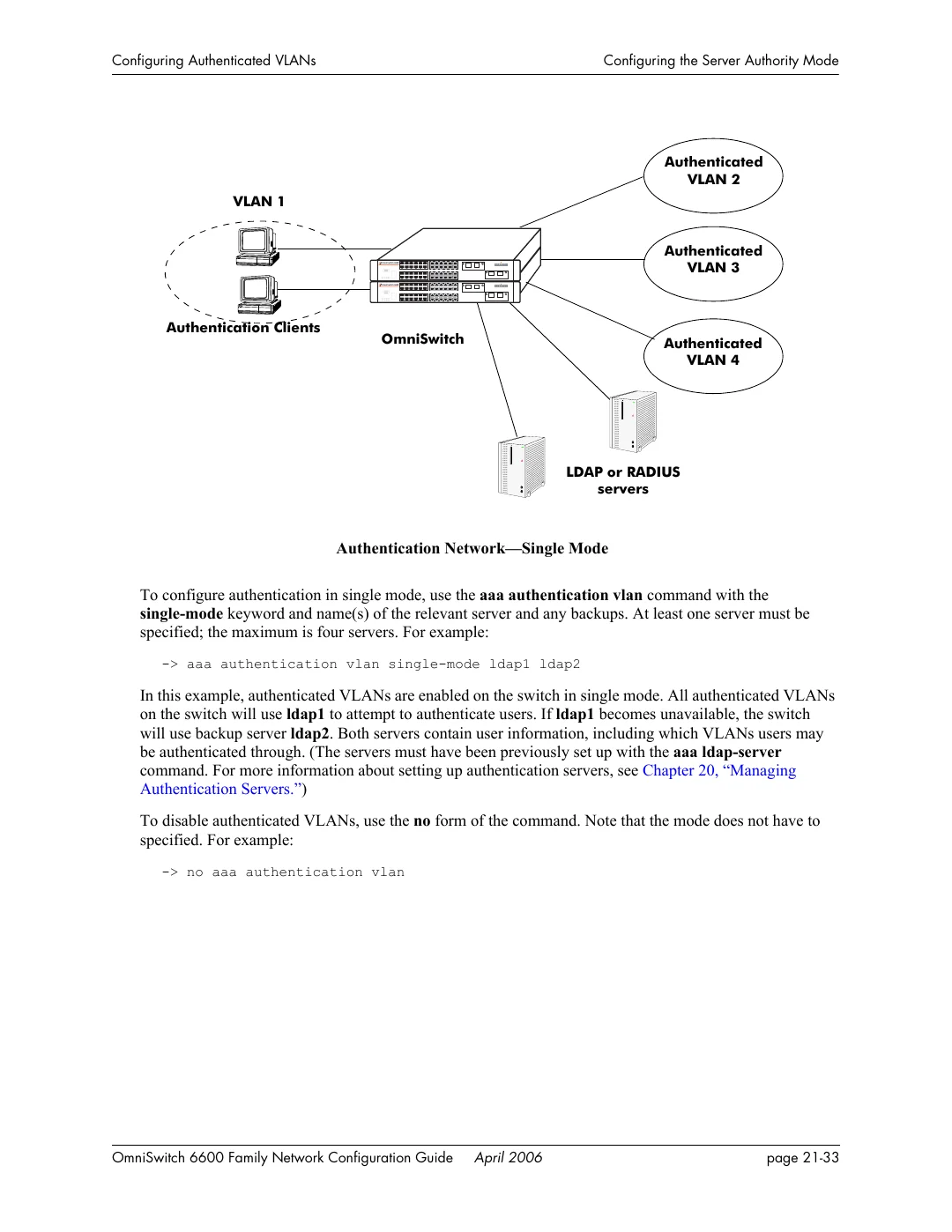
To configure authentication in single mode, use the
aaa authentication vlan
command with the
single-mode
keyword and name(s) of the relevant server and any backups. At least one server must be
specified; the maximum is four servers. For example:
-> aaa authentication vlan single-mode ldap1 ldap2
In this example, authenticated VLANs are enabled on the switch in single mode. All authenticated VLANs
on the switch will use
ldap1
to attempt to authenticate users. If
ldap1
becomes unavailable, the switch
will use backup server
ldap2
. Both servers contain user information, including which VLANs users may
be authenticated through. (The servers must have been previously set up with the
aaa ldap-server
command. For more information about setting up authentication servers, see
To disable authenticated VLANs, use the
no
form of the command. Note that the mode does not have to
specified. For example:
-> no aaa authentication vlan
Authentication Clients
OmniSwitch
LDAP or RADIUS
servers
Authentication Network—Single Mode
Authenticated
VLAN 2
Authenticated
VLAN 3
Authenticated
VLAN 4
VLAN 1
OmniSwitch 6648
OmniSwitch 6648