Switch Logging Commands Overview
Using Switch Logging
page 28-6
OmniSwitch 6600 Family Network Configuration Guide
April 2006
Switch Logging Commands Overview
This section describes the switch logging CLI commands, for enabling or disabling switch logging,
displaying the current status of the switch logging feature, and displaying stored log information.
Enabling Switch Logging
The
command initializes and enables switch logging, while
no
disables it.
To enable switch logging, enter the
swlog
command:
-> swlog
To disable switch logging, enter the
no swlog
command:
-> no swlog
No confirmation message will appear on the screen for either command.
Setting the Switch Logging Severity Level
The switch logging feature can log all switch error-type events for a particular switch application. You can
also assign severity levels to the switch applications that will cause some of the events to be filtered out of
your display. The
command is used to assign the severity levels to the applications.
The syntax for the
command requires that you identify a switch application and assign it
a severity level. The severity level controls the kinds of error-type events that will be recorded by the
switch logging function. If an application experiences an event equal to or greater than the severity level
assigned to it, the event will be recorded and forwarded to the configured output devices. You can specify
the application either by the application ID CLI keyword or by its numeric equivalent.
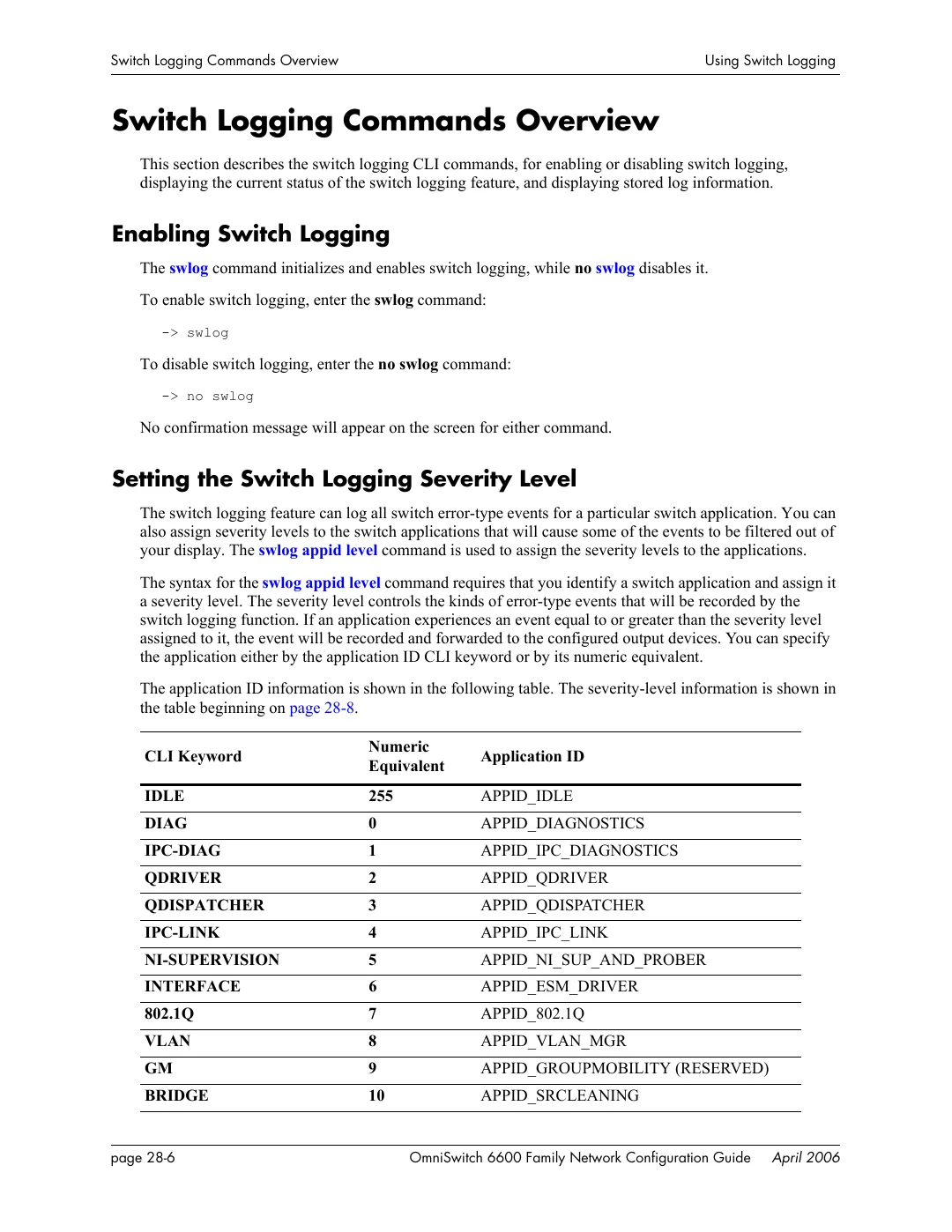
The application ID information is shown in the following table. The severity-level information is shown in
CLI Keyword
Numeric
Equivalent
Application ID
IDLE
255
APPID_IDLE
DIAG
0
APPID_DIAGNOSTICS
IPC-DIAG
1
APPID_IPC_DIAGNOSTICS
QDRIVER
2
APPID_QDRIVER
QDISPATCHER
3
APPID_QDISPATCHER
IPC-LINK
4
APPID_IPC_LINK
NI-SUPERVISION
5
APPID_NI_SUP_AND_PROBER
INTERFACE
6
APPID_ESM_DRIVER
802.1Q
7
APPID_802.1Q
VLAN
8
APPID_VLAN_MGR
GM
9
APPID_GROUPMOBILITY (RESERVED)
BRIDGE
10