Configuring Ethernet Ports
Ethernet Port Defaults
OmniSwitch 6600 Family Network Configuration Guide
April 2006
page 1-3
Ethernet Port Defaults
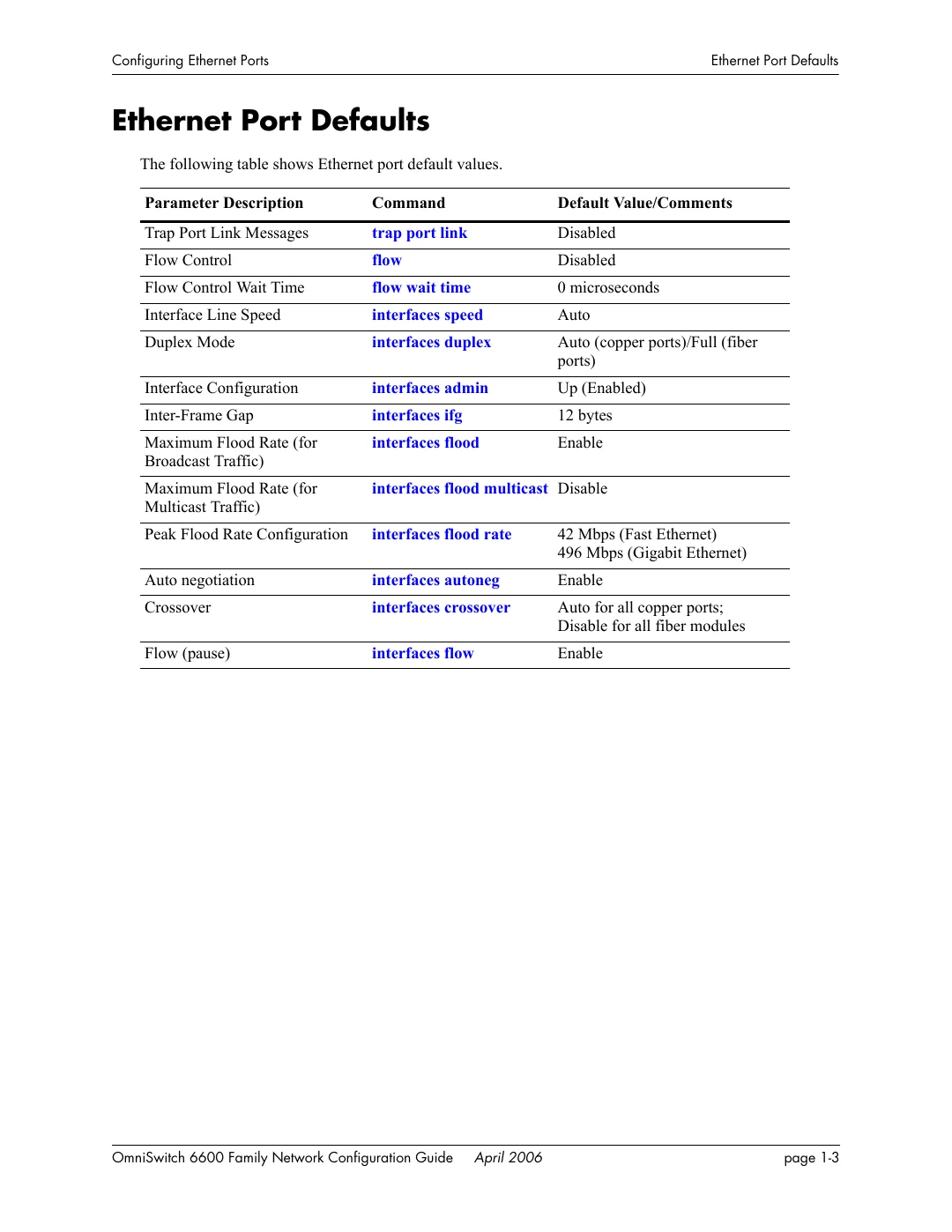
The following table shows Ethernet port default values.
Parameter Description
Command
Default Value/Comments
Trap Port Link Messages
Disabled
Flow Control
Disabled
Flow Control Wait Time
0 microseconds
Interface Line Speed
Auto
Duplex Mode
Auto (copper ports)/Full (fiber
ports)
Interface Configuration
Up (Enabled)
Inter-Frame Gap
12 bytes
Maximum Flood Rate (for
Broadcast Traffic)
Enable
Maximum Flood Rate (for
Multicast Traffic)
Disable
Peak Flood Rate Configuration
42 Mbps (Fast Ethernet)
496 Mbps (Gigabit Ethernet)
Auto negotiation
Enable
Crossover
Auto for all copper ports;
Disable for all fiber modules
Flow (pause)
Enable