Managing IP
Configuring IP
page 14-20
OmniSwitch 6600 Family Network Configuration Guide
April 2006
Activating ICMP Control Messages
ICMP messages are identified by a
type
and a
code
. This number pair specifies an ICMP message. For
example, ICMP type 4, code 0, specifies the source quench ICMP message.
To enable or disable an ICMP message, use the
icmp type
command with the type and code. For exam-
ple, to enable the source quench ICMP message (type 4, code 0) enter the following:
-> icmp type 4 code 0 enable
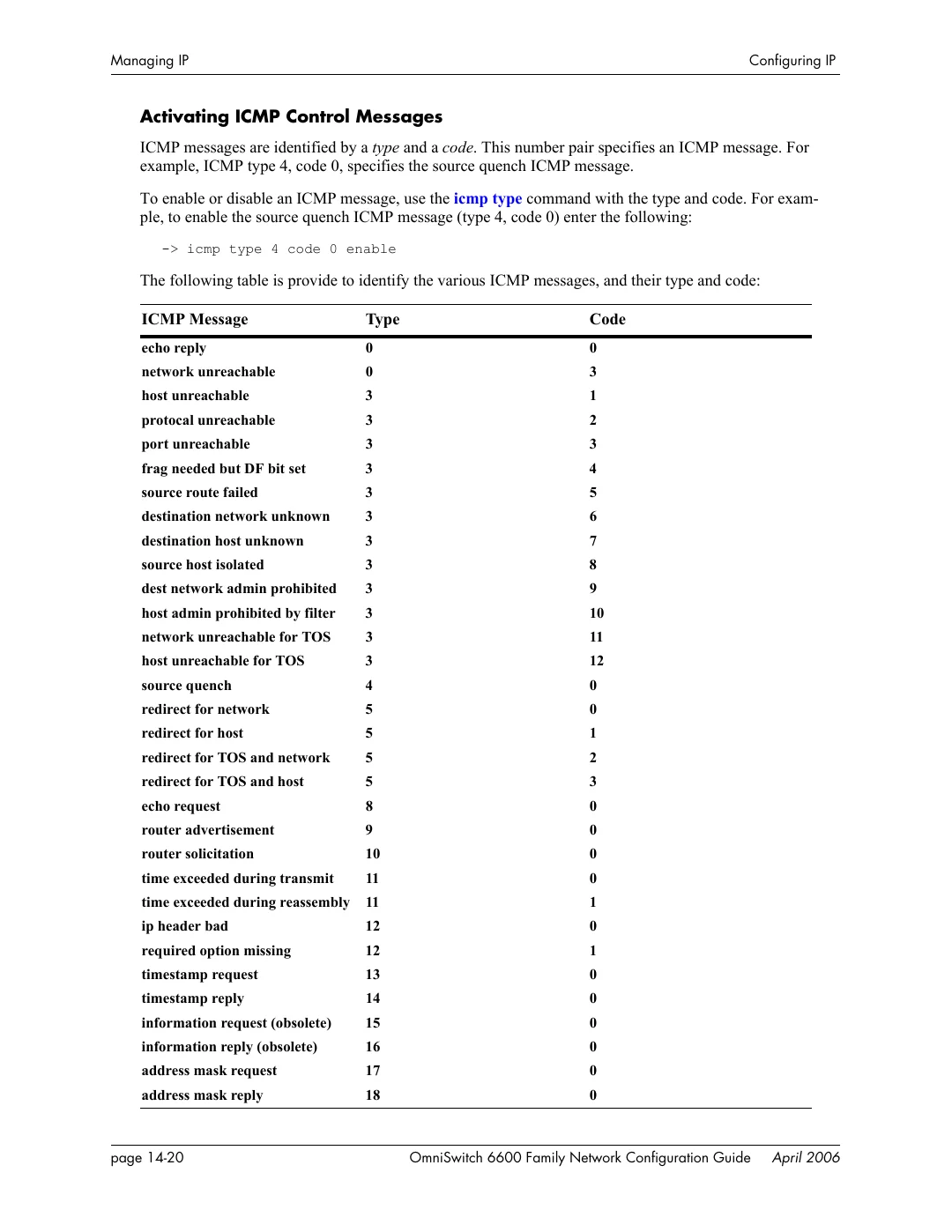
The following table is provide to identify the various ICMP messages, and their type and code:
ICMP Message
Type
Code
echo reply
0
0
network unreachable
0
3
host unreachable
3
1
protocal unreachable
3
2
port unreachable
3
3
frag needed but DF bit set
3
4
source route failed
3
5
destination network unknown
3
6
destination host unknown
3
7
source host isolated
3
8
dest network admin prohibited
3
9
host admin prohibited by filter
3
10
network unreachable for TOS
3
11
host unreachable for TOS
3
12
source quench
4
0
redirect for network
5
0
redirect for host
5
1
redirect for TOS and network
5
2
redirect for TOS and host
5
3
echo request
8
0
router advertisement
9
0
router solicitation
10
0
time exceeded during transmit
11
0
time exceeded during reassembly 11
1
ip header bad
12
0
required option missing
12
1
timestamp request
13
0
timestamp reply
14
0
information request (obsolete)
15
0
information reply (obsolete)
16
0
address mask request
17
0
address mask reply
18
0