Configuring QoS
Condition/Action Combinations
OmniSwitch 6600 Family Network Configuration Guide
April 2006
page 24-7
Condition/Action Combinations
Conditions and actions are combined in policy rules. The CLI prevents you from configuring invalid
condition/action combinations that are never allowed; however, it does allow you to create combinations
that are supported in some scenario. For example, a destination MAC address condition may be combined
with an action specifying priority for flows that are bridged only.
Note the following:
•
Layer 2 and Layer 3/4 conditions cannot be combined.
•
Source and destination parameters cannot be combined in Layer 2 conditions; source and destination
parameters may be combined in Layer 3/4 conditions when the
qos classifyl3 bridged
command is
enabled.
•
Individual items and their corresponding groups cannot be combined in the same condition. For exam-
ple, a source IP address cannot be included in a condition with a source IP network group.
•
Source or destination TCP/UDP port and IP protocol may be combined in the condition if bridged traf-
fic is classified as Layer 3.
•
In a given rule, ToS or DSCP may be specified for a condition with priority specified for the action. No
additional action parameters are allowed.
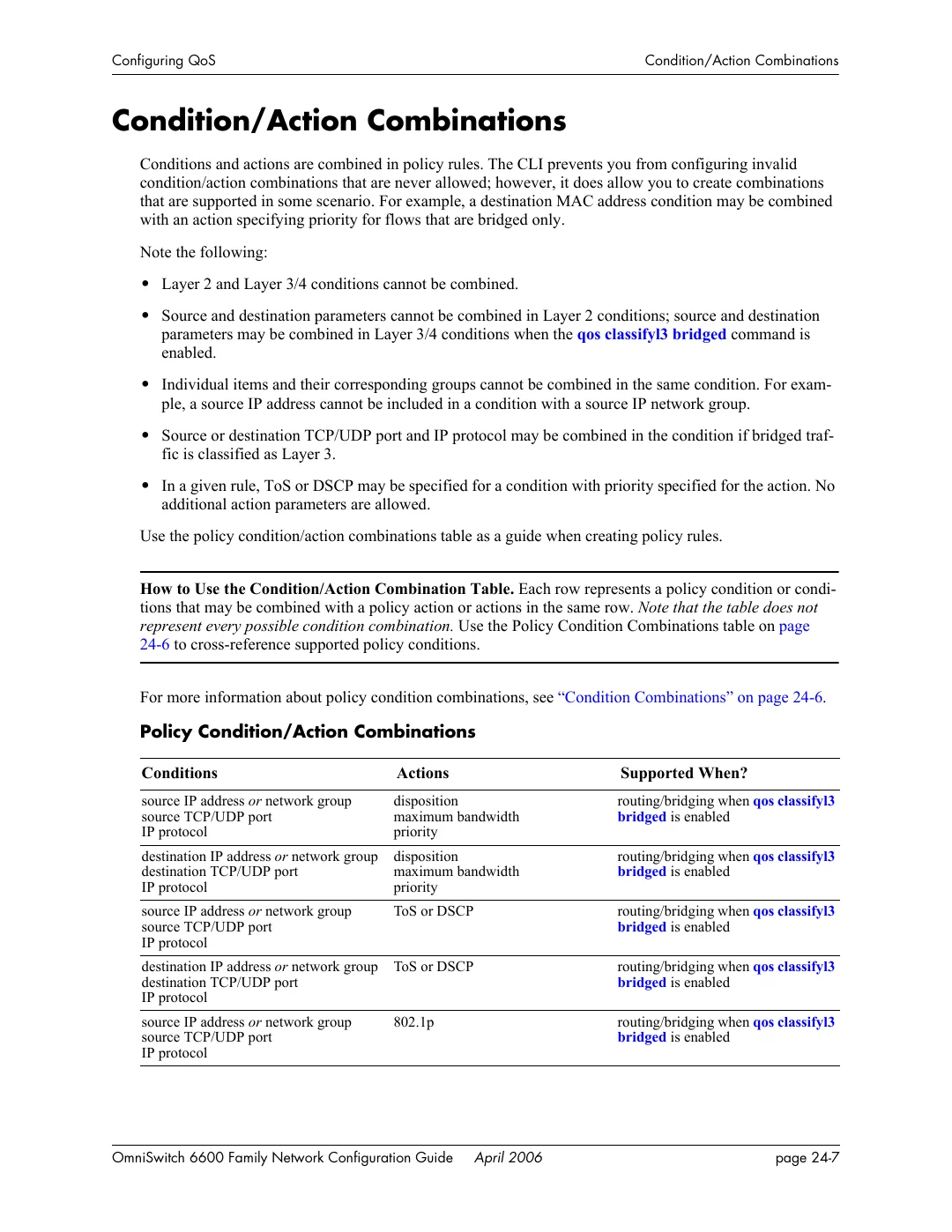
Use the policy condition/action combinations table as a guide when creating policy rules.
How to Use the Condition/Action Combination Table.
Each row represents a policy condition or condi-
tions that may be combined with a policy action or actions in the same row.
Note that the table does not
represent every possible condition combination.
Use the Policy Condition Combinations table on
to cross-reference supported policy conditions.
For more information about policy condition combinations, see
“Condition Combinations” on page 24-6
Policy Condition/Action Combinations
Conditions
Actions
Supported When?
source IP address
or
network group
source TCP/UDP port
IP protocol
disposition
maximum bandwidth
priority
routing/bridging when
destination IP address
or
network group
destination TCP/UDP port
IP protocol
disposition
maximum bandwidth
priority
routing/bridging when
source IP address
or
network group
source TCP/UDP port
IP protocol
ToS or DSCP
routing/bridging when
destination IP address
or
network group
destination TCP/UDP port
IP protocol
ToS or DSCP
routing/bridging when
source IP address
or
network group
source TCP/UDP port
IP protocol
802.1p
routing/bridging when