Diagnosing Switch Problems
Port Monitoring Overview
OmniSwitch 6600 Family Network Configuration Guide
April 2006
page 27-7
Quick Steps for Configuring Port
Monitoring
1
To create a port monitoring session use the
command by entering
port
monitoring
, followed by the port monitoring session ID,
source
, and the slot and port number of the
port to be monitored. For example:
-> port monitoring 6 source 2/3
2
Enable the port monitoring session by entering
port monitoring
, followed by the port monitoring
session ID,
source
, the slot and port number of the port to be monitored, and
enable
. For example:
-> port monitoring 6 source 2/3 enable
3
Optional
. Configure optional parameters. For example, to create a file called “monitor1” for port moni-
toring session 6 on port 2/3 enter:
-> port monitoring 6 source 2/3 file monitor1
Note.
Optional.
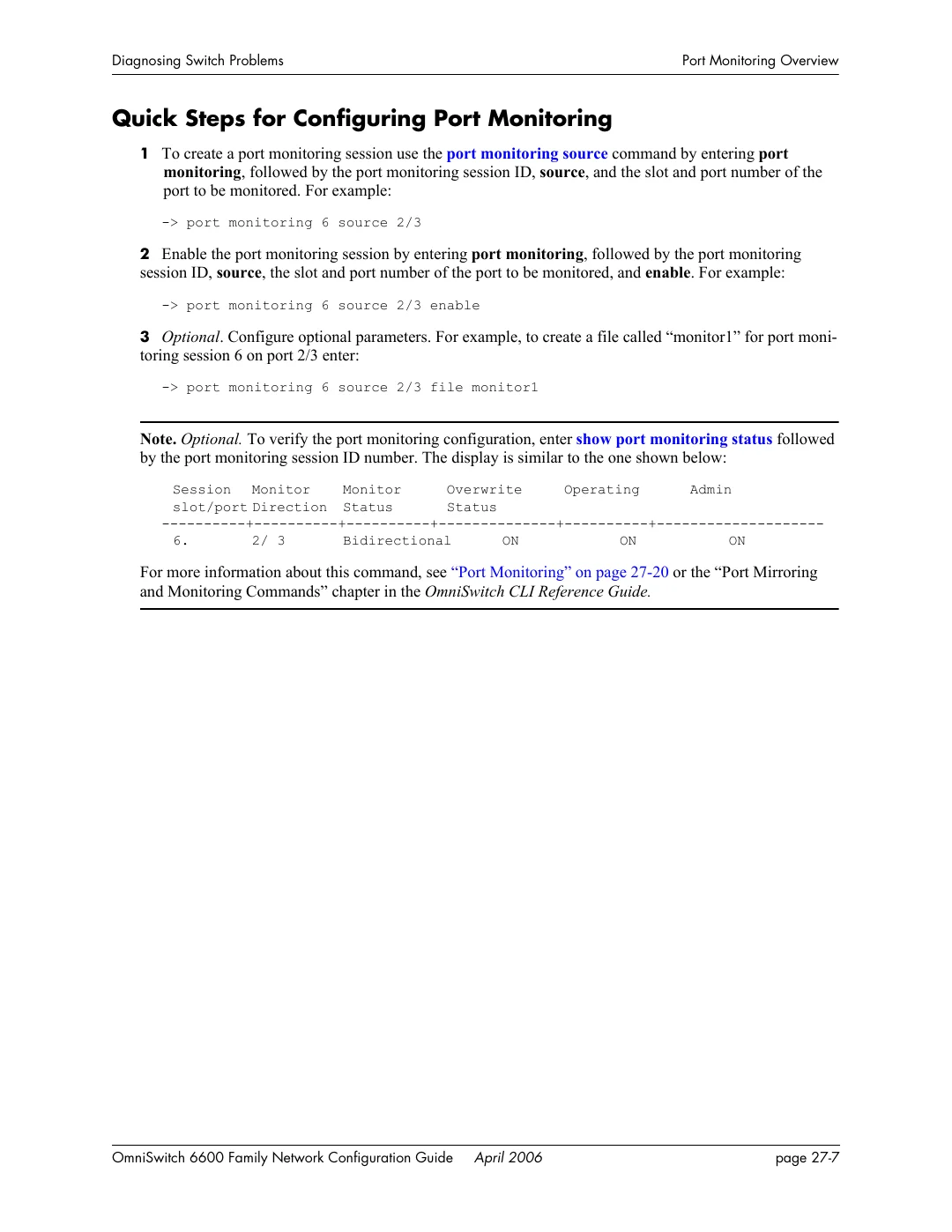
To verify the port monitoring configuration, enter
followed
by the port monitoring session ID number. The display is similar to the one shown below:
Session
Monitor
Monitor
Overwrite
Operating
Admin
slot/port Direction Status
Status
----------+----------+----------+--------------+----------+--------------------
6.
2/ 3
Bidirectional
ON
ON
ON
For more information about this command, see
“Port Monitoring” on page 27-20
or the “Port Mirroring
and Monitoring Commands” chapter in the
OmniSwitch CLI Reference Guide.