Port Monitoring Overview
Diagnosing Switch Problems
page 27-6
OmniSwitch 6600 Family Network Configuration Guide
April 2006
Port Monitoring Overview
The following sections detail the specifications, defaults, and quick set up steps for the port mirroring
feature. Detailed procedures are found in
“Port Monitoring Overview” on page 27-6
.
Port Monitoring Specifications
Port Monitoring Defaults
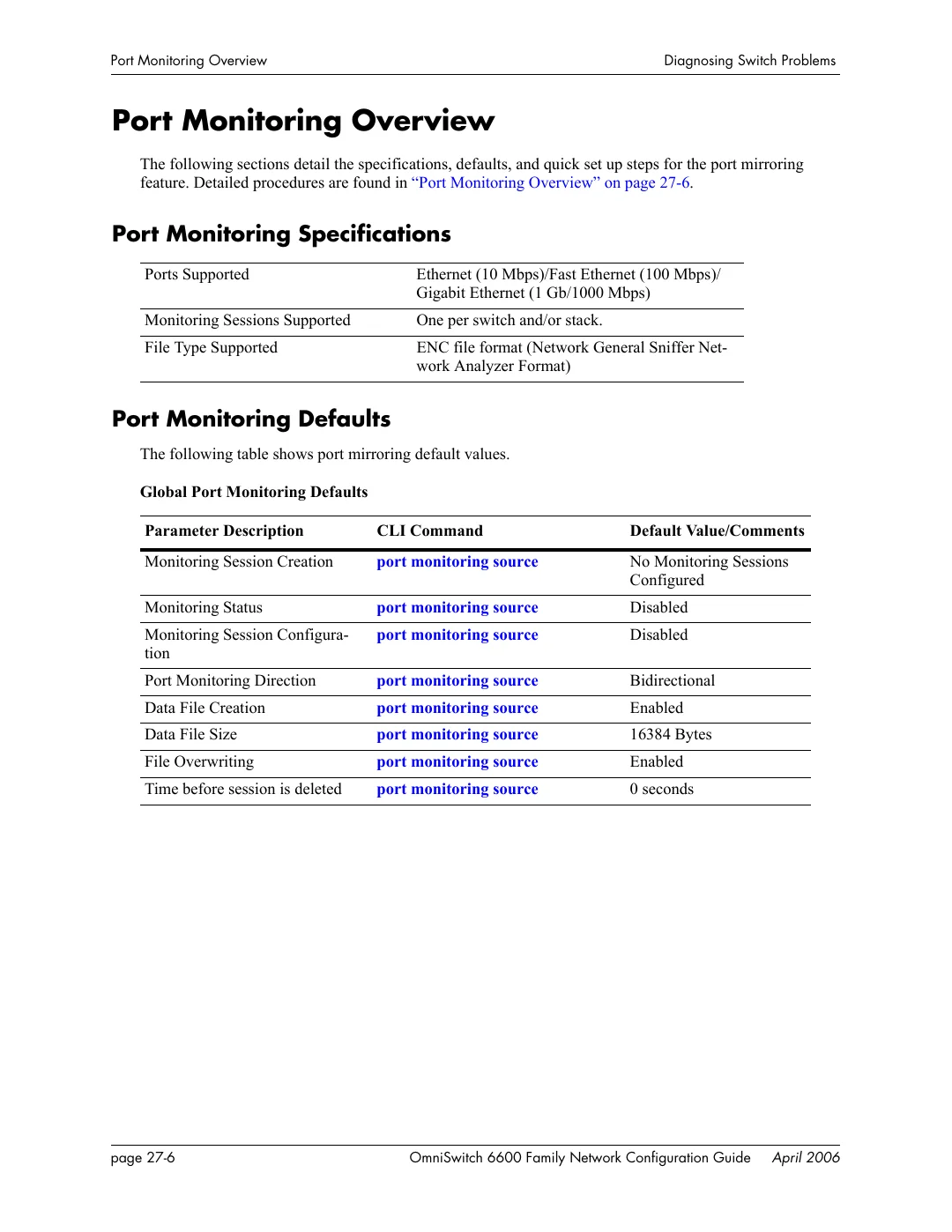
The following table shows port mirroring default values.
Global Port Monitoring Defaults
Ports Supported
Ethernet (10 Mbps)/Fast Ethernet (100 Mbps)/
Gigabit Ethernet (1 Gb/1000 Mbps)
Monitoring Sessions Supported
One per switch and/or stack.
File Type Supported
ENC file format (Network General Sniffer Net-
work Analyzer Format)
Parameter Description
CLI Command
Default Value/Comments
Monitoring Session Creation
No Monitoring Sessions
Configured
Monitoring Status
Disabled
Monitoring Session Configura-
tion
Disabled
Port Monitoring Direction
Bidirectional
Data File Creation
Enabled
Data File Size
16384 Bytes
File Overwriting
Enabled
Time before session is deleted
0 seconds