VLAN Rules Overview
Defining VLAN Rules
page 8-4
OmniSwitch 6600 Family Network Configuration Guide
April 2006
VLAN Rules Overview
The mobile port feature available on the switch allows dynamic VLAN port assignment based on VLAN
rules that are applied to mobile port traffic.When a port is defined as a mobile port, switch software
compares traffic coming in on that port with configured VLAN rules. If any of the mobile port traffic
matches any of the VLAN rules, the port and the matching traffic become a member of that VLAN.
VLANs do not have a mobile or non-mobile distinction and there is no overall switch setting to invoke the
mobile port feature. Instead, mobility is enabled on individual switch ports and rules are defined for indi-
vidual VLANs to capture mobile port traffic. Refer to
Chapter 7, “Assigning Ports to VLANs,”
for more
information about using mobile ports and dynamic VLAN port assignments.
It is possible to define multiple rules for one VLAN and rules for multiple VLANs. However, only IP and
IPX protocol rules support the dynamic assignment of one mobile port to multiple VLANs. All other rule
types classify a mobile port into one VLAN, even if the port receives traffic that matches other rules.
VLAN Rule Types
There are several types of configurable VLAN rules available for classifying different types of network
device traffic. There is no limit to the number of rules allowed per VLAN and up to 8,129 of each rule
type is allowed per switch. See
“Configuring VLAN Rule Definitions” on page 8-11
for instructions on
how to create a VLAN rule.
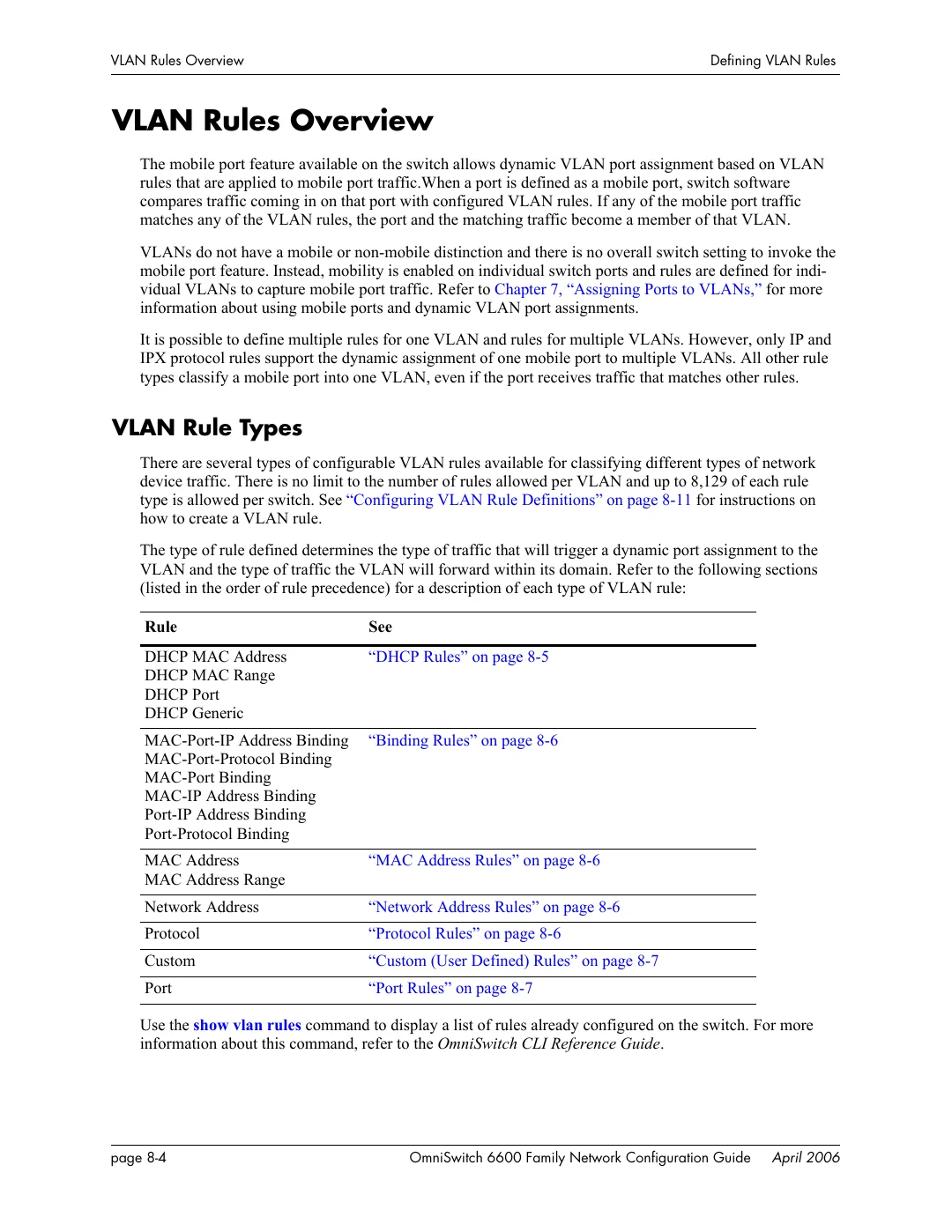
The type of rule defined determines the type of traffic that will trigger a dynamic port assignment to the
VLAN and the type of traffic the VLAN will forward within its domain. Refer to the following sections
(listed in the order of rule precedence) for a description of each type of VLAN rule:
Use the
command to display a list of rules already configured on the switch. For more
information about this command, refer to the
OmniSwitch CLI Reference Guide
.
Rule
See
DHCP MAC Address
DHCP MAC Range
DHCP Port
DHCP Generic
MAC-Port-IP Address Binding
MAC-Port-Protocol Binding
MAC-Port Binding
MAC-IP Address Binding
Port-IP Address Binding
Port-Protocol Binding
MAC Address
MAC Address Range
“MAC Address Rules” on page 8-6
Network Address
“Network Address Rules” on page 8-6
Protocol
Custom
“Custom (User Defined) Rules” on page 8-7
Port