Verifying the IP Configuration
Configuring IP
page 14-24
OmniSwitch 6600 Family Network Configuration Guide
April 2006
Displaying UDP Information
UDP is a secondary transport-layer protocol that uses IP for delivery. UDP is not connection-oriented and
does not provide reliable end-to-end delivery of datagrams. But some applications can safely use UDP to
send datagrams that do not require the extra overhead added by TCP. Use the
command to display UDP statistics. Use the
command to display UDP port information.
Verifying the IP Configuration
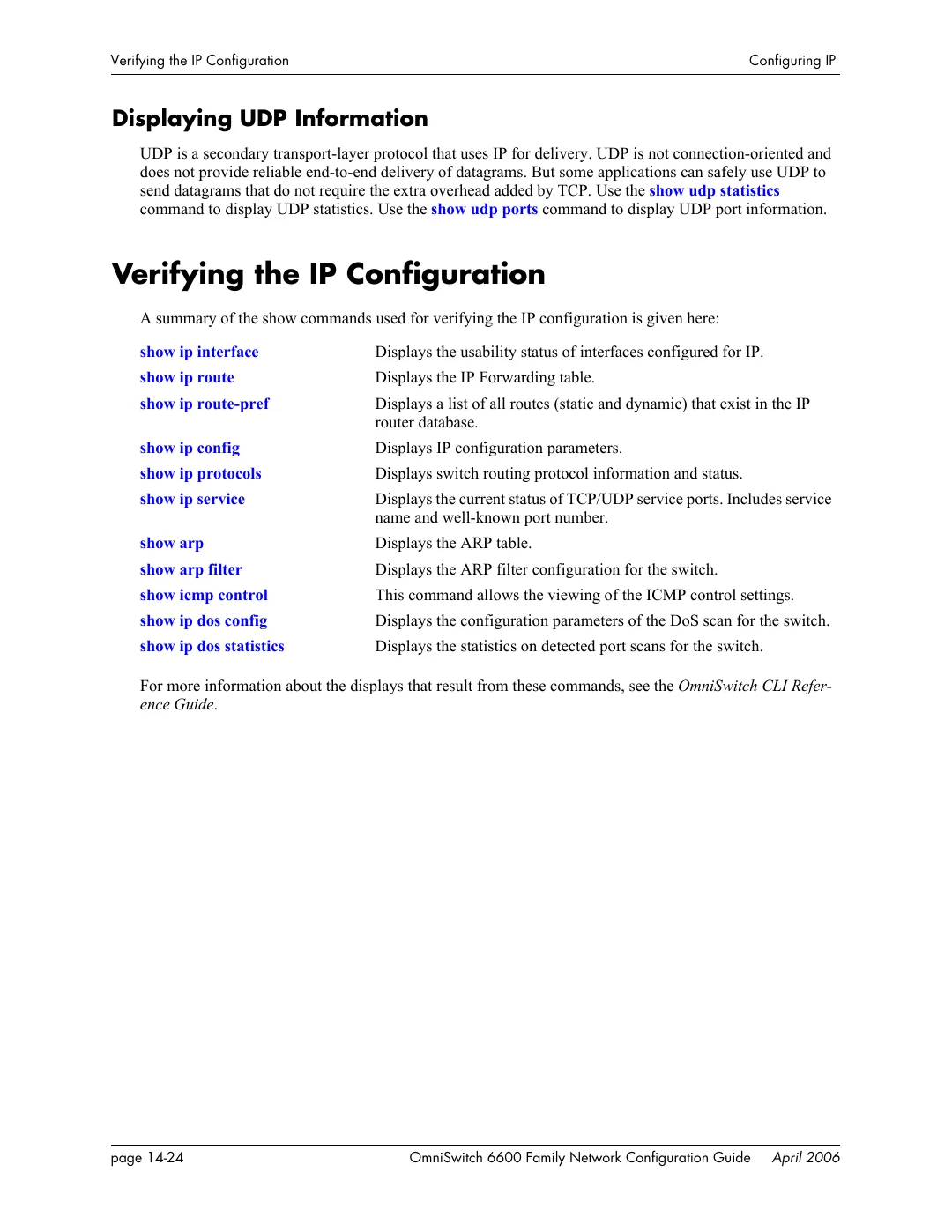
A summary of the show commands used for verifying the IP configuration is given here:
For more information about the displays that result from these commands, see the
OmniSwitch CLI Refer-
ence Guide
.
Displays the usability status of interfaces configured for IP.
Displays the IP Forwarding table.
Displays a list of all routes (static and dynamic) that exist in the IP
router database.
Displays IP configuration parameters.
Displays switch routing protocol information and status.
Displays the current status of TCP/UDP service ports. Includes service
name and well-known port number.
Displays the ARP table.
Displays the ARP filter configuration for the switch.
This command allows the viewing of the ICMP control settings.
Displays the configuration parameters of the DoS scan for the switch.
Displays the statistics on detected port scans for the switch.