Printing Media
High Resolution Paper HR-101N
This type of paper provides better colour reproduction than plain paper. It is suitable for printing business documents that feature graphics, and for photographs.
■Loading
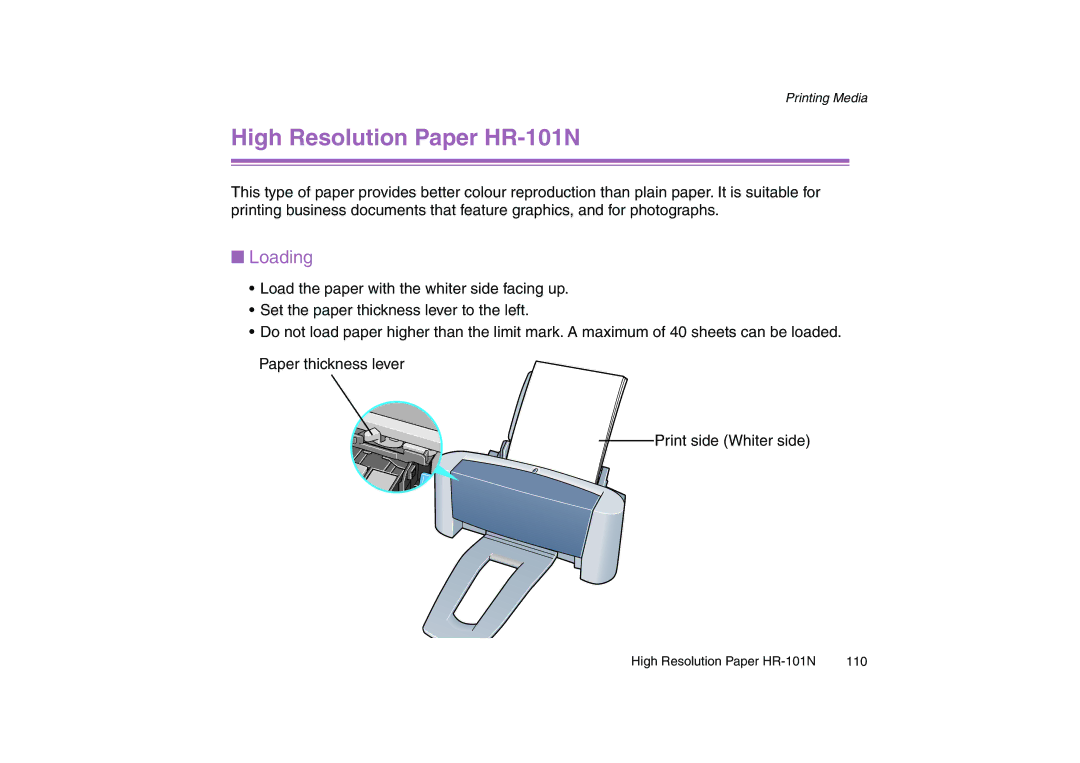
•Load the paper with the whiter side facing up.
•Set the paper thickness lever to the left.
•Do not load paper higher than the limit mark. A maximum of 40 sheets can be loaded. Paper thickness lever
Print side (Whiter side)
High Resolution Paper | 110 |