Chapter 12
Connecting Off-Air Antenna
Peaking Your Off-Air Antenna
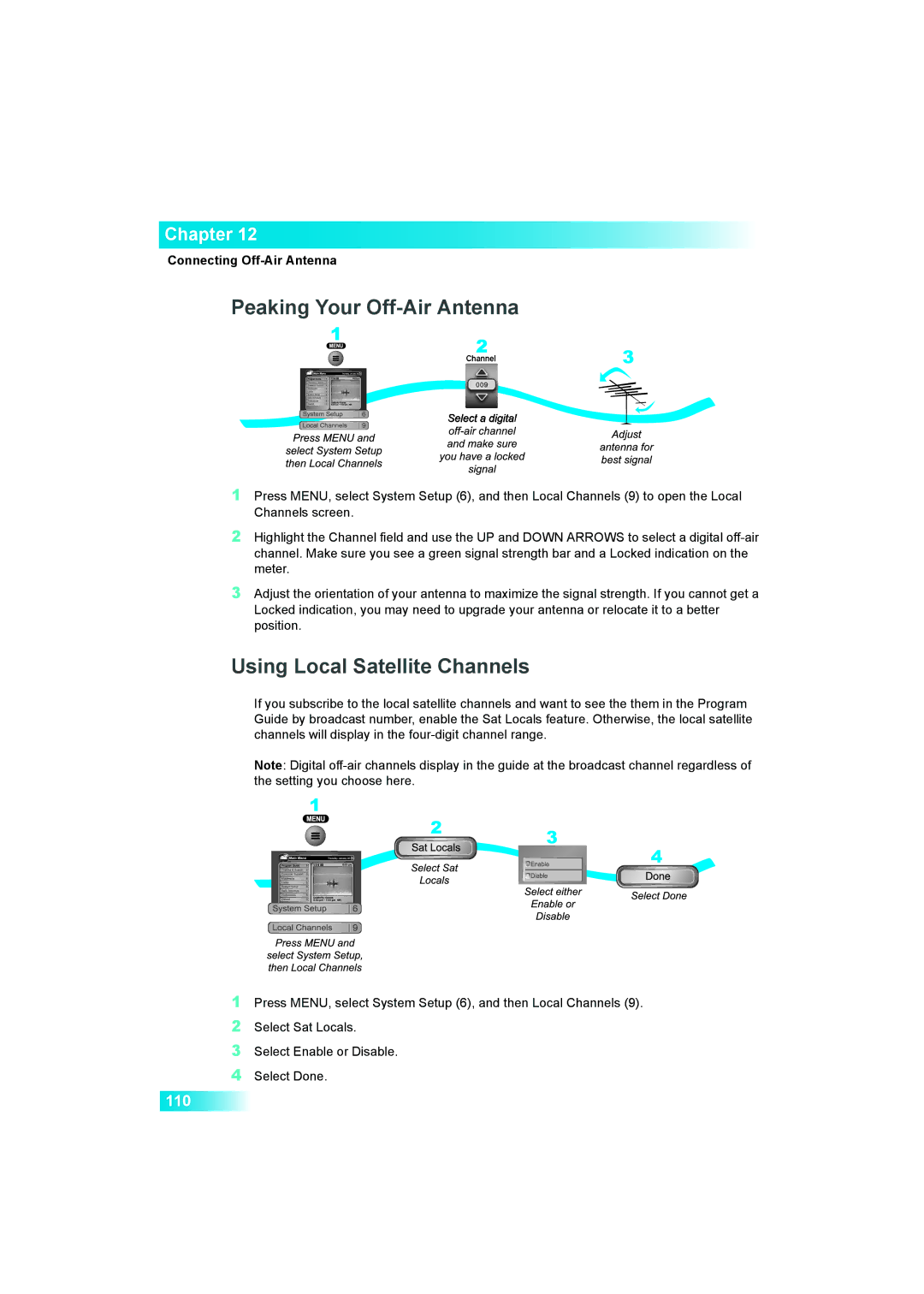
1Press MENU, select System Setup (6), and then Local Channels (9) to open the Local Channels screen.
2Highlight the Channel field and use the UP and DOWN ARROWS to select a digital
3Adjust the orientation of your antenna to maximize the signal strength. If you cannot get a Locked indication, you may need to upgrade your antenna or relocate it to a better position.
Using Local Satellite Channels
If you subscribe to the local satellite channels and want to see the them in the Program Guide by broadcast number, enable the Sat Locals feature. Otherwise, the local satellite channels will display in the
Note: Digital
1Press MENU, select System Setup (6), and then Local Channels (9).
2Select Sat Locals.
3Select Enable or Disable.
4Select Done.
110