7)“ZOOM ” :
Press “ZOOM” button to enlarge the picture of selected channel (2X digital zoom).
8)“  ” / “ - ” :
Press “  “ button to show the 4 channel display mode. Press “ - ” button to change the setting in the menu.
9)“SEQ” / “ + ” :
Press “SEQ” button to activate the call monitor function and press “SEQ” button again to escape the call monitor mode.
Press “+ ” button to change the setting in the menu.
10)“POWER” :
Press this button to turn on / turn off the DVR.
(Under recording mode, please stop record before turn off the DVR).
11)“CH1 ” “CH2 ” “CH3 ” “CH4 ” :
Press “1 ” “2 ” “3 ” “4 ” buttons to select the channel.
12)“REC” :
Press “REC” button to activate the manual recording.
13)“PLAY” :
Press “PLAY” button to playback the recorded files.
14)“UP / PAUSE , DOWN / STOP, LEFT / FAST REWIND, RIGHT / FAST FORWARD“ :
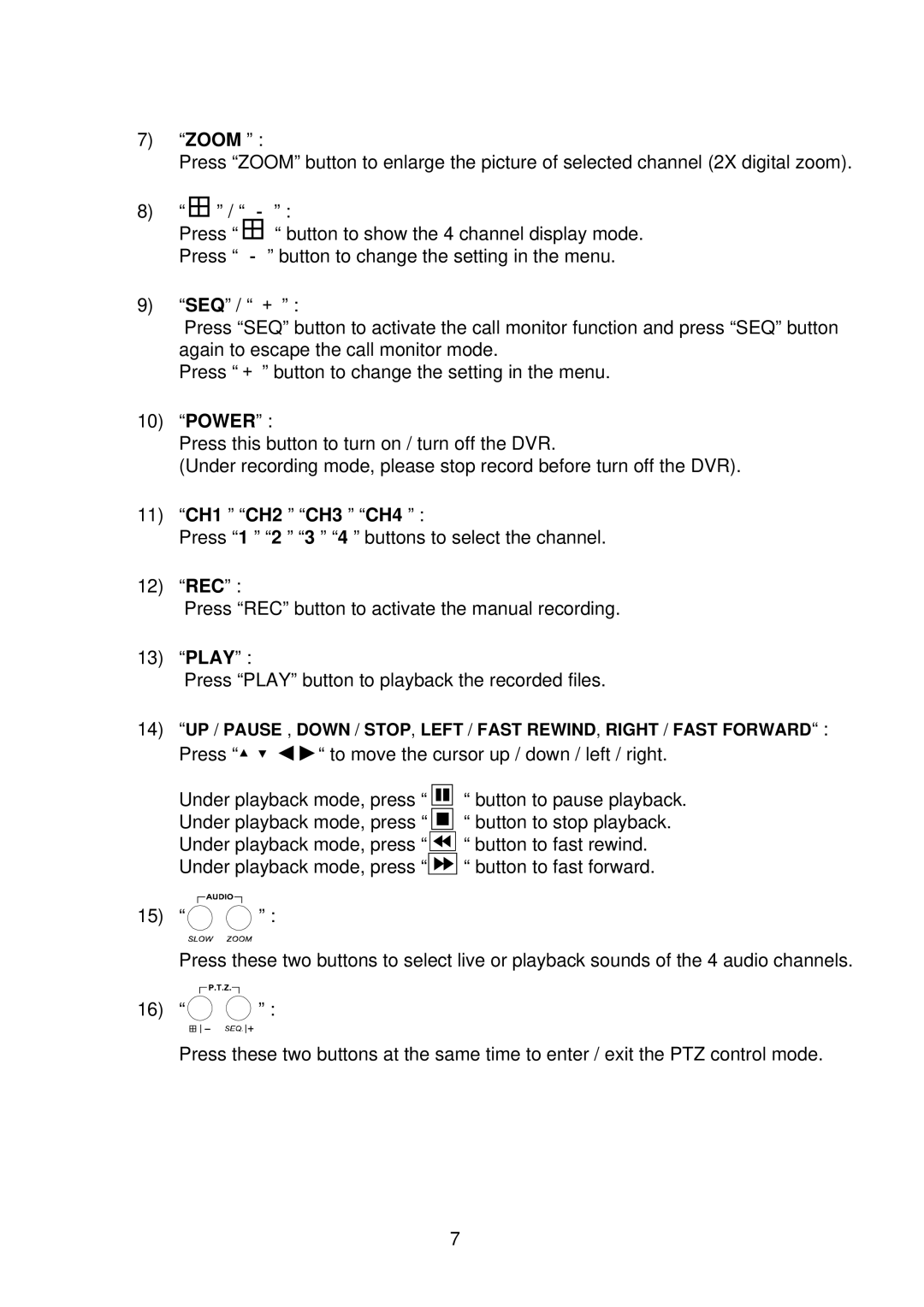
Press “▲▼◄►“ to move the cursor up / down / left / right.
Under playback mode, press “ Under playback mode, press “ Under playback mode, press “ Under playback mode, press “
“ button to pause playback.
“ button to stop playback.


 “ button to fast rewind.

 “ button to fast forward.
15) “ | ” : |
Press these two buttons to select live or playback sounds of the 4 audio channels.
16) “ | ” : |
Press these two buttons at the same time to enter / exit the PTZ control mode.
7