User’s Guide | 2 Installing the Telephone |
|
|
|
|
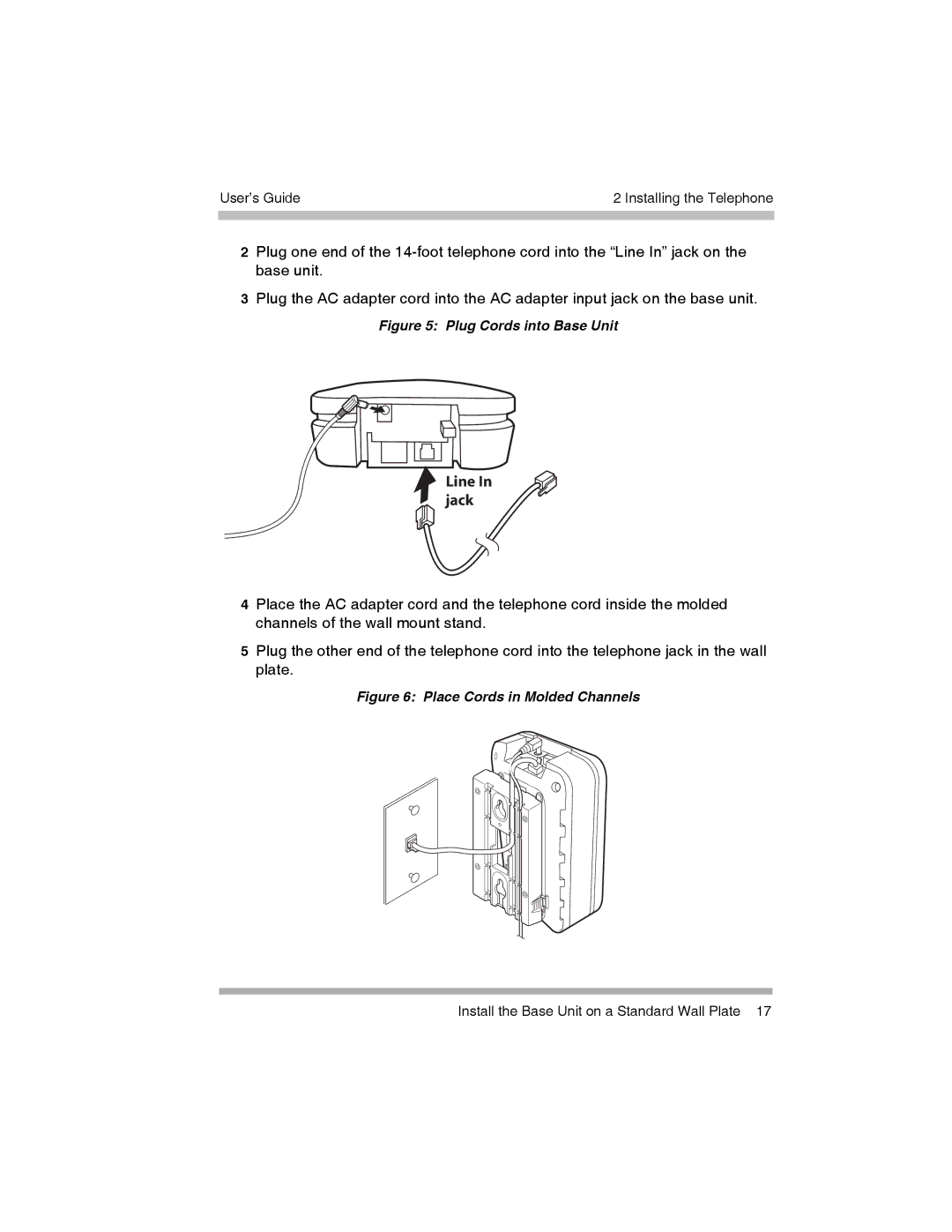
2Plug one end of the
3Plug the AC adapter cord into the AC adapter input jack on the base unit.
Figure 5: Plug Cords into Base Unit
Line In jack
4Place the AC adapter cord and the telephone cord inside the molded channels of the wall mount stand.
5Plug the other end of the telephone cord into the telephone jack in the wall plate.
Figure 6: Place Cords in Molded Channels
Install the Base Unit on a Standard Wall Plate 17