2 Installing the Telephone | User’s Guide |
|
|
|
|
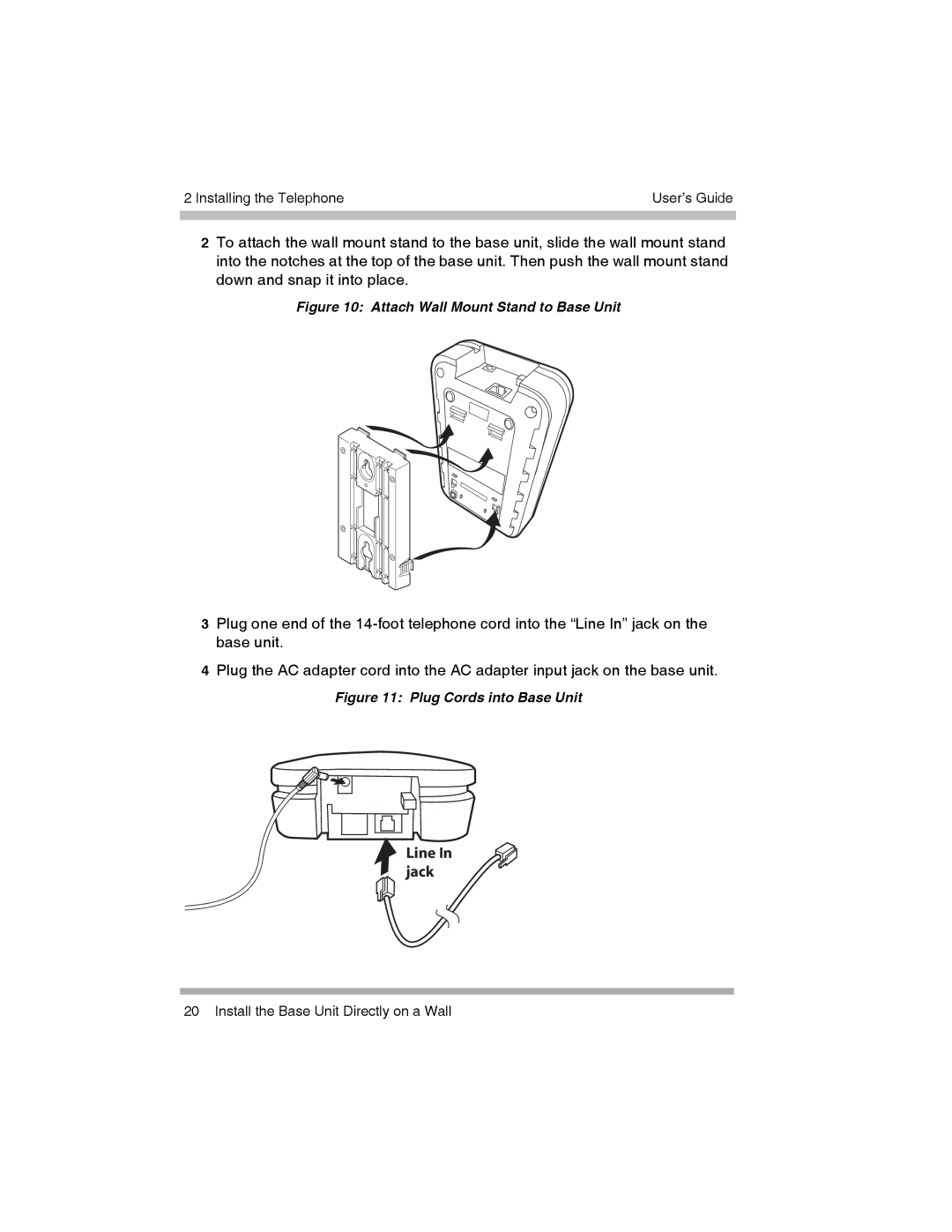
2To attach the wall mount stand to the base unit, slide the wall mount stand into the notches at the top of the base unit. Then push the wall mount stand down and snap it into place.
Figure 10: Attach Wall Mount Stand to Base Unit
3Plug one end of the
4Plug the AC adapter cord into the AC adapter input jack on the base unit.
Figure 11: Plug Cords into Base Unit
Line In jack
20 Install the Base Unit Directly on a Wall