2 Installing the Telephone | User’s Guide |
|
|
|
|
Charge the Spare Battery
It is recommended that you have a spare battery always charging to protect against complete battery discharge. The charger unit is equipped to charge the spare battery with or without the handset in the front slot. See Appendix C, “Accessories” for information on ordering a spare battery.
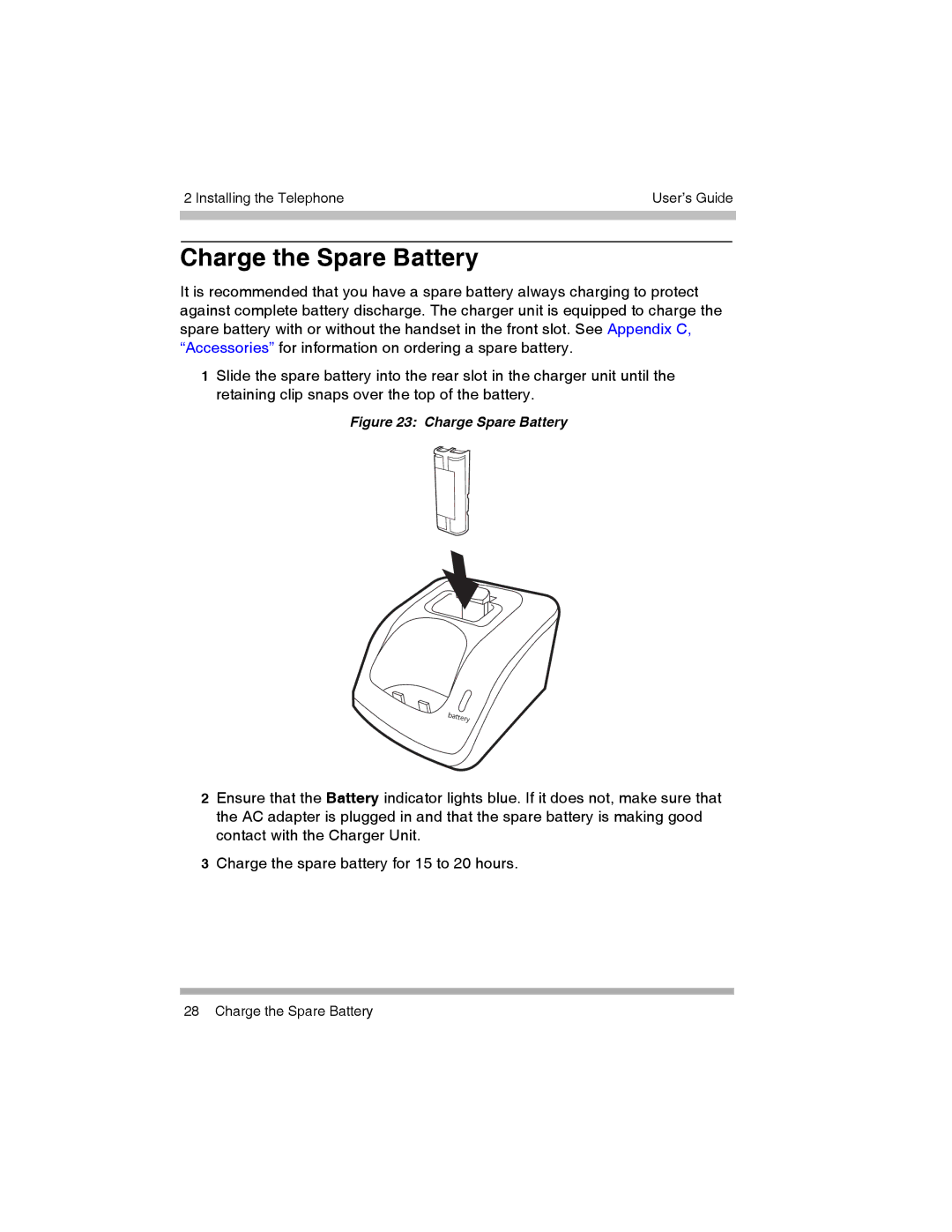
1Slide the spare battery into the rear slot in the charger unit until the retaining clip snaps over the top of the battery.
Figure 23: Charge Spare Battery
2Ensure that the Battery indicator lights blue. If it does not, make sure that the AC adapter is plugged in and that the spare battery is making good contact with the Charger Unit.
3Charge the spare battery for 15 to 20 hours.
28 Charge the Spare Battery