Switching off the child security lock
•Press the recipe button  and the temperature button
  simultaneously until “CHILD SAFETY” disappears from the disply.
The child safety lock has now been switched off and the oven is ready for use.
Locking use of the buttons
To protect all set oven functions from being inadvertently altered.
Switching on the button lock function
1.Switch the appliance on (if it is off) by pressing the main power button.
2.Select oven function.
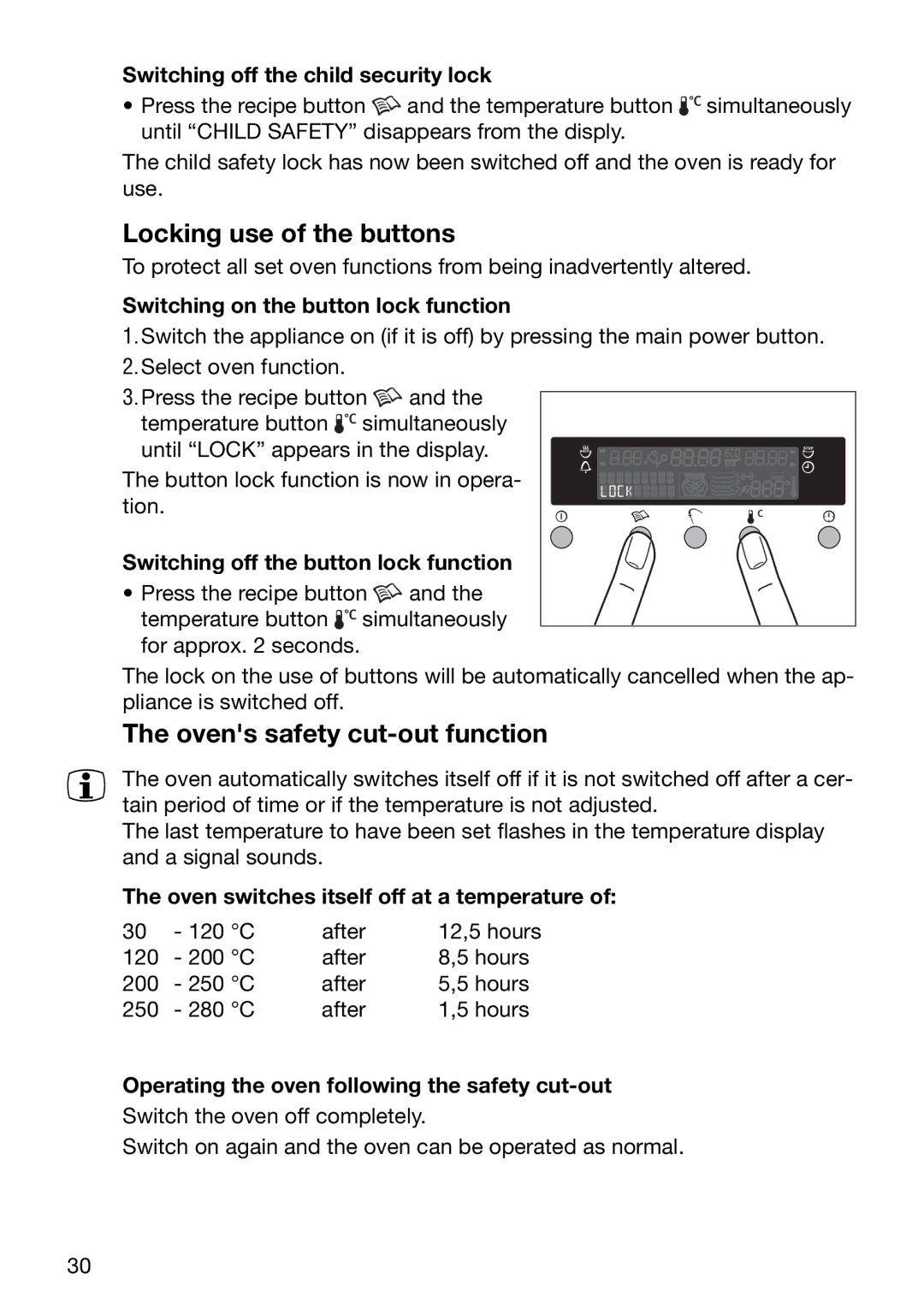
3.Press the recipe button  and the temperature button
  simultaneously
until “LOCK” appears in the display. The button lock function is now in opera- tion.
Switching off the button lock function
• Press the recipe button  and the temperature button
  simultaneously
for approx. 2 seconds.
The lock on the use of buttons will be automatically cancelled when the ap- pliance is switched off.
The oven's safety cut-out function
3 The oven automatically switches itself off if it is not switched off after a cer- tain period of time or if the temperature is not adjusted.
The last temperature to have been set flashes in the temperature display and a signal sounds.
The oven switches itself off at a temperature of:
30 | - 120 °C | after | 12,5 hours |
120 | - 200 °C | after | 8,5 hours |
200 | - 250 °C | after | 5,5 hours |
250 | - 280 °C | after | 1,5 hours |
Operating the oven following the safety
Switch the oven off completely.
Switch on again and the oven can be operated as normal.
30