ENGLISH
State Presetting
The setting position of this product can be saved/called. Up to 8 positions can be saved. The presets that can be saved are as follows:
•Current zoom field angle (Optical zoom range)
•Brightness status
•White Balance state
•
•
•Edge Effect settings (When Graphics mode is selected)
•Gamma value settings (When Graphics mode is selected)
•Lighting ON/OFF
•Color/B&W selection settings
•Image Rotation state
•Mode settings
•Posi/Nega settings
The saved state can be retained even if the power supply is turned OFF.
Rotated position cannot be saved to "Power On" setting. (Memory No.8 on remote control)
■Presetting
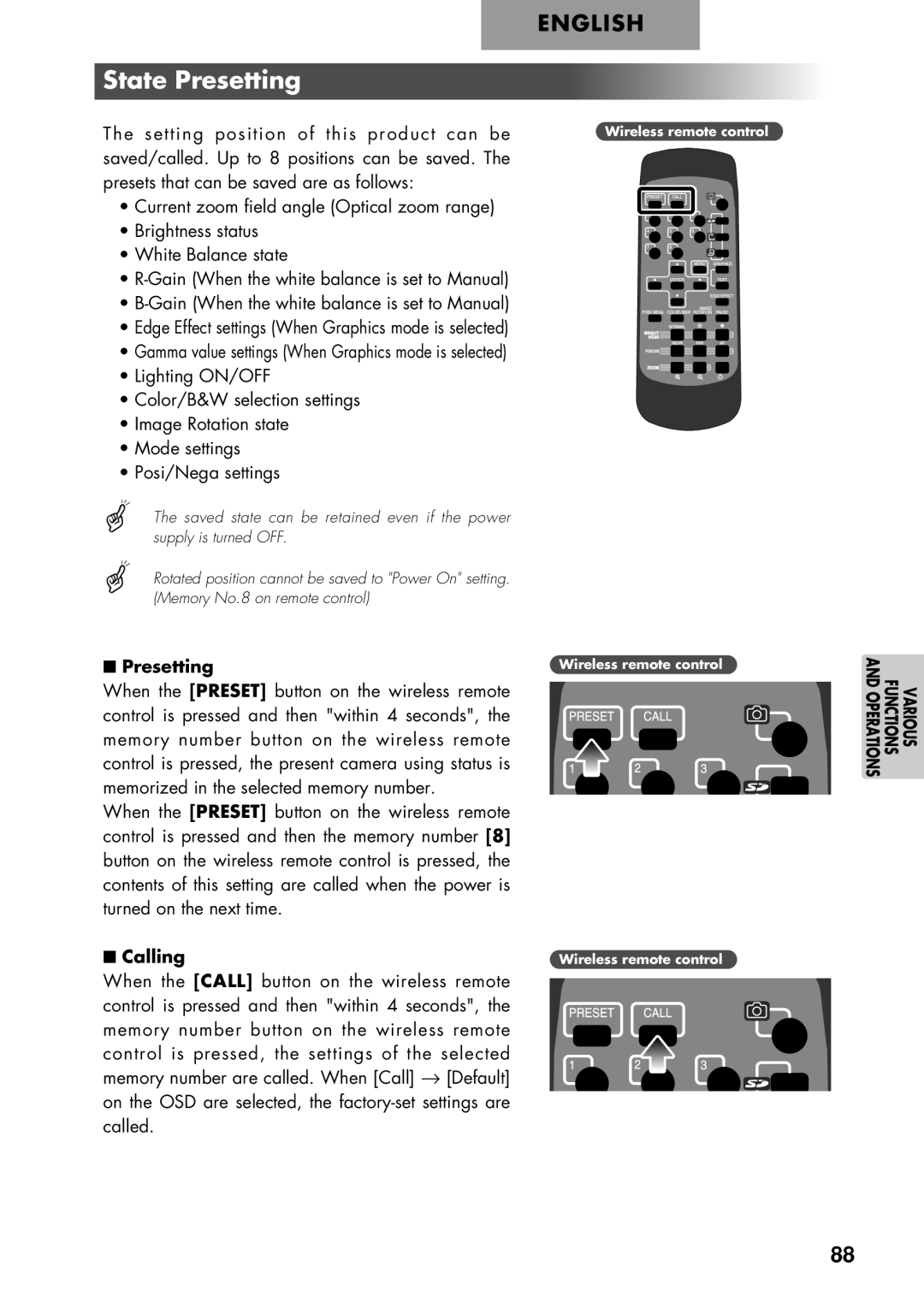
When the [PRESET] button on the wireless remote control is pressed and then "within 4 seconds", the memory number button on the wireless remote control is pressed, the present camera using status is memorized in the selected memory number.
When the [PRESET] button on the wireless remote control is pressed and then the memory number [8] button on the wireless remote control is pressed, the contents of this setting are called when the power is turned on the next time.
■Calling
When the [CALL] button on the wireless remote control is pressed and then "within 4 seconds", the memory number button on the wireless remote control is pressed, the settings of the selected memory number are called. When [Call] → [Default] on the OSD are selected, the
Wireless remote control
Wireless remote control
Wireless remote control
VARIOUS FUNCTIONS AND OPERATIONS
88