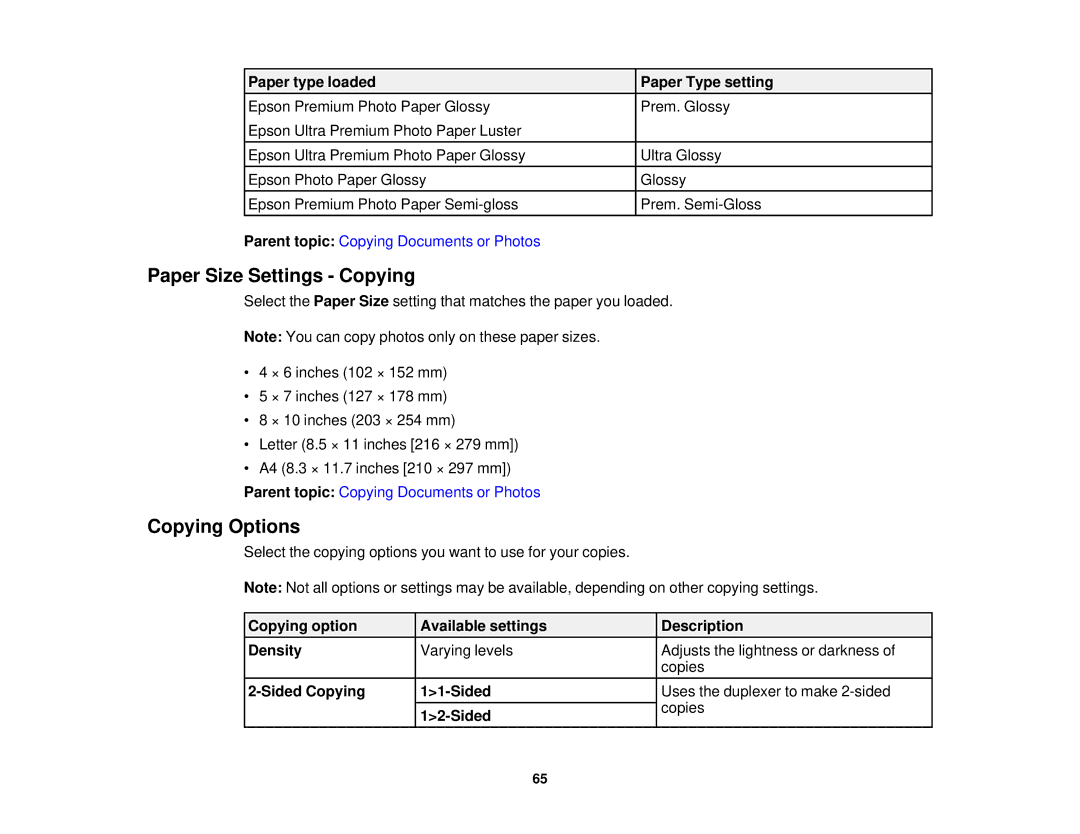
Paper type loaded | Paper Type setting |
Epson Premium Photo Paper Glossy | Prem. Glossy |
Epson Ultra Premium Photo Paper Luster |
|
Epson Ultra Premium Photo Paper Glossy | Ultra Glossy |
Epson Photo Paper Glossy | Glossy |
Epson Premium Photo Paper | Prem. |
Parent topic: Copying Documents or Photos |
|
Paper Size Settings - Copying
Select the Paper Size setting that matches the paper you loaded.
Note: You can copy photos only on these paper sizes.
•4 × 6 inches (102 × 152 mm)
•5 × 7 inches (127 × 178 mm)
•8 × 10 inches (203 × 254 mm)
•Letter (8.5 × 11 inches [216 × 279 mm])
•A4 (8.3 × 11.7 inches [210 × 297 mm])
Parent topic: Copying Documents or Photos
Copying Options
Select the copying options you want to use for your copies.
Note: Not all options or settings may be available, depending on other copying settings.
Copying option | Available settings | Description |
Density | Varying levels | Adjusts the lightness or darkness of |
|
| copies |
Uses the duplexer to make | ||
|
| copies |
| ||
|
|
65