Monitoring Disk Resources
Rules for Using the EMS Disk Monitor with MC/ServiceGuard
Table
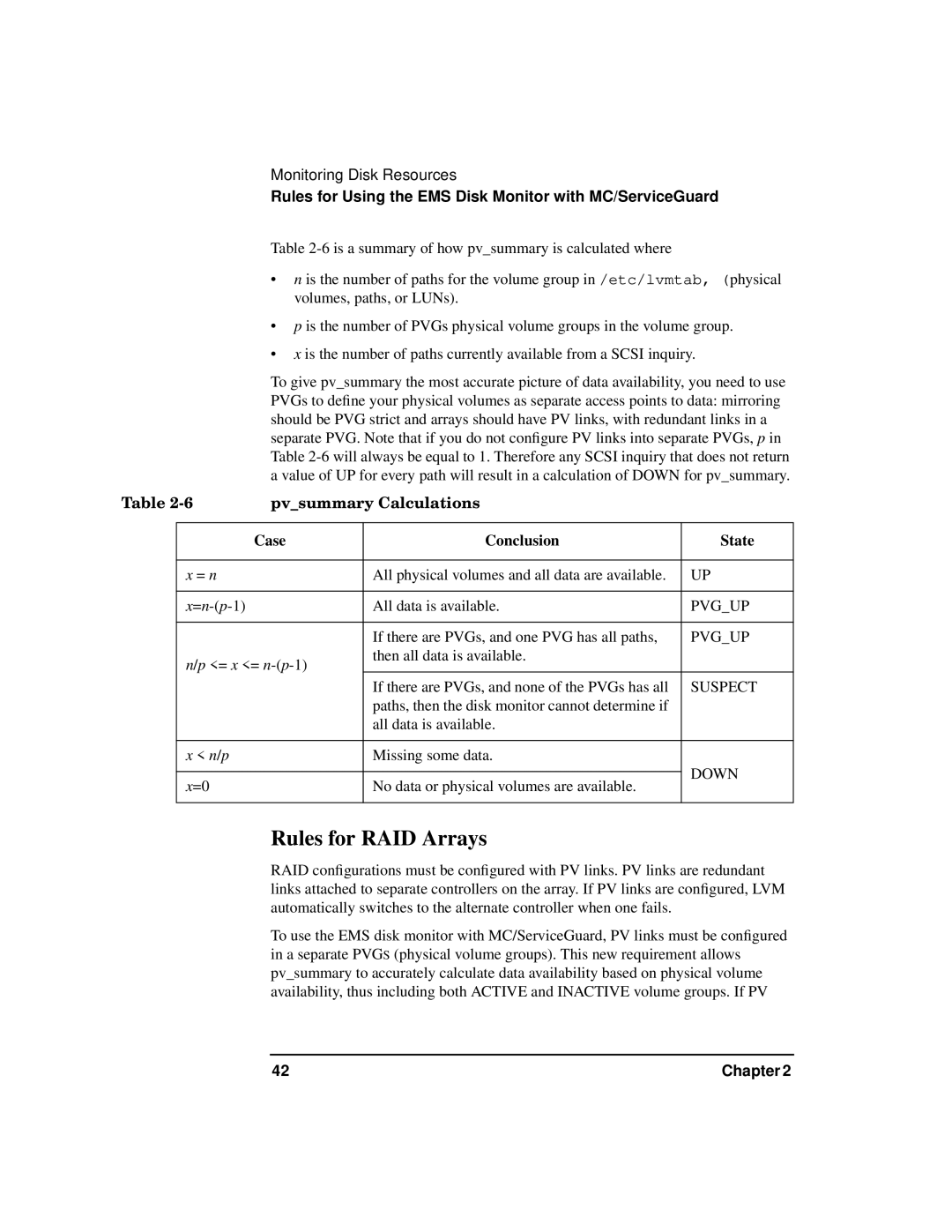
•n is the number of paths for the volume group in /etc/lvmtab, (physical volumes, paths, or LUNs).
•p is the number of PVGs physical volume groups in the volume group.
•x is the number of paths currently available from a SCSI inquiry.
To give pv_summary the most accurate picture of data availability, you need to use PVGs to define your physical volumes as separate access points to data: mirroring should be PVG strict and arrays should have PV links, with redundant links in a separate PVG. Note that if you do not configure PV links into separate PVGs, p in Table
Table | pv_summary Calculations |
| ||
|
|
|
|
|
|
| Case | Conclusion | State |
|
|
|
|
|
| x = n |
| All physical volumes and all data are available. | UP |
|
|
|
|
|
|
| All data is available. | PVG_UP | |
|
|
|
|
|
|
|
| If there are PVGs, and one PVG has all paths, | PVG_UP |
| n/p <= x <= | then all data is available. |
| |
|
|
| ||
|
|
| If there are PVGs, and none of the PVGs has all | SUSPECT |
|
|
| paths, then the disk monitor cannot determine if |
|
|
|
| all data is available. |
|
|
|
|
|
|
| x < n/p |
| Missing some data. |
|
|
|
|
| DOWN |
| x=0 |
| No data or physical volumes are available. | |
|
|
| ||
|
|
|
|
|
Rules for RAID Arrays
RAID configurations must be configured with PV links. PV links are redundant links attached to separate controllers on the array. If PV links are configured, LVM automatically switches to the alternate controller when one fails.
To use the EMS disk monitor with MC/ServiceGuard, PV links must be configured in a separate PVGS (physical volume groups). This new requirement allows pv_summary to accurately calculate data availability based on physical volume availability, thus including both ACTIVE and INACTIVE volume groups. If PV
42 | Chapter 2 |