Monitoring Network Interfaces
Network Monitor Reference
|
| Network Monitor Reference | ||||
|
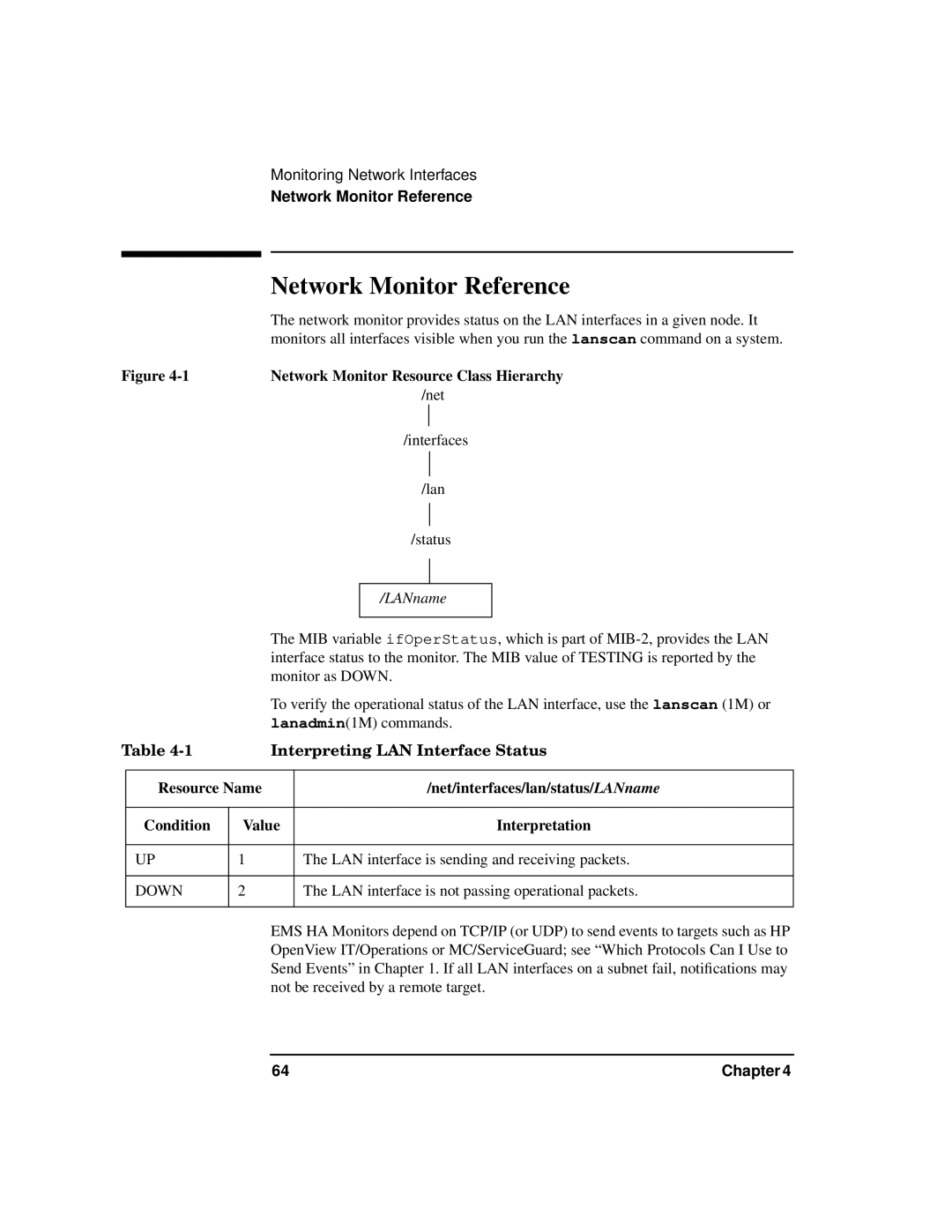
| The network monitor provides status on the LAN interfaces in a given node. It | ||||
|
| monitors all interfaces visible when you run the lanscan command on a system. | ||||
Figure | Network Monitor Resource Class Hierarchy | |||||
|
|
|
| /net | ||
|
|
|
|
|
| |
|
|
|
| /interfaces | ||
|
|
|
|
| ||
|
|
|
|
|
| |
|
|
|
| /lan | ||
|
|
|
|
| ||
|
|
|
|
|
| |
|
|
|
| /status | ||
|
|
|
|
|
|
|
|
|
|
|
|
|
|
|
|
|
| /LANname |
| |
|
|
|
|
|
|
|
|
| The MIB variable ifOperStatus, which is part of | ||||
|
| interface status to the monitor. The MIB value of TESTING is reported by the | ||||
|
| monitor as DOWN. | ||||
|
| To verify the operational status of the LAN interface, use the lanscan (1M) or | ||||
|
| lanadmin(1M) commands. | ||||
Table | Interpreting LAN Interface Status | |||||
|
|
|
|
| ||
| Resource Name |
| /net/interfaces/lan/status/LANname | |||
|
|
|
|
|
|
|
| Condition | Value |
|
|
| Interpretation |
|
|
|
| |||
| UP | 1 | The LAN interface is sending and receiving packets. | |||
|
|
|
| |||
| DOWN | 2 | The LAN interface is not passing operational packets. | |||
|
|
|
|
|
|
|
EMS HA Monitors depend on TCP/IP (or UDP) to send events to targets such as HP OpenView IT/Operations or MC/ServiceGuard; see “Which Protocols Can I Use to Send Events” in Chapter 1. If all LAN interfaces on a subnet fail, notifications may not be received by a remote target.
64 | Chapter 4 |