Monitoring System Resources
System Monitor Reference
Job Queues
The job queue monitor checks the average number of processes that have been waiting for CPU and performing disk I/O over the last 1, 5, or 15 minutes. A value of 4 in /system/jobQueue5Min means that at the time of polling there was an average of 4 jobs in the queue over the last 5 minutes.
The MIB variables computerSystemAvgJobs1, computerSystemAvgJobs5, and computerSystemAvgJobs15 from the
|
| To verify the load averages on the system, use the uptime (1) command. | ||
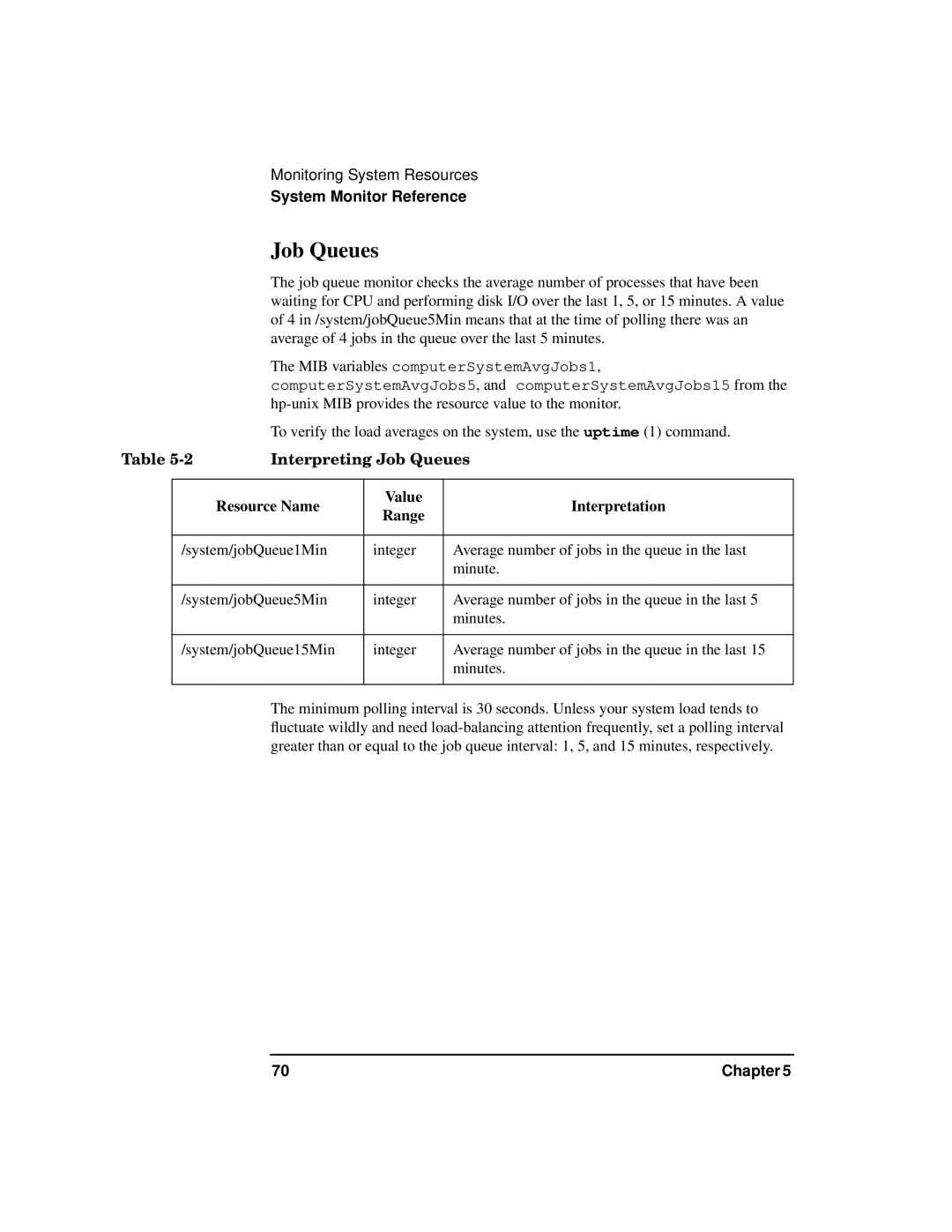
Table | Interpreting Job Queues | |||
|
|
|
|
|
|
| Resource Name | Value | Interpretation |
|
| Range | ||
|
|
|
| |
|
|
|
| |
| /system/jobQueue1Min | integer | Average number of jobs in the queue in the last | |
|
|
|
| minute. |
|
|
|
| |
| /system/jobQueue5Min | integer | Average number of jobs in the queue in the last 5 | |
|
|
|
| minutes. |
|
|
|
| |
| /system/jobQueue15Min | integer | Average number of jobs in the queue in the last 15 | |
|
|
|
| minutes. |
|
|
|
|
|
The minimum polling interval is 30 seconds. Unless your system load tends to fluctuate wildly and need
70 | Chapter 5 |