Repeat, Repeat A-B 35
DVD
Repeat
AUDIO CD
VIDEO CD
You may play a Chapter, Track, Title or entire Disc repeatedly.
1
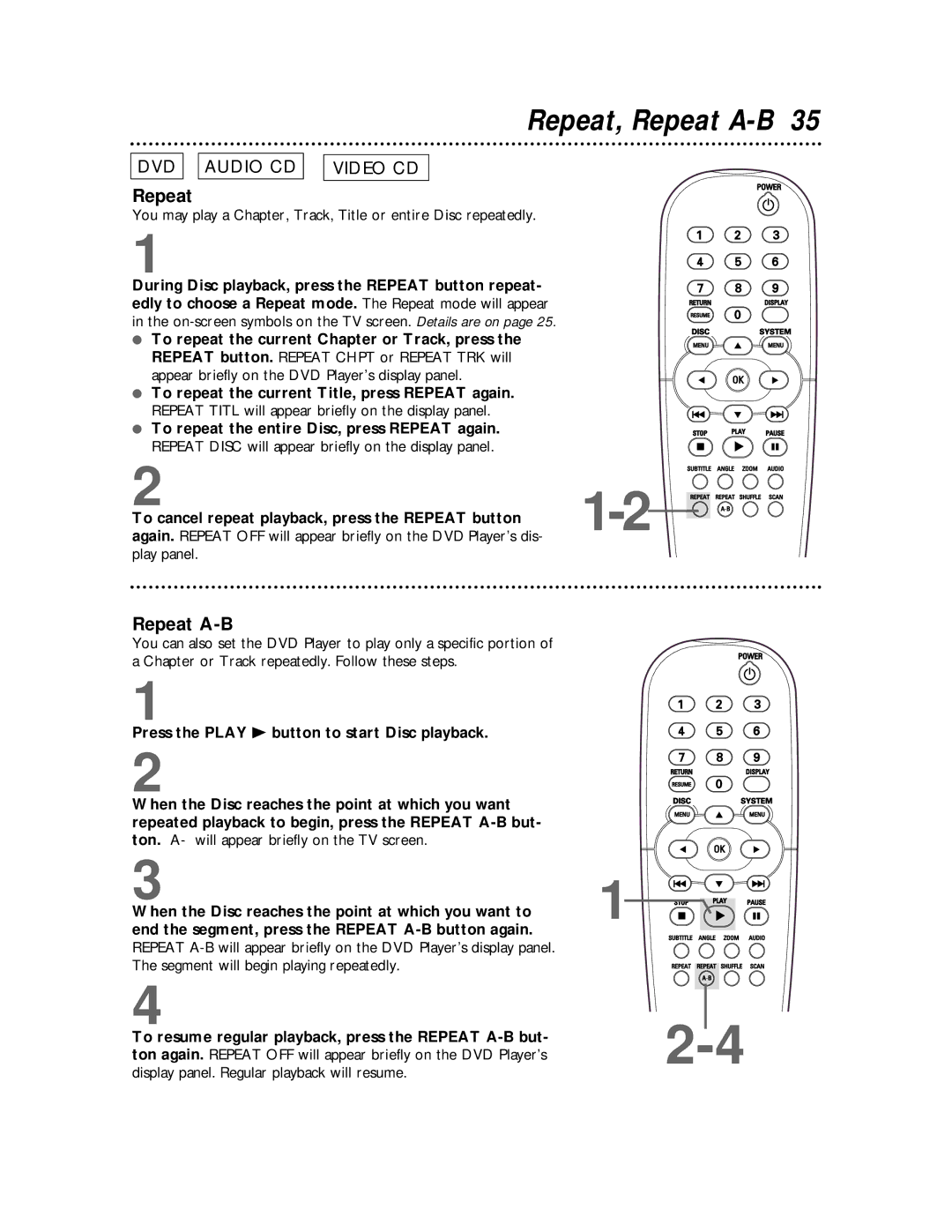
During Disc playback, press the REPEAT button repeat- edly to choose a Repeat mode. The Repeat mode will appear in the
●To repeat the current Chapter or Track, press the REPEAT button. REPEAT CHPT or REPEAT TRK will appear briefly on the DVD Player’s display panel.
●To repeat the current Title, press REPEAT again. REPEAT TITL will appear briefly on the display panel.
●To repeat the entire Disc, press REPEAT again. REPEAT DISC will appear briefly on the display panel.
2
To cancel repeat playback, press the REPEAT button again. REPEAT OFF will appear briefly on the DVD Player’s dis- play panel.
Repeat A-B
You can also set the DVD Player to play only a specific portion of a Chapter or Track repeatedly. Follow these steps.
1
Press the PLAY B button to start Disc playback.
2
When the Disc reaches the point at which you want repeated playback to begin, press the REPEAT
3
When the Disc reaches the point at which you want to end the segment, press the REPEAT
4
To resume regular playback, press the REPEAT


1