Getting Started (continued)
Modifying Channel Information
You can set a TV channel to your preference and improve the reception and the sound quality of the TV channel.
1Press SYSTEM-MENU.
➜ The system menu appears.
2Use 3 4 keys to highlight 
{ System Menu - Channel Setup } and press 2.
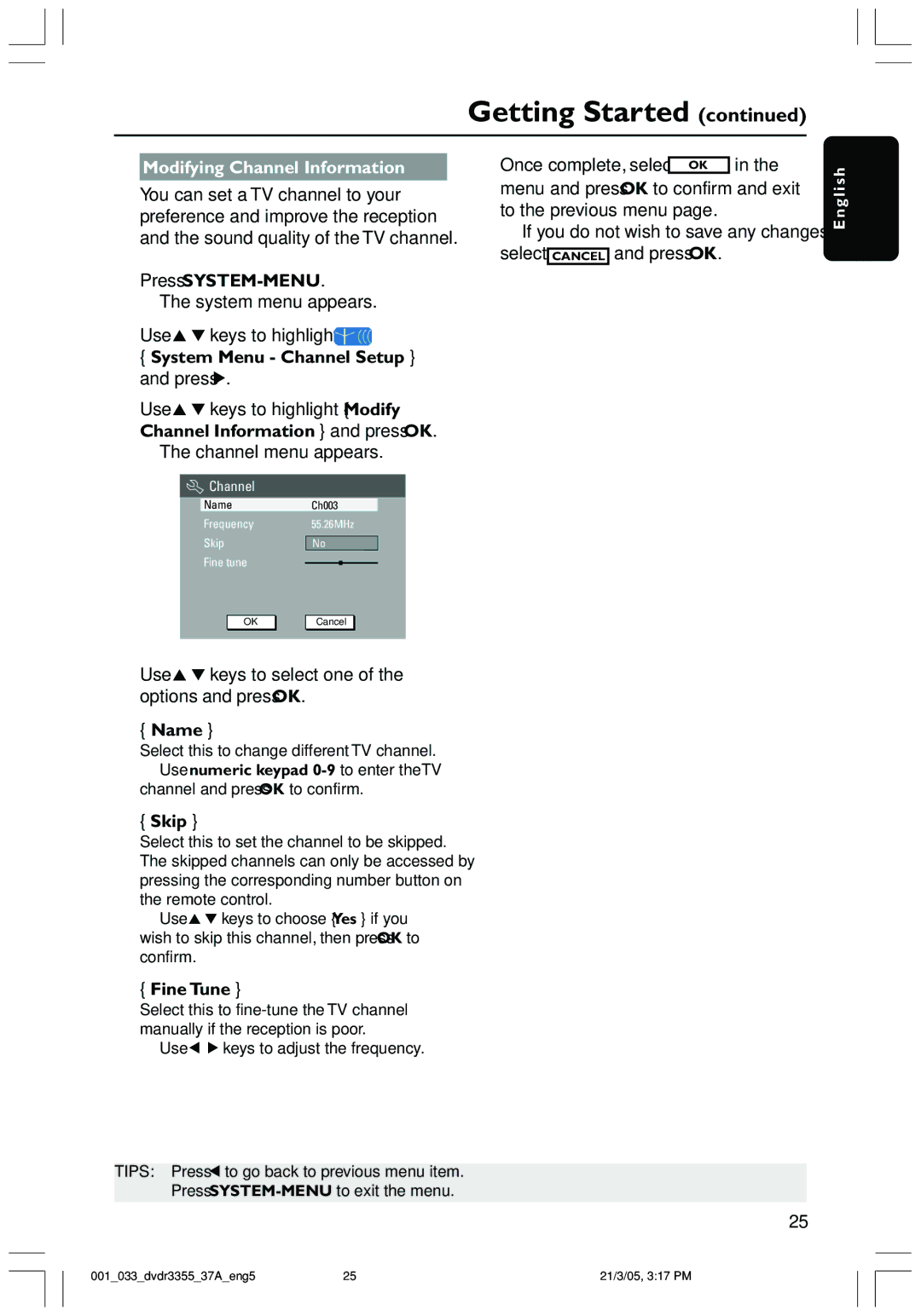
3Use 3 4 keys to highlight { Modify Channel Information } and press OK.
➜ The channel menu appears.
 Channel
NameCh003
Frequency55.26MHz
Skip | No |
Fine tune
5 Once complete, select OK in the menu and press OK to confirm and exit to the previous menu page.
➜If you do not wish to save any changes, select CANCEL and press OK.
E n g l i s h
OK | Cancel |
4Use 3 4 keys to select one of the options and press OK.
{Name }
Select this to change different TV channel.
–Use numeric keypad
{Skip }
Select this to set the channel to be skipped. The skipped channels can only be accessed by pressing the corresponding number button on the remote control.
–Use 3 4 keys to choose { Yes } if you wish to skip this channel, then press OK to confirm.
{Fine Tune }
Select this to
– Use 1 2 keys to adjust the frequency.
TIPS: Press 1 to go back to previous menu item.
Press
25
001_033_dvdr3355_37A_eng5 | 25 | 21/3/05, 3:17 PM |