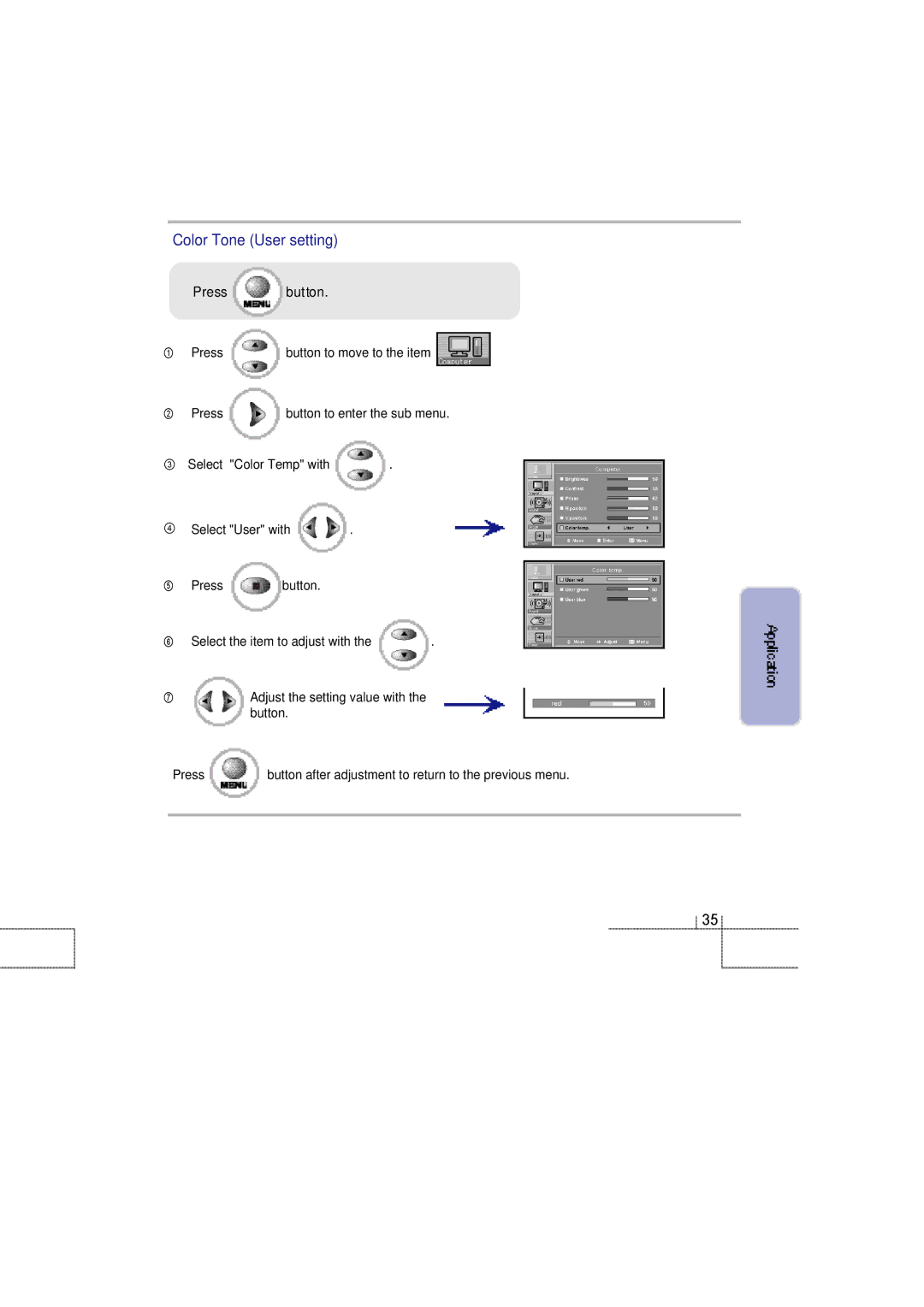
Color Tone (User setting)
| Press | button. |
|
① | Press | button to move to the item | |
② | Press | button to enter the sub menu. | |
③ | Select | "Color Temp" with | . |
④ | Select "User" with | . | |
⑤Press  button.
⑥ Select the item to adjust with the | . |
⑦Adjust the setting value with the button.
Press | button after adjustment to return to the previous menu. |
3 5