Windows XP/2000 Host Setup
105
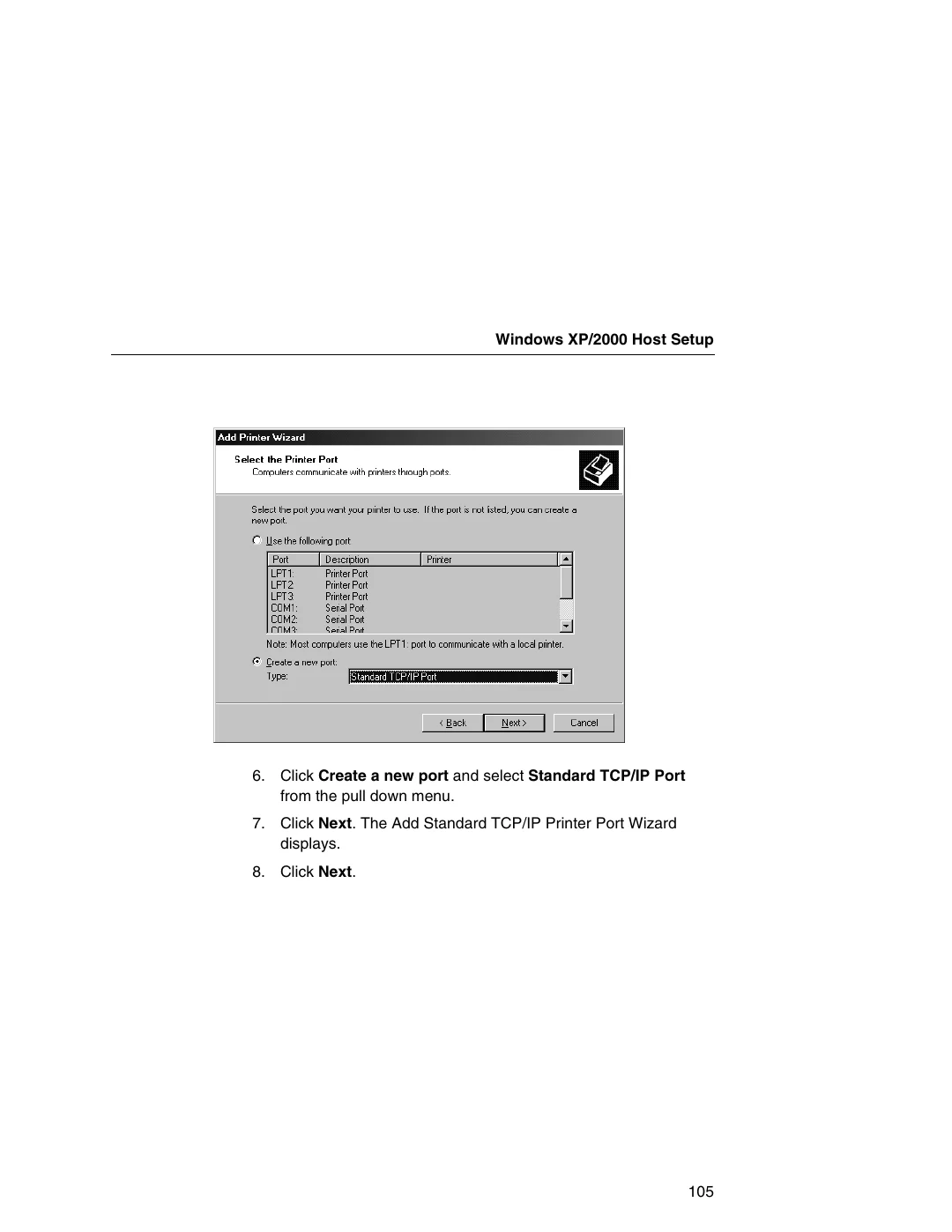
6.
Click
Create a new port
and select
Standard TCP/IP Port
from the pull down menu.
7.
Click
Next
. The Add Standard TCP/IP Printer Port Wizard
displays.
8.
Click
Next
.