Chapter 3
Administration Configuration
88
Passwords
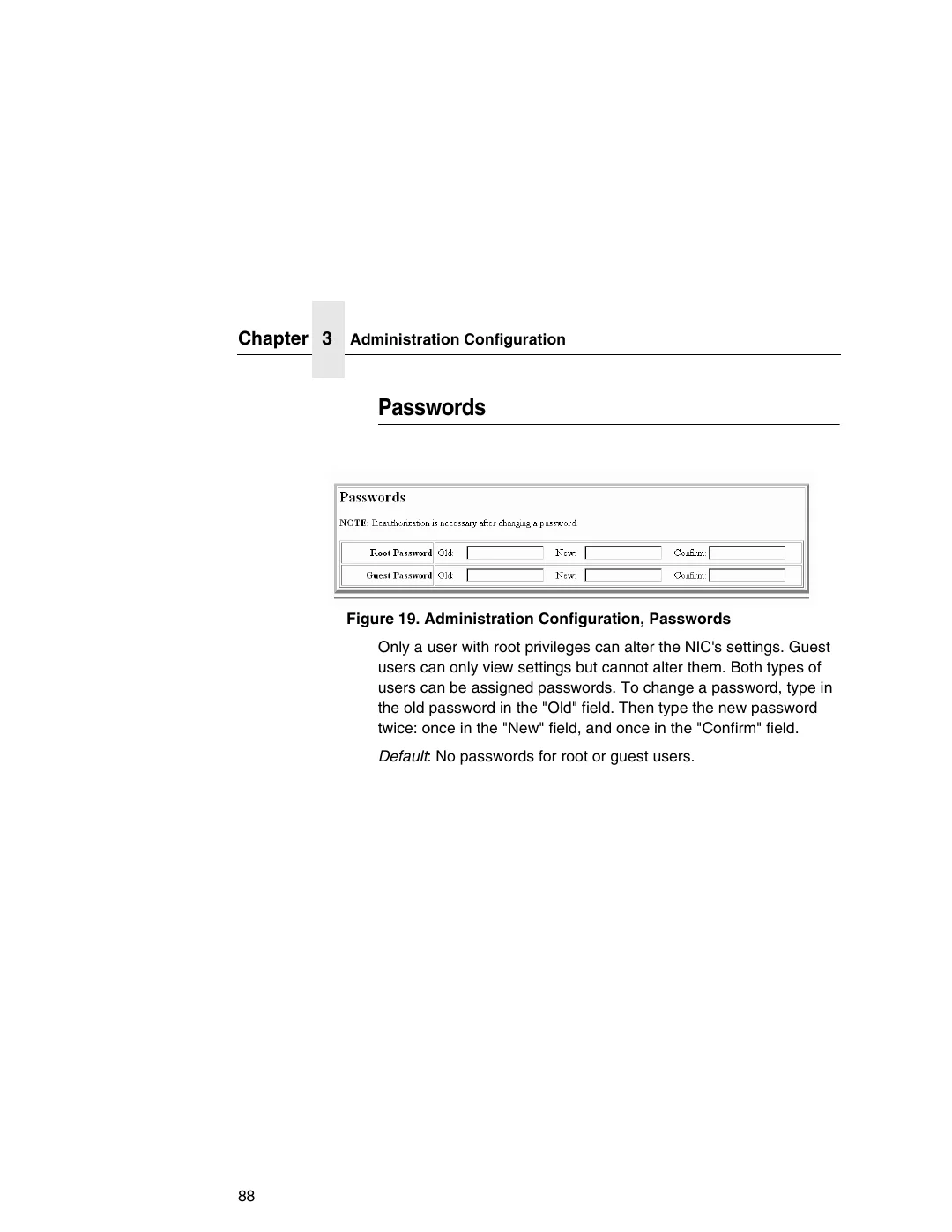
Figure 19. Administration Configuration, Passwords
Only a user with root privileges can alter the NIC's settings. Guest
users can only view settings but cannot alter them. Both types of
users can be assigned passwords. To change a password, type in
the old password in the "Old" field. Then type the new password
twice: once in the "New" field, and once in the "Confirm" field.
Default: No passwords for root or guest users.