Chapter 5
SCO Setup
140
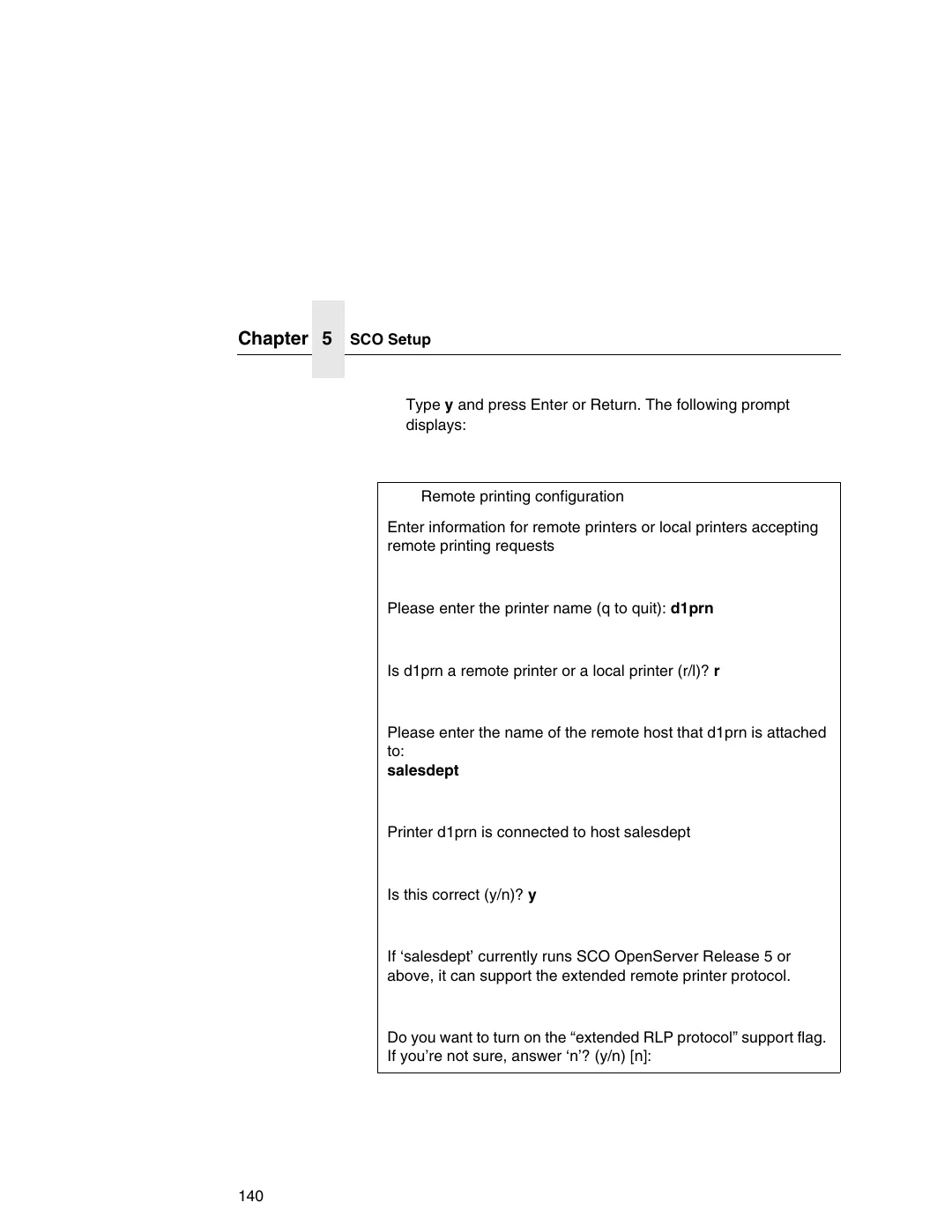
Type
y
and press Enter or Return. The following prompt
displays:
Remote printing configuration
Enter information for remote printers or local printers accepting
remote printing requests
Please enter the printer name (q to quit):
d1prn
Is d1prn a remote printer or a local printer (r/l)?
r
Please enter the name of the remote host that d1prn is attached
to:
salesdept
Printer d1prn is connected to host salesdept
Is this correct (y/n)?
y
If ‘salesdept’ currently runs SCO OpenServer Release 5 or
above, it can support the extended remote printer protocol.
Do you want to turn on the “extended RLP protocol” support flag.
If you’re not sure, answer ‘n’? (y/n) [n]: