support team. Damage due to servicing that is not authorized by Dell is not covered by your warranty. Read and follow the safety instructions that came with the product.
1Turn off the system, including any attached peripherals, and disconnect the system from the electrical outlet.
2Open the system. See "Opening the System" on page 50.
3If installed, remove the expansion card from the expansion slot. See "Removing an Expansion Card" on page 61.
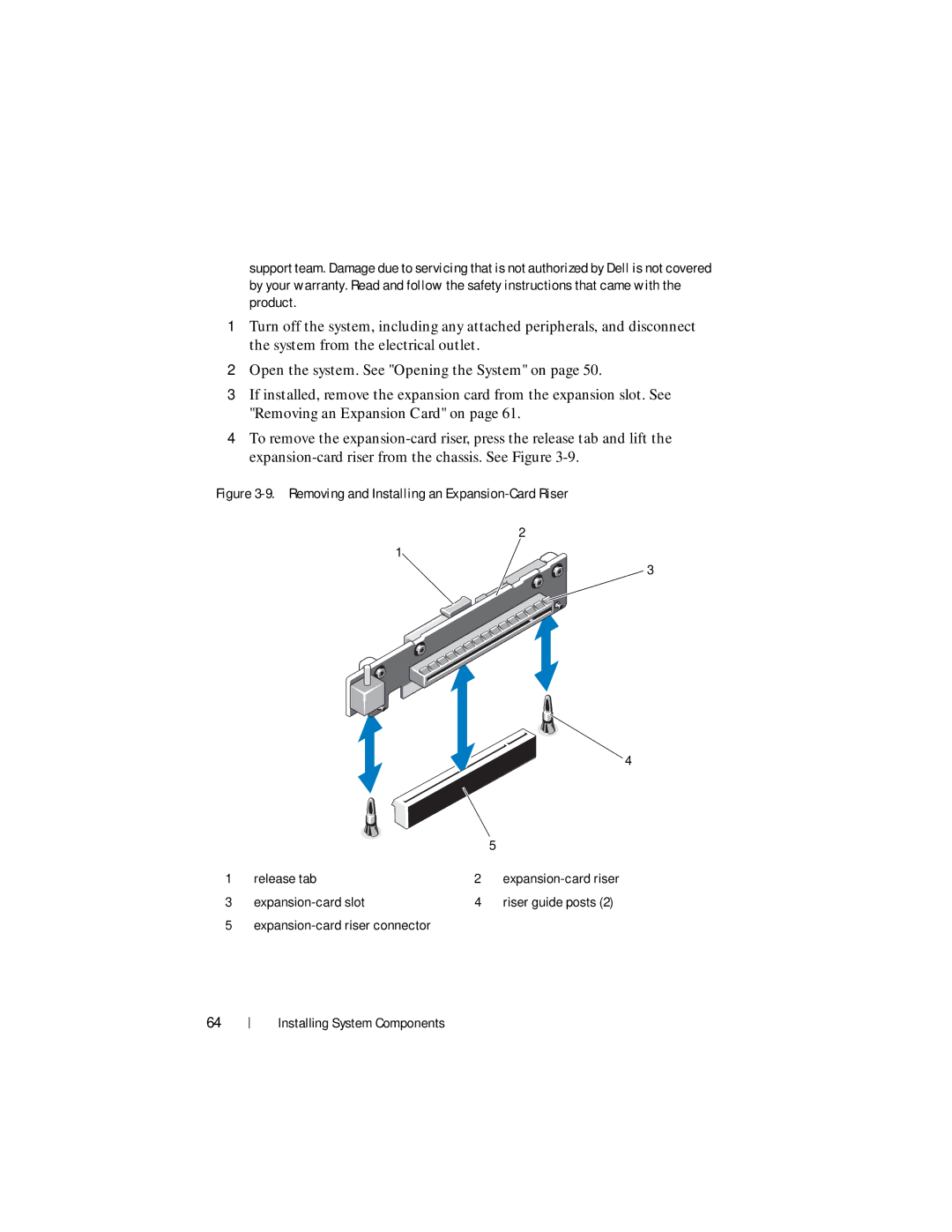
4To remove the
Figure 3-9. Removing and Installing an Expansion-Card Riser
2
1
3
 4
4
|
|
| 5 |
1 | release tab | 2 | |
3 | 4 | riser guide posts (2) | |
5 |
|
|
64
Installing System Components