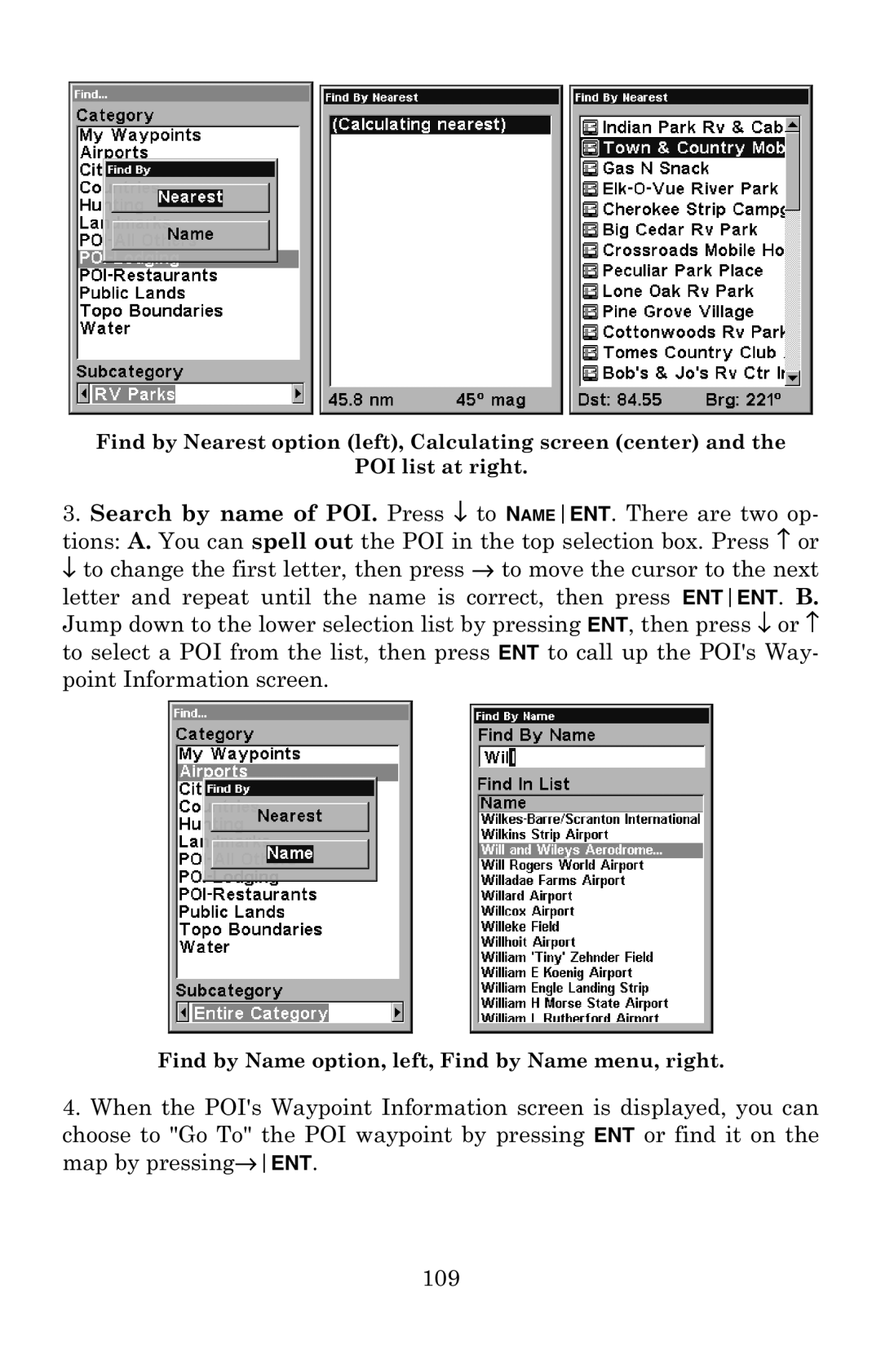
Find by Nearest option (left), Calculating screen (center) and the
POI list at right.
3.Search by name of POI. Press ↓ to NAMEENT. There are two op- tions: A. You can spell out the POI in the top selection box. Press ↑ or ↓ to change the first letter, then press → to move the cursor to the next
letter and repeat until the name is correct, then press ENTENT. B. Jump down to the lower selection list by pressing ENT, then press ↓ or ↑ to select a POI from the list, then press ENT to call up the POI's Way- point Information screen.
Find by Name option, left, Find by Name menu, right.
4.When the POI's Waypoint Information screen is displayed, you can
choose to "Go To" the POI waypoint by pressing ENT or find it on the map by pressing→ENT.
109