Service mode functions
Service menu
Use the
Service menu settings
The Service menu is used to calibrate, restore factory default settings, and clean the print paper path.
The following Service menu items are available:
●Fax
●Cleaning
●PowerSave
●USB
●Less Paper
●Archive
●Restore


 NOTE: This menu item does not reset
Secondary service menu
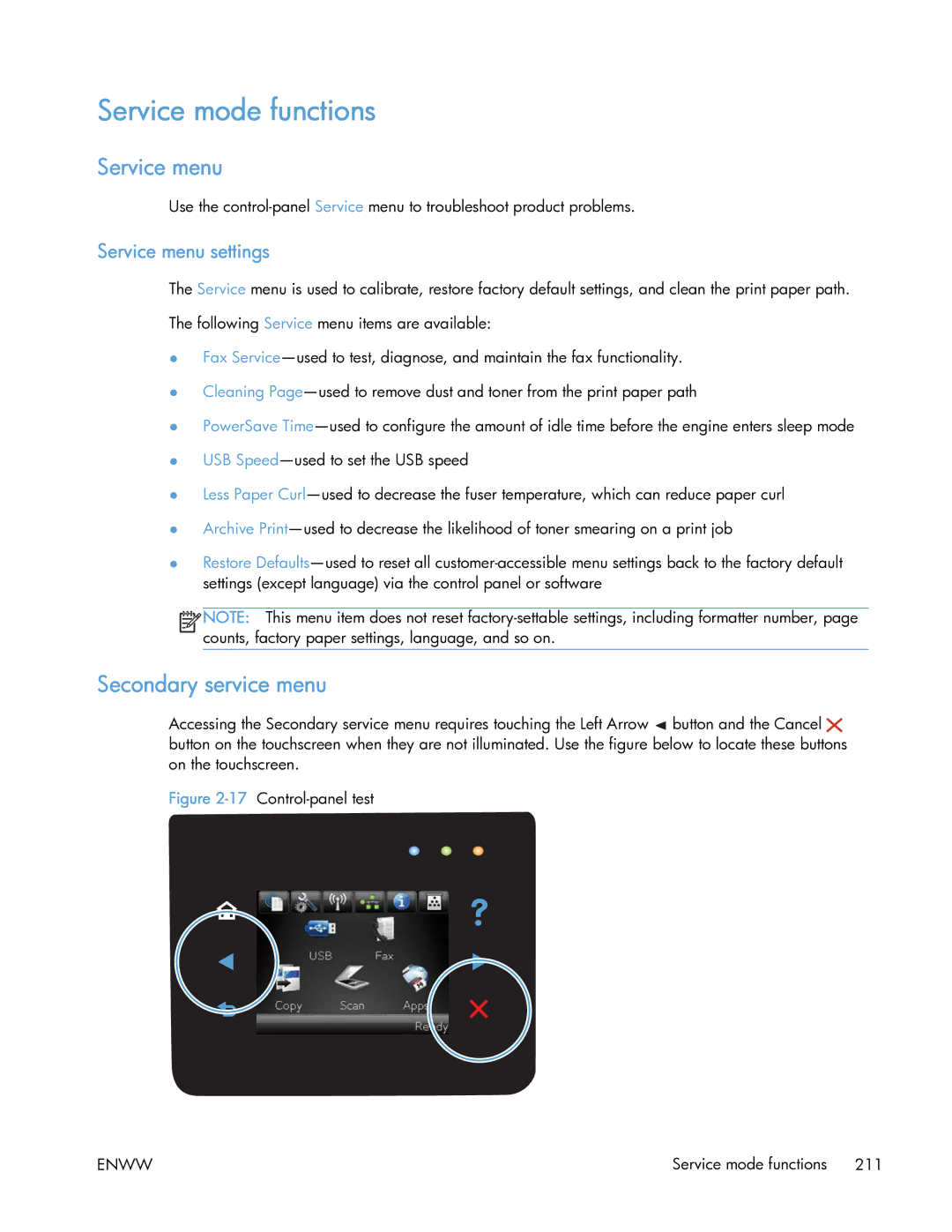
Accessing the Secondary service menu requires touching the Left Arrow  button and the Cancel
 button on the touchscreen when they are not illuminated. Use the figure below to locate these buttons on the touchscreen.
Figure 2-17 Control-panel test
ENWW | Service mode functions 211 |