Block unwanted fax numbers
Set the paper size for received faxes
To add a number to the junk fax list
To remove numbers from the list of junk fax numbers
Select Add a Number
To change speed-dial entries
Set up speed-dial entries
Set up and change speed-dial entries
To set up speed-dial entries
To delete speed-dial entries
Delete speed-dial entries
To set the answer mode
Change fax settings
Configure the fax header
Set the answer mode Auto answer
To change the answer ring pattern for distinctive ring
Set the number of rings before answering
Change the answer ring pattern for distinctive ring
To set the number of rings before answering
To set the redial options
Set the dial type
Set the redial options
To set the dial type
To set the fax speed
Set the fax sound volume
To set the fax sound volume
Set the fax speed
Fax and digital phone services
Fax over Internet Protocol
Use reports
To enable fax confirmation
Print fax confirmation reports
View the Call History
Print and view the fax log
Print the details of the last fax transaction
Print a Caller ID Report
To view the Call History
Tips for fax success
Use Web Services
HP ePrint
To print using HP ePrint
To turn off ePrint
To find the printers email address
Use HP Printables
Use the HP Connected website
Tips for printing HP Printables and using HP ePrint
Tips for using Web Services
Work with cartridges
To check the ink levels from the printer control panel
Check the estimated ink levels
To check the ink levels from the printer software
Locate the cartridge number on the printer
Order ink supplies
Locate the cartridge number in the printer software
Choose right ink cartridges
To replace the cartridges
Replace the cartridges
Enww
To exit single-cartridge mode
Use single-cartridge mode
Cartridge warranty information
Tips for working with cartridges
Enww
Connectivity
Push Button PBC method
Wi-Fi Protected Setup WPS requires WPS router
PIN method
To connect a new printer
Traditional wireless connection requires router
To change network settings
To connect the printer
Enww
To connect the printer with the USB cable
USB connection non-network connection
To change from a USB connection to a wireless network
Change from a USB connection to a wireless network
To connect wirelessly to the printer without a router
Connect wirelessly to the printer without a router
Tips for setting up and using a networked printer
About cookies
To open the embedded Web server through Wireless Direct
Advanced printer management tools for networked printers
To open the embedded Web server
Enww
Solve a problem
To clear a paper jam from paper path
Clear a paper jam
To clear a paper jam from duplexer
To clear a paper jam from print zone
To clear a jam in the automatic document feeder
To prevent paper jams
Clear the print carriage
To align the cartridges from the printer software
Improve print quality
To align the cartridges from the printer display
To print a diagnostics page from the printer software
To print a diagnostics page from the printer display


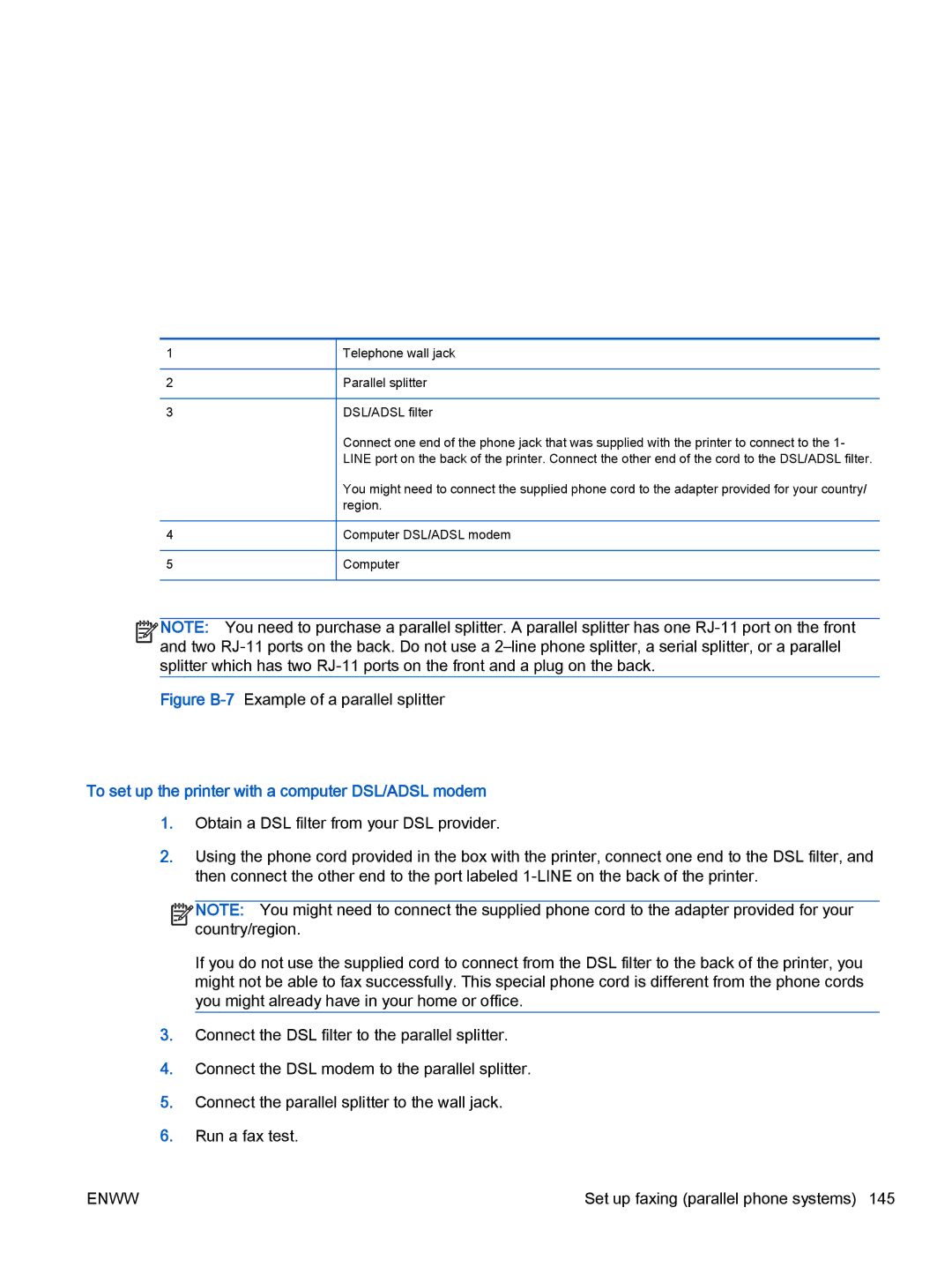
 NOTE: You need to purchase a parallel splitter. A parallel splitter has one

 and two


 NOTE: You might need to connect the supplied phone cord to the adapter provided for your