Setting Access Control (cont’d)
English
Restricting playback by
Parental Control
Some DVDs may have a parental level assigned to the complete disc or to certain scenes on the disc. This feature lets you set a playback limitation level. The rating levels are from 1 to 8 and are country dependent. You can prohibit the playing of certain discs that are not suitable for your children, or have certain discs played with alternative scenes.
1Press
control.
➜ The system menu appears on the TV.
2Press 4 to select { Preferences .}
3Press 2 repeatedly to select { Access } and press 4 to confirm.
4Use the alphanumeric keypad
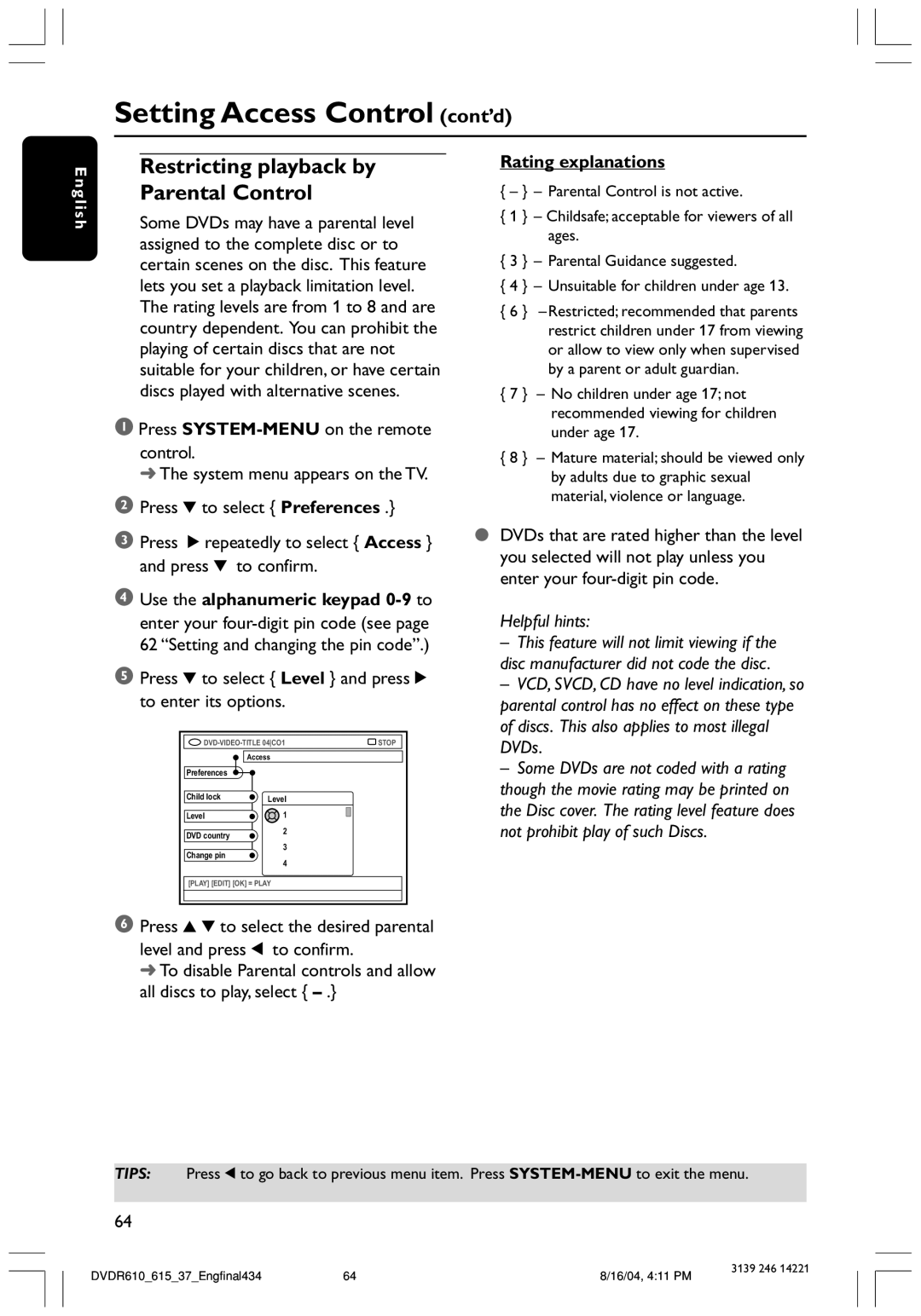
5Press 4 to select { Level } and press 2 to enter its options.
STOP | ||
| Access |
|
Preferences |
|
|
Child lock | Level |
|
Level | 1 |
|
DVD country | 2 |
|
|
| |
3
Change pin
4
[PLAY] [EDIT] [OK] = PLAY
6Press 3 4 to select the desired parental level and press 1 to confirm.
➜ To disable Parental controls and allow all discs to play, select {
Rating explanations
{– } – Parental Control is not active.
{1 } – Childsafe; acceptable for viewers of all ages.
{3 } – Parental Guidance suggested.
{4 } – Unsuitable for children under age 13.
{6 } – Restricted; recommended that parents restrict children under 17 from viewing or allow to view only when supervised by a parent or adult guardian.
{7 } – No children under age 17; not recommended viewing for children under age 17.
{8 } – Mature material; should be viewed only by adults due to graphic sexual material, violence or language.
●DVDs that are rated higher than the level you selected will not play unless you enter your
Helpful hints:
– This feature will not limit viewing if the disc manufacturer did not code the disc.
– VCD, SVCD, CD have no level indication, so parental control has no effect on these type of discs. This also applies to most illegal DVDs.
– Some DVDs are not coded with a rating though the movie rating may be printed on the Disc cover. The rating level feature does not prohibit play of such Discs.
TIPS: Press 1 to go back to previous menu item. Press
64
DVDR610_615_37_Engfinal434 | 64 | 8/16/04, 4:11 PM | 3139 246 14221 |
|