•To load the documents having a width of less than 90 mm:
−make sure that in the program menu the MANUAL LOADING item is enabled.
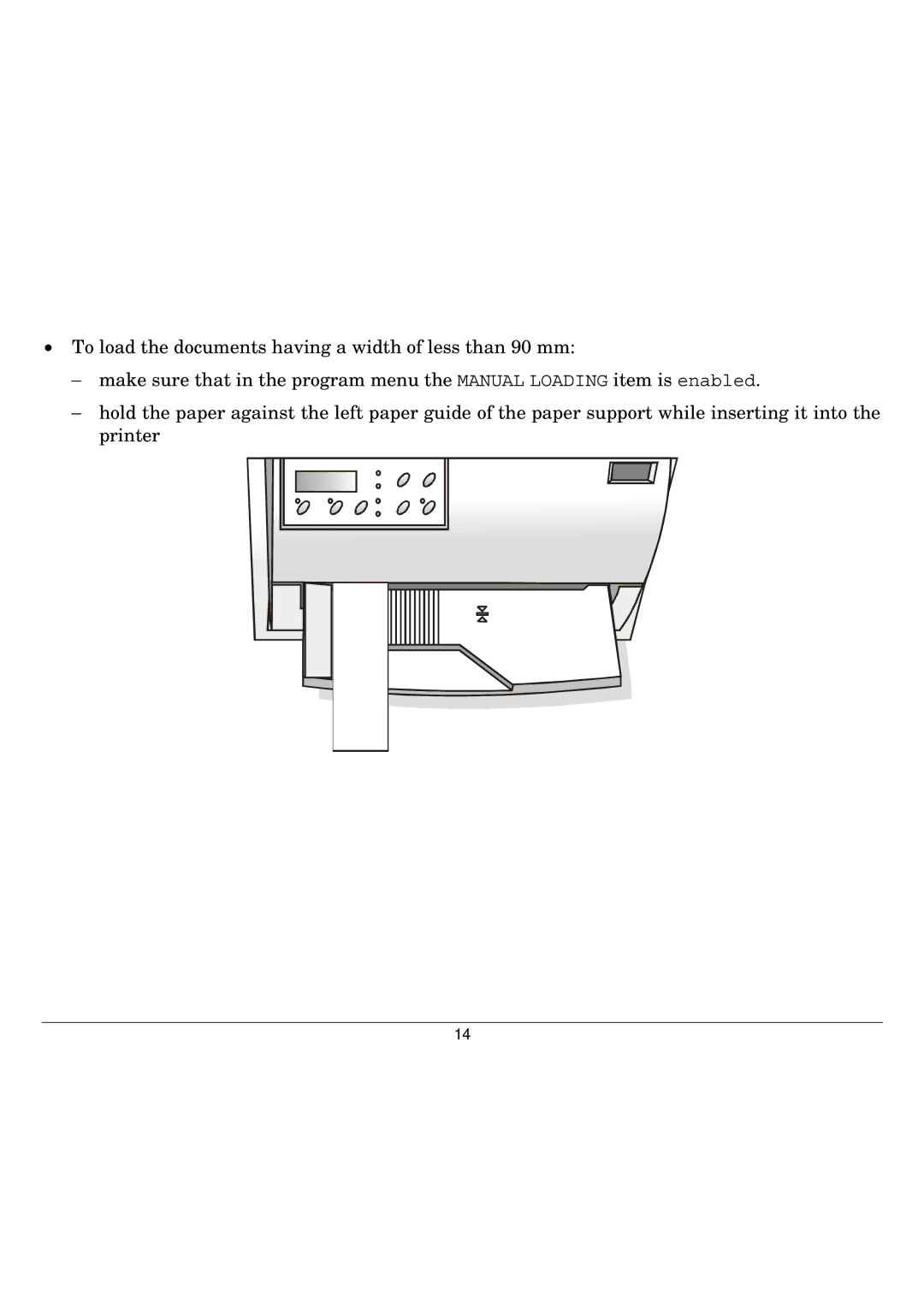
−hold the paper against the left paper guide of the paper support while inserting it into the printer
14
•To load the documents having a width of less than 90 mm:
−make sure that in the program menu the MANUAL LOADING item is enabled.
−hold the paper against the left paper guide of the paper support while inserting it into the printer
14