DVR-4TH DVR-8TH DVR-16TH
User’s Manual
User’s Manual
User’s Manual
Table of Contents
Select the External Device Select Video for Exporting 1.3
Dhcp
7.3
User’s Manual
2.9
User’s Manual
130
Appendix H IR Remote 167 Appendix I USB Mouse Operation 169
Overview
Product Key Features
Advanced Functions
Product Application Diagram
System Setup
Connecting Devices to the Unit
Position the Unit
Selecting Video Format
Connecting Required Devices
Connecting Short-term Device
Connected only after the DVR-4TH/ 8TH/ 16TH is powered up.
Rear Panel Connections
Alarm I/O & RS-485 Ports
Main Monitor S-Video/ BNC/ VGA
Digital Output Main Monitor
Call Monitor BNC
Power Switch
Power Supply
Audio
Main Audio Out
LED Definition
General System Setup
Front Panel Introduction
Power LED
Alarm LED
Functional Keys
Network LED
Digital Deterrent
Direction Keys
Dome
SEQ Sequence
Entering OSD Setup Menu
JOG/ Shuttle
Password Protection
Account Setup
Authority Setup
Load Default Setting
Configuring the HDD in the unit
Power On/ Off the Unit
Power Off
Reboot
Auto Rebooting
Rebooting Time
System Date/ Time Setting
Date Display Mode
Set Date/ Time
Set Date/ Time
Daylight Saving Time Setup
Time Display Mode
Daylight Saving Time
DST Start/ End
IP Camera Setting
Network Time Protocol Setup
IP Camera Information
IP Camera Title
Search Via UPnP
Hostname/IP
Connection Setup
Device Setup
Activated
Status
IP Dome Protocol
Schedule Setup
Record Schedule/ Quality Setting
Record Mode Setup
Preset Record Configuration
Day/ Night Time Start
Day/ Night Time End
Weekend Schedule
Per Camera Configuration
Record Event Video Only
Basic Operation
Viewing Live/ Playback Video
Viewing Modes
Viewing in Full Screen
Digital Zoom
Viewing Live Cameras
Viewing Recorded Video
To Freeze Live Image
Key Usage in Playback
Pause Playback and Single Step Forward/ Backward
Call Monitor Control
Sequence Setup
Sequence on Main Monitor
Searching Recorded Video
Searching by Time
Calendar Search
Smart Search
Searching by Event
By Numerals
Search by Text
By Text
Export from OSD Setup Menu
Video Export
Select the External Device
Select Video for Exporting
Digital Signature
Select Events
Data Type
Export Format
EzBurn Introduction
Quick Video Export through Front Panel
Erase Disc
Export Normal Video
Export Event Video
Deleting Recorded Video
Purge All Data
Purge All Event Data
Purge Event Before
Dome Connection
Dome Protocol Setup
Dome Control
3 RS485 Setup
Set / Go Preset
Dome Controlling Key
Enter / Auto
Toggle Hint Screen
Setting Preset Points
Calling Preset Points
Manual Digital Deterrent
2-Way Audio Talk Function
Setting Up the DVR and the PC
Enable the UPnP function in the DVR
UPnP Function
UPnP NAT Traversal Function
Boot Log Exportation
Key Usage in OSD setup menu
Advanced System Configuration
Account and Password
Key Usage in Virtual Keyboard
DVR System Information & Version Numbers
System Setup
System/Version Info
Software Upgrade via Local Device
Software Upgrade via Internet
Date / Time
Language
Date / Time
Date / Time Display
Date Display Mode
Time Zone
Network Time Protocol Setup
Time Display Mode
Daylight Saving Time Setup
Unit Name
Show Unit Name
Automatically Time Sync
Manually Time Sync
Authority Setup
Password Protection
Account Setup
Network Setup
Load Default Setting
LAN Setup
LAN Select
Netmask
Gateway
DNS
PPPoE Account
PPPoE Password
Connect At Booting
PPPoE Max Idle
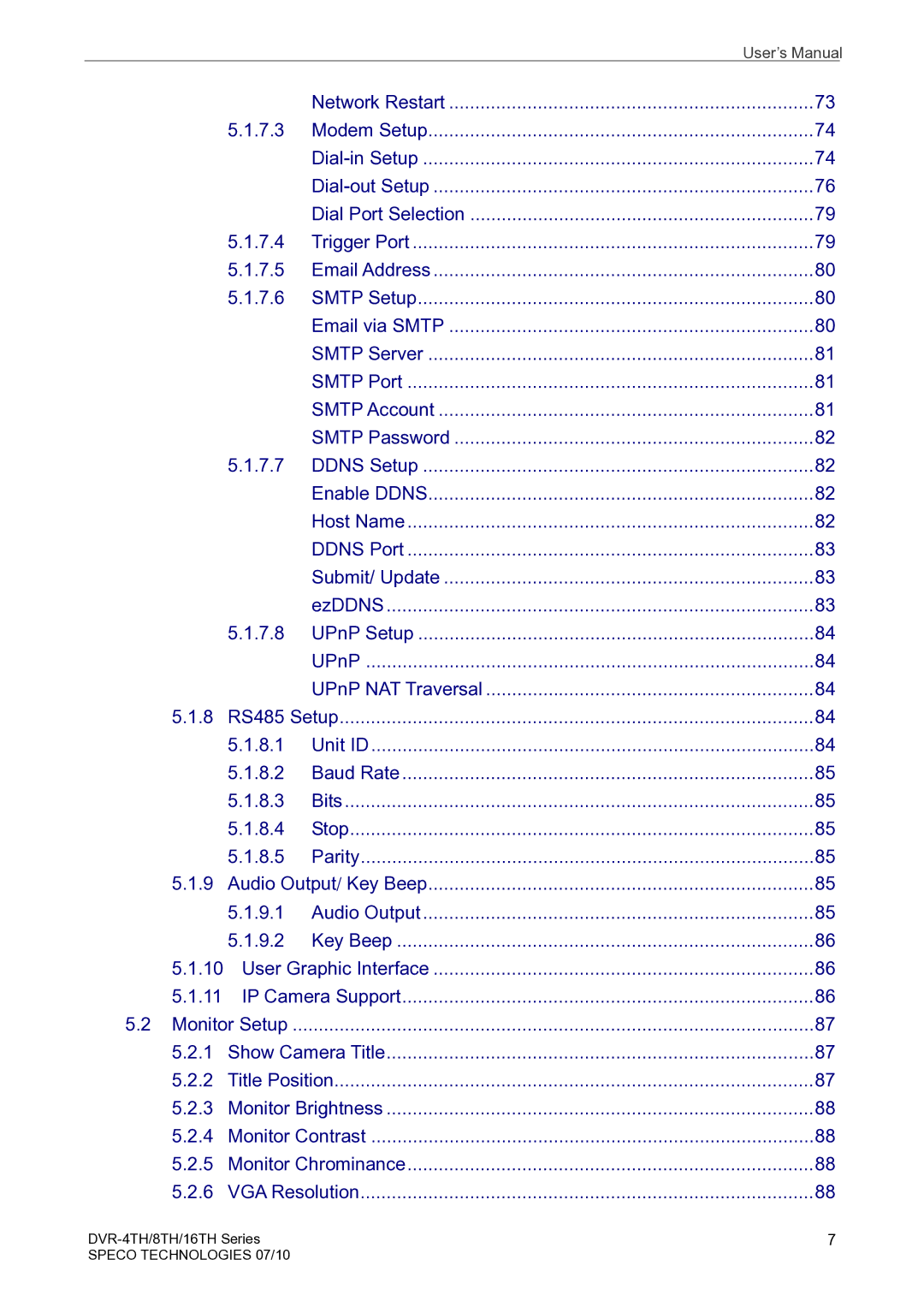
Network Restart
Modem Setup
Dial-in Setup
Dial-in Service
Dial-in Account
Dial-in Password
Server IP
Dial-out Setup
Client IP
Dial-in Idle Time
Dial-in Max Time
Dial-out Dhcp
Dial-out IP
Dial-out Netmask
Dial-out Gateway
Dial-out Account
Dial-out Password
Phone Number
Trigger Port
Dial-out Idle Time
Dial-out Max Time
Connect
Email via Smtp
Smtp Setup
Email Address
Smtp Account
Smtp Server
Smtp Port
Ddns Setup
Smtp Password
Enable Ddns
Host Name
EzDDNS
Submit/ Update
Ddns Port
8 RS485 Setup
UPnP Setup
Unit ID
UPnP
Audio Output/ Key Beep
Key Beep
User Graphic Interface
IP Camera Support
Title Position
Monitor Setup
Show Camera Title
VGA Resolution
Monitor Brightness
Monitor Contrast
Monitor Chrominance
VGA Frequency
Show Color Bar
Camera Setup
Analog Camera
Camera Select
Dome Protocol
Covert
Camera Title
Covert/Privacy Mask
Termination
Brightness
Contrast
Privacy Mask
Copy Settings
IP Camera
Saturation
1.10 Hue
IP Camera Select
IP Camera Title
Search Via UPnP
Hostname/IP
Connection Setup
Model
IP Dome Protocol
Device Setup
Streaming Protocol
Image Resolution/ FPS/ Compression/ Quality
Product ID
Sharpness/ Brightness/ Contrast/ Saturation/Hue
Apply
Activated
Status
Record Setup
Record Resolution
Record Format
Max Rec. PPS
Day / Night Time Start / End
Weekend Schedule
Weekend Start / End
Normal PPS
Normal Qlty
Event Max PPS
Event Qlty
EzRecord Setup
Data Lifetime Setup
Data Lifetime Mode
Data Lifetime
Data Lifetime By Day
Pre-Alarm Recording
Circular Recording
Audio Recording
Data Lifetime By Channel
Purge Data
Purge All Data
Purge All Event Data
Purge Event Before
Main / Call Monitor Dwell
Main / Call Monitor Schedule
Event Setup
Internal Buzzer
Event Icon
Email Notice
Alert Notification Setup
Alert Configuration Set
Email Attachment
Alert Notification
Event Duration
Per Channel Config
Event Full Screen
Detection Config
Detected Area Setup
Channel Select
Video Loss Detect
Alarm
Alarm Out
Sensitivity
Area Threshold
Digital Deterrent Day/ Night/ Weekend
114
Database Setup
Total / Free Size of HDD
Avail. Rec Time
3 Est. Rec Period
Action
Internal / External Disks
Active
Detail
Configuration
NAS Device
Export Configuration
Load Factory Default
Import Configuration
Configuration Name
Import Deterrent
Copy Destination
Begin Export
Operation Log
Boot Log
Export Deterrent
Select Device
Sel
Select Channel
From / To Time
Select Events
Data Type
Export Format
Digital Signature
Erase Disc
Begin Export
POS Overlay
POS Setup
POS Function
Exception POS Setup
Exception No
Trigger
Exception String
Input Setup
Ascii
Port Selection
Input source
Camera Selection
Text Filter
Manual Filter Setup
Input Process
Text Baud Rate
Text Bit
Power Off
Reboot
Auto Rebooting
Rebooting Time
Remote Monitoring Software
Remote Monitoring System Requirements
Software Installation
Change Internet Settings
132
Install Remote Monitoring Software
Login / Logout
View Live Video
Software Upgrades
Basic Operation for Remote Monitor
Select Display Mode
Operate Cameras with Dome Control
Playback Instant Recorded Video
Instant Recording
Record Video Instantly
Playback Video
Playback Remote Video
Playback Local *.drv Files
Playback Controls
Icon Name Description
Fast Backward
Take a Snapshot
Verify Digital Signature
Search from Event List
Health Status of HDD
Normal and Dual Streaming
Remote Monitoring Software Trouble Shooting Guide
Appendix a Technical Specifications
4CH 8CH
SpecoRemote
Appendix B Preset Record Configuration
Record Mode CIF mode Ntsc 352×240@120PPS PAL 352×288@100PPS
Appendix C Record Duration
Ntsc PAL
Recording Rate Recording Quality Mode
DVR Configuration
PC Configuration
Appendix D Dial-up Connections via Modem
Establishing Dial-in Connection