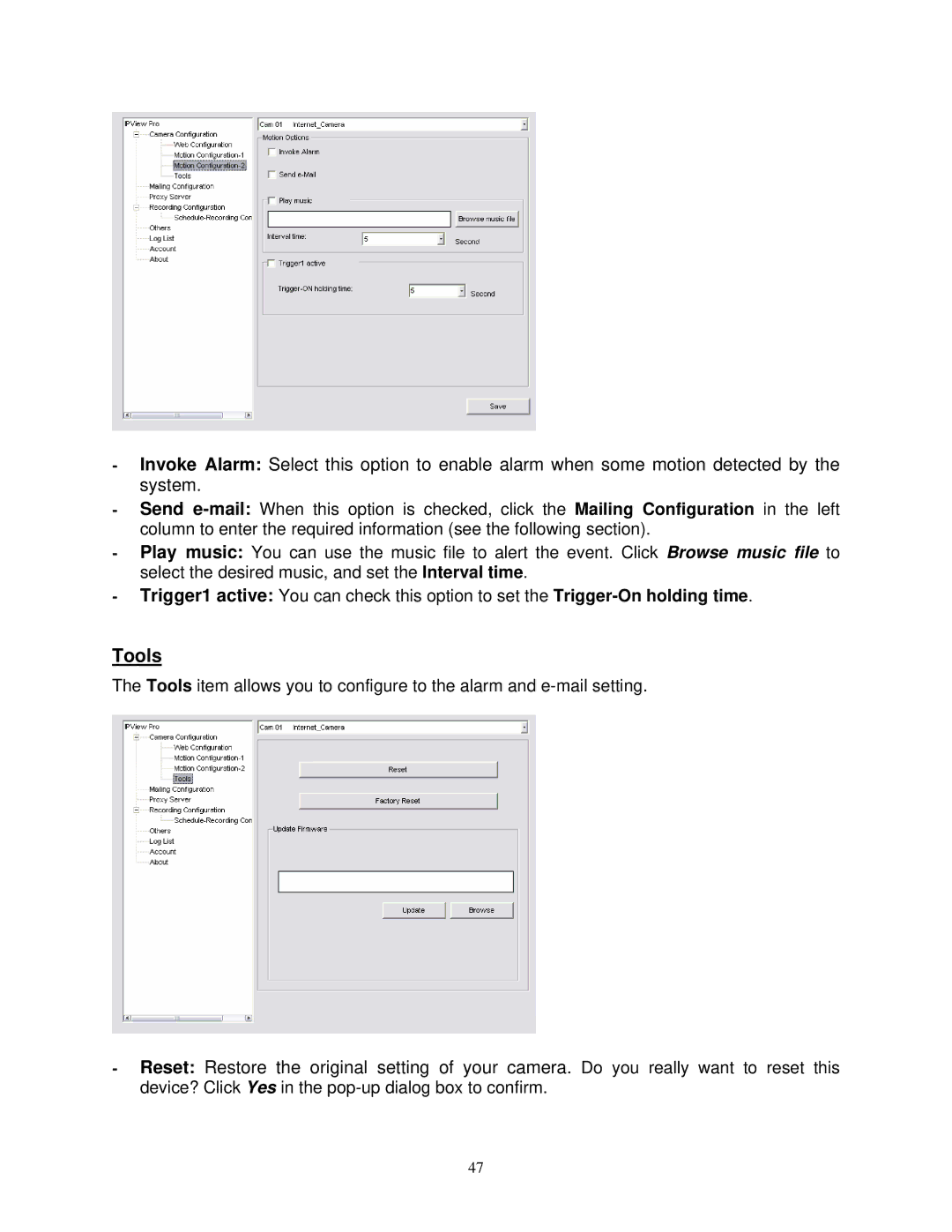
-Invoke Alarm: Select this option to enable alarm when some motion detected by the system.
-Send
-Play music: You can use the music file to alert the event. Click Browse music file to select the desired music, and set the Interval time.
-Trigger1 active: You can check this option to set the
Tools
The Tools item allows you to configure to the alarm and
-Reset: Restore the original setting of your camera. Do you really want to reset this device? Click Yes in the
47