Appendix Chapter 7
| 7 | 7.2 Care of the Printer |
|
|
7.2Care of the Printer
Cleaning
Set the power switch of the printer to “O” before cleaning it.
Housing cover
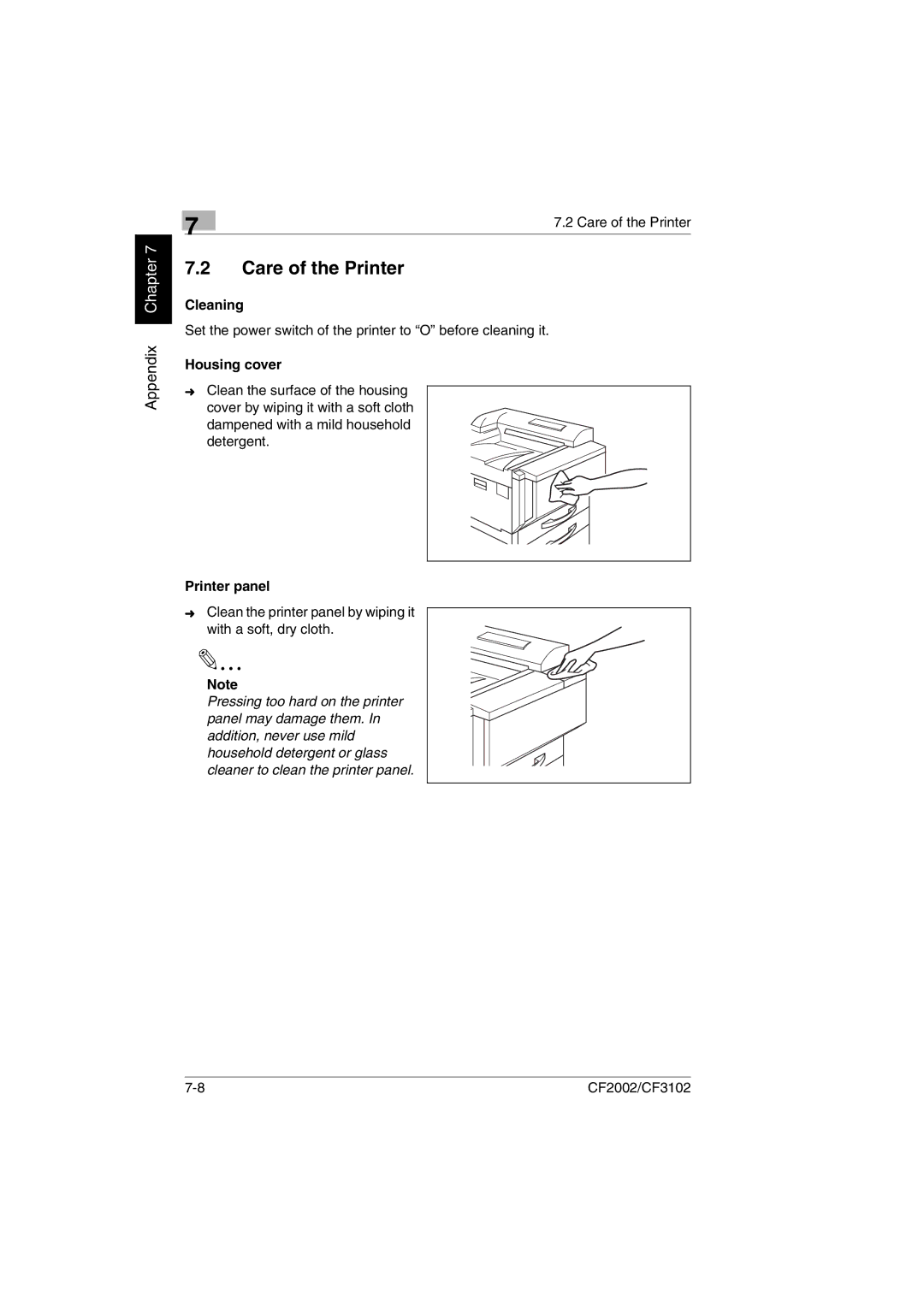
➜Clean the surface of the housing
cover by wiping it with a soft cloth dampened with a mild household detergent.
Printer panel
➜Clean the printer panel by wiping it with a soft, dry cloth.
Note
Pressing too hard on the printer panel may damage them. In addition, never use mild household detergent or glass cleaner to clean the printer panel.
CF2002/CF3102 |