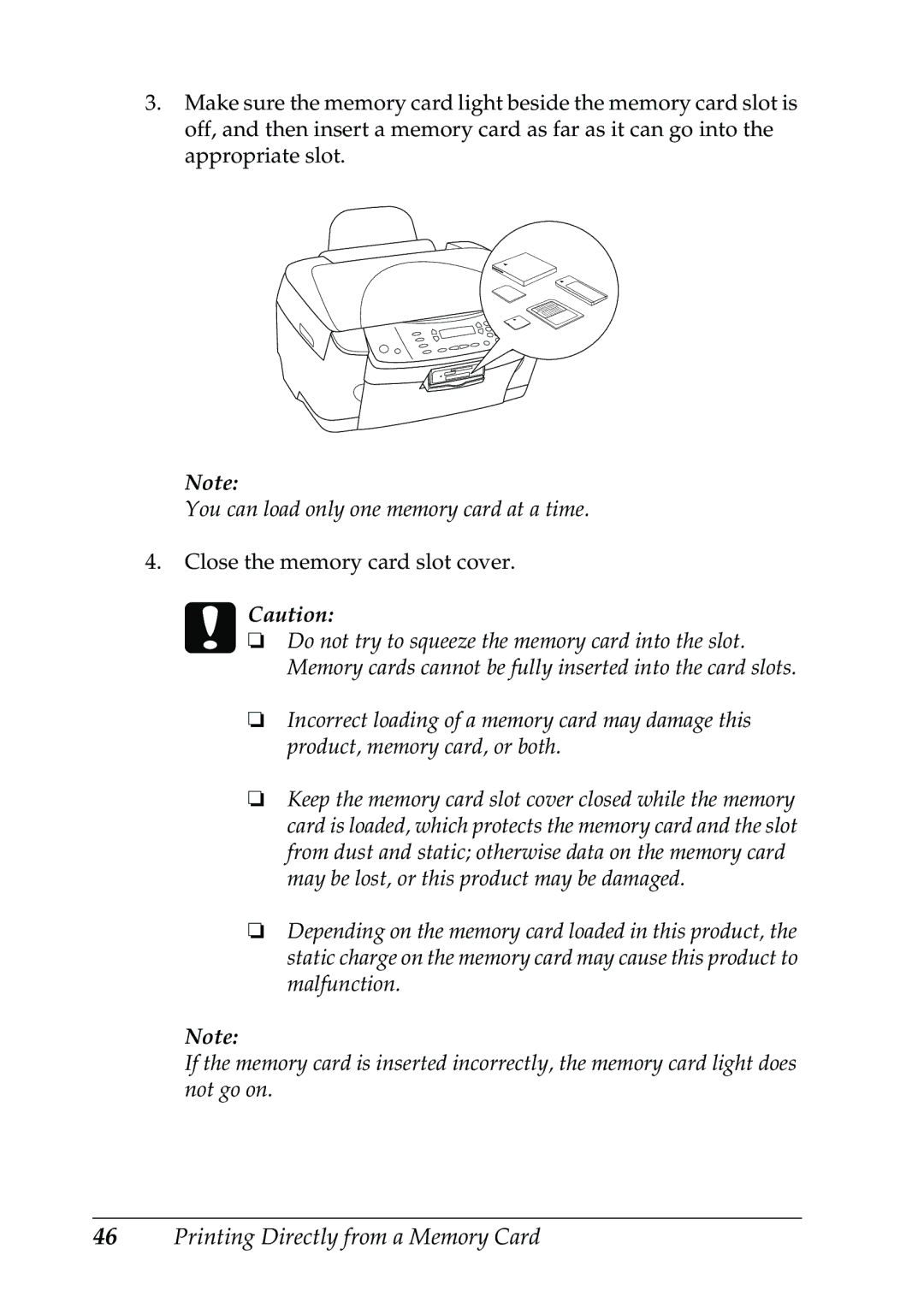
3.Make sure the memory card light beside the memory card slot is off, and then insert a memory card as far as it can go into the appropriate slot.
Note:
You can load only one memory card at a time.
4.Close the memory card slot cover. cCaution:
❏Do not try to squeeze the memory card into the slot. Memory cards cannot be fully inserted into the card slots.
❏Incorrect loading of a memory card may damage this product, memory card, or both.
❏Keep the memory card slot cover closed while the memory card is loaded, which protects the memory card and the slot from dust and static; otherwise data on the memory card may be lost, or this product may be damaged.
❏Depending on the memory card loaded in this product, the static charge on the memory card may cause this product to malfunction.
Note:
If the memory card is inserted incorrectly, the memory card light does not go on.
46Printing Directly from a Memory Card